

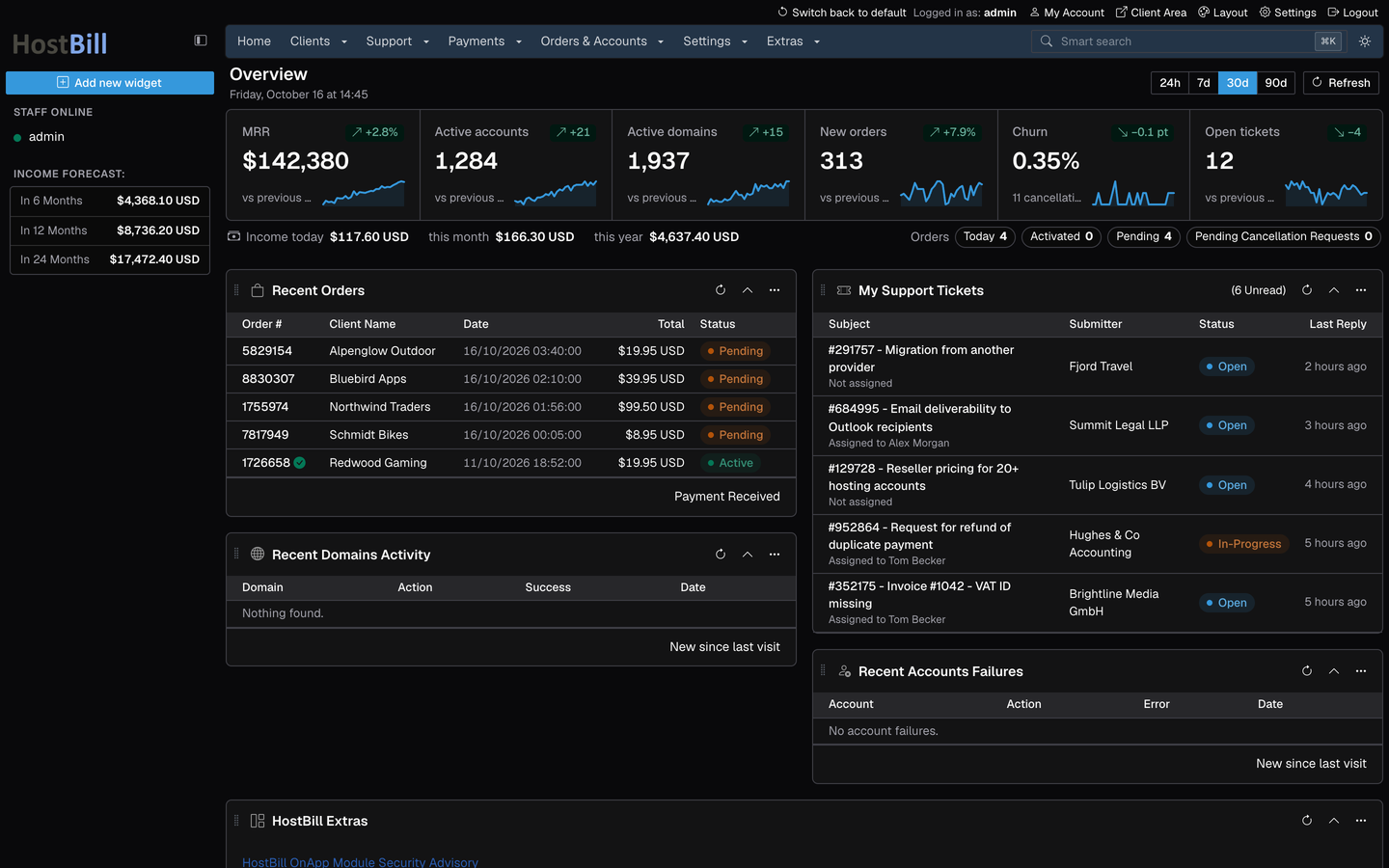
Support ticket details
A conversation view that reads like a chat, with everything around the ticket at hand.
- Client and staff messages clearly separated; internal notes stand out
- Pinned and sensitive replies, attachments and long quotes folded
A cleaner, faster and fully responsive admin area built on Bootstrap 5 - with the same menus, links and workflows you already know, so your team feels at home from the first click.
Preview any page with one click - and switch back to the default theme just as easily.
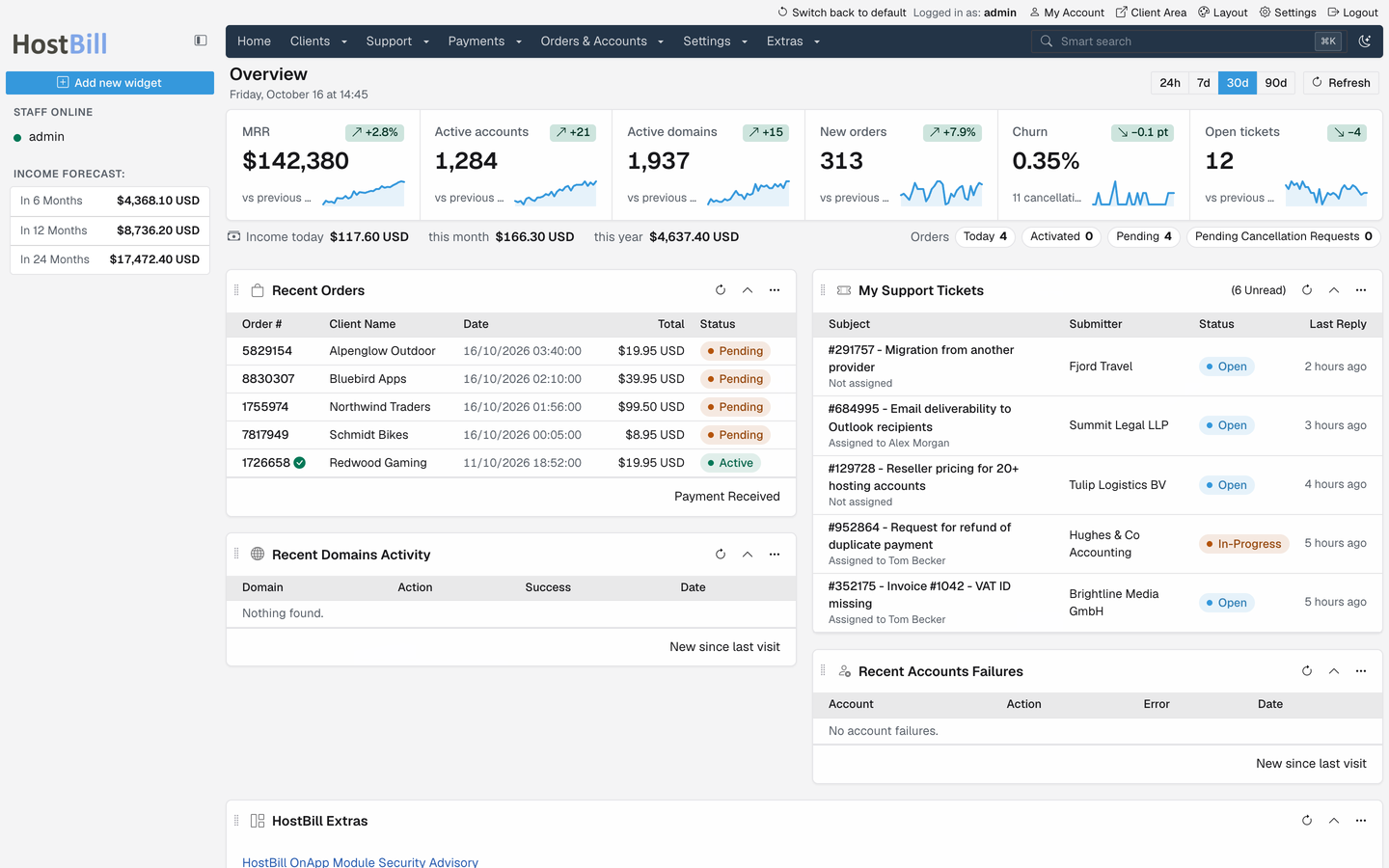
Frontier ships with HostBill 2026-10-19 for every installation. Preview it page by page or make it your admin theme - your data and settings stay exactly the same.
Page layout, menus and links follow the previous theme, so switching takes minutes, not training sessions.
Frontier will replace the default theme. Before it leaves beta, add-on modules get their screens updated to match its style.
New capabilities across the whole admin area - from the first screen you see to the emails your clients receive.
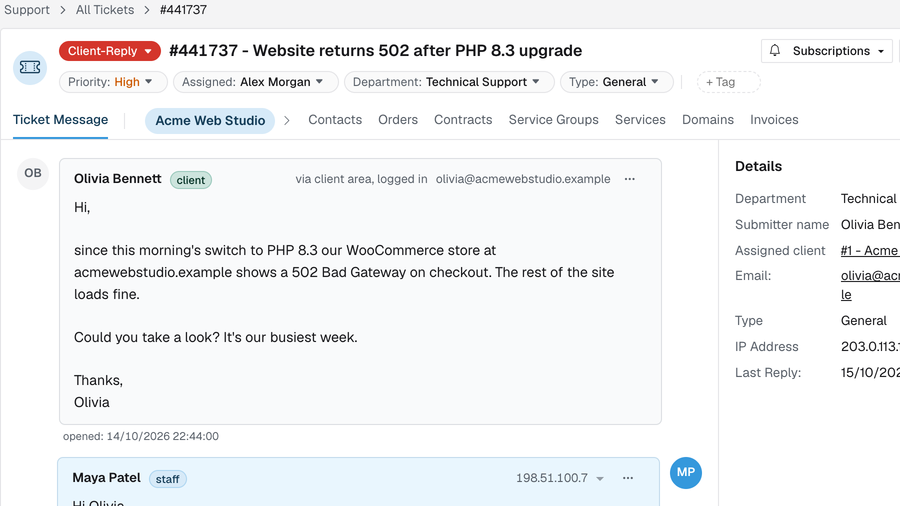
One click in the header switches the entire admin - lists, forms, charts and dialogs - to a carefully tuned dark palette. Easy on the eyes during late-night shifts.
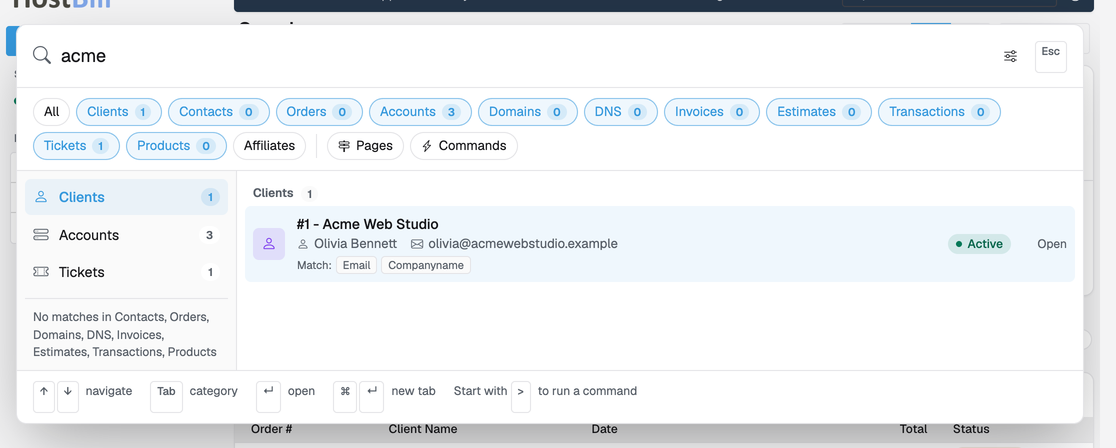
Press ⌘ K (or Ctrl K) on any page. Find clients, services, domains, invoices and tickets, jump to any admin page or run a command - without touching the mouse.
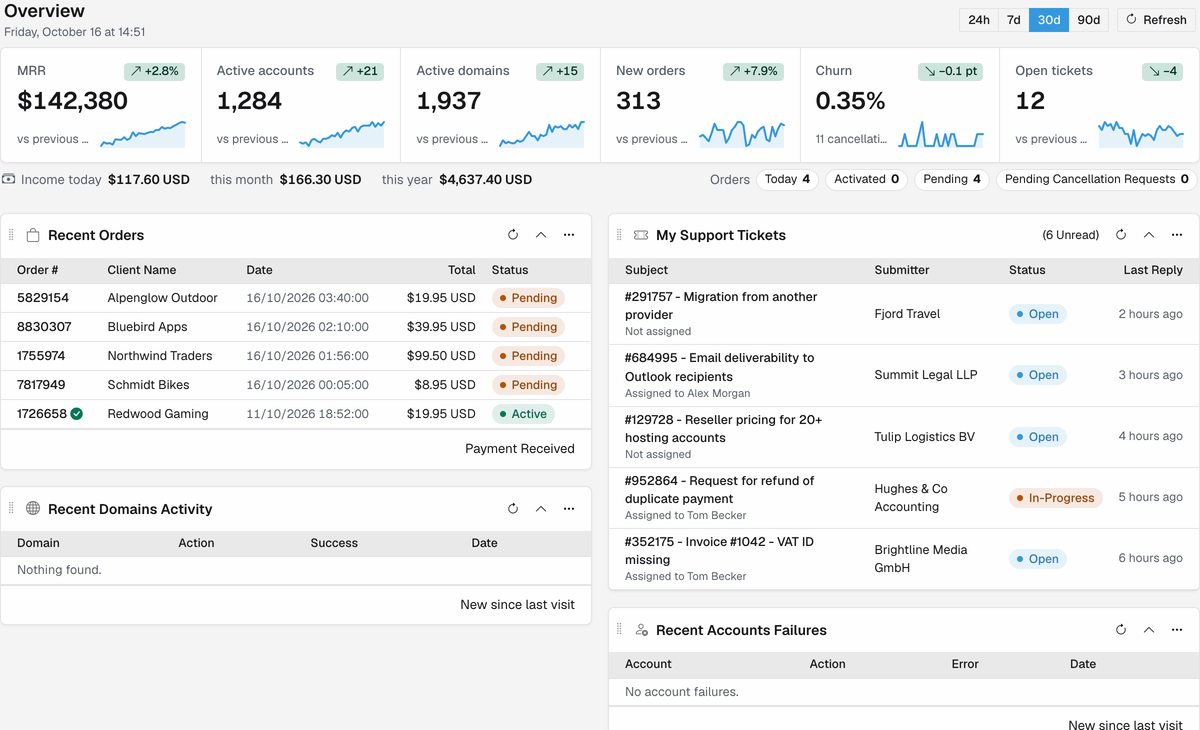
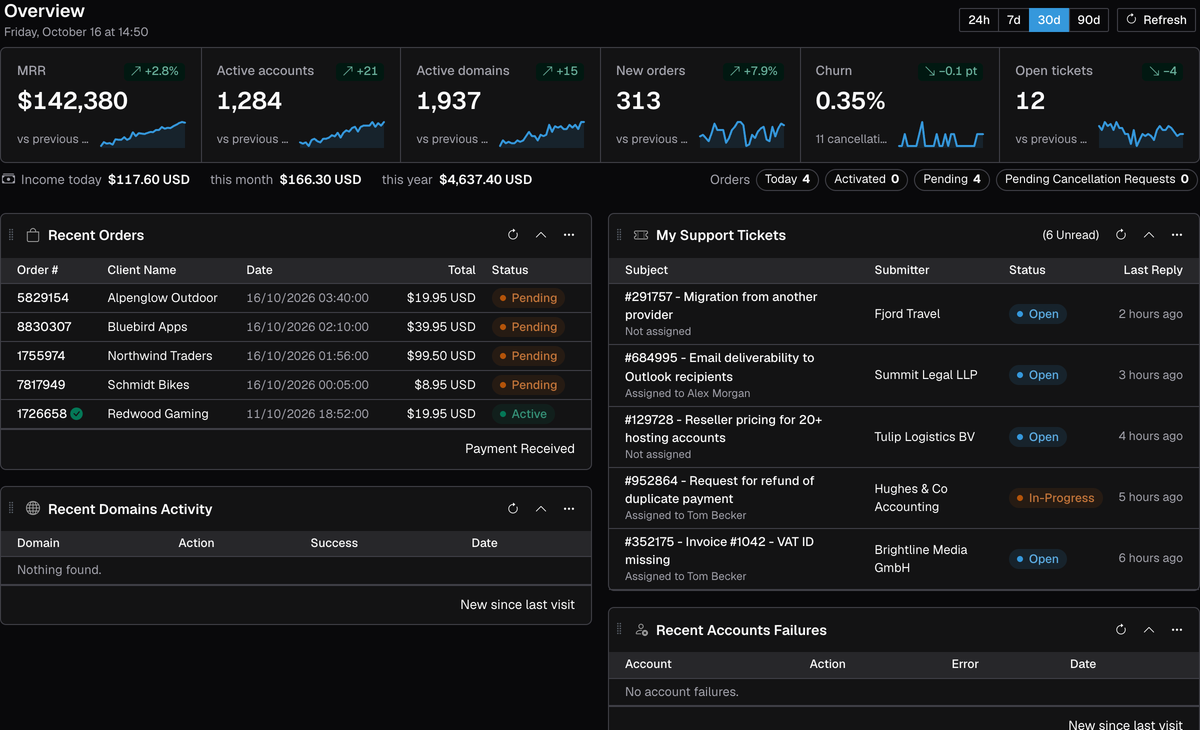
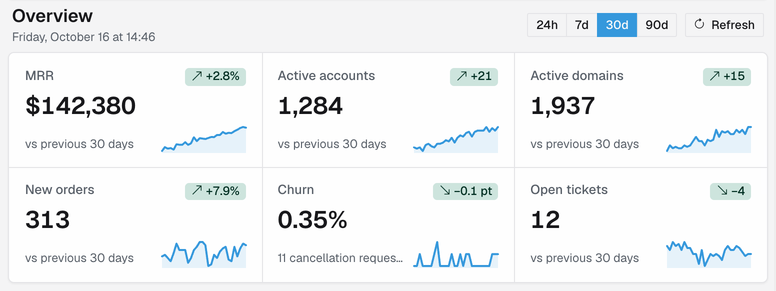
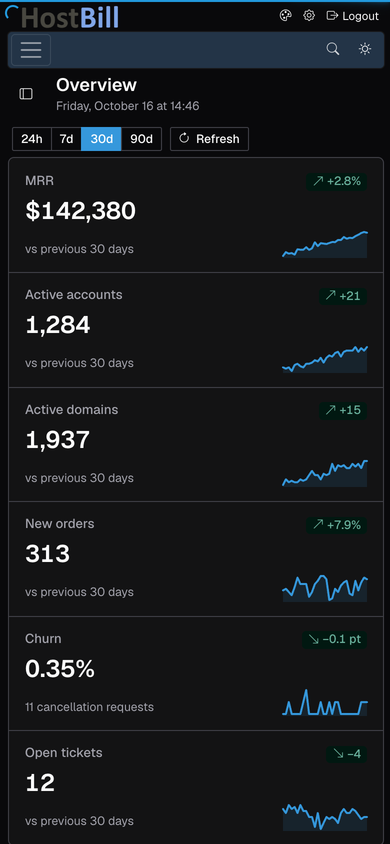
The dashboard opens with the numbers that run your business: MRR, active accounts and domains, new orders, churn and open tickets. Each comes with a trend line and the change against the previous period.
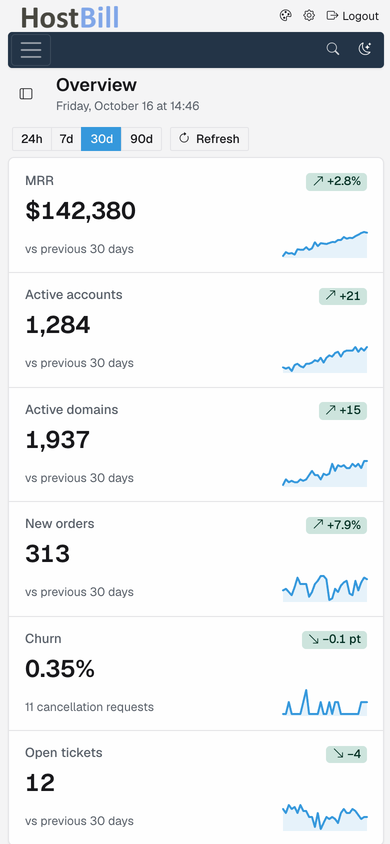
Approve an order, answer a ticket or check today's income from anywhere. Every screen adapts from a wide desktop monitor to a phone, with menus, sidebars and tables that rearrange themselves.
Pick the density that suits you from Layout in the admin header. Each staff member chooses their own.
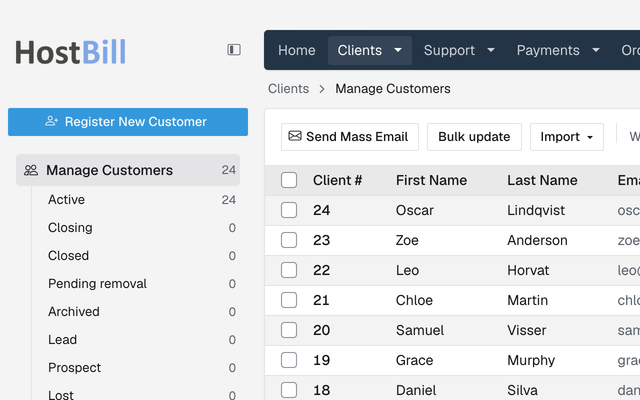
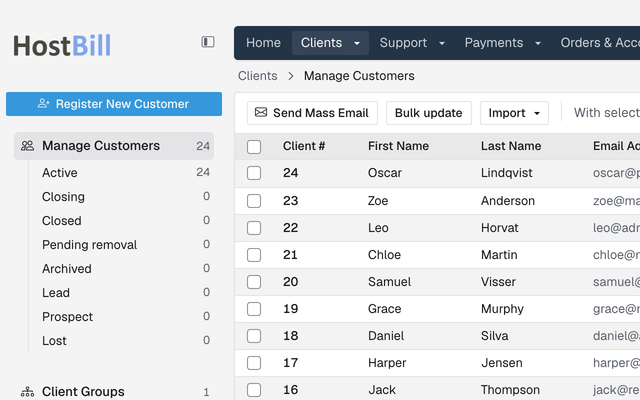
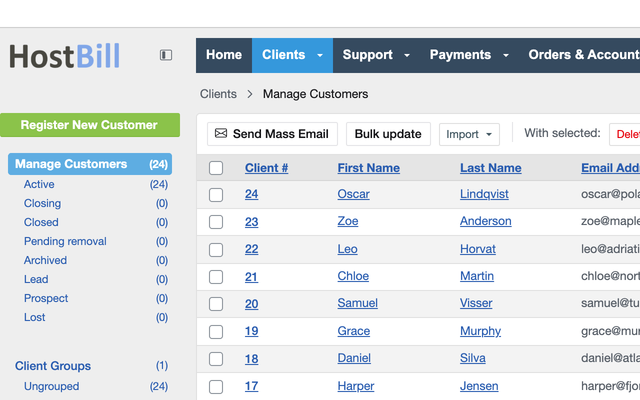
Frontier is built on a modern Bootstrap 5 foundation, with a compatibility layer that keeps existing plugins and modules written for the previous theme working as they are.
Give client emails a polished look in seconds. Pick a design under Settings → Messages → Mail customization and it loads straight into the HTML wrapper editor - email-safe, mobile-friendly and easy to tweak.
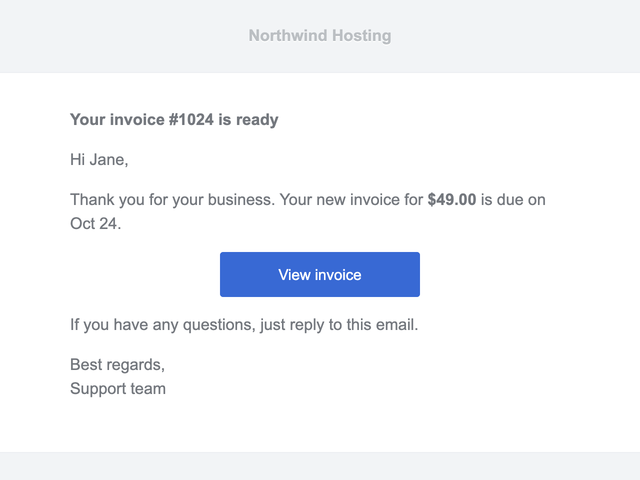
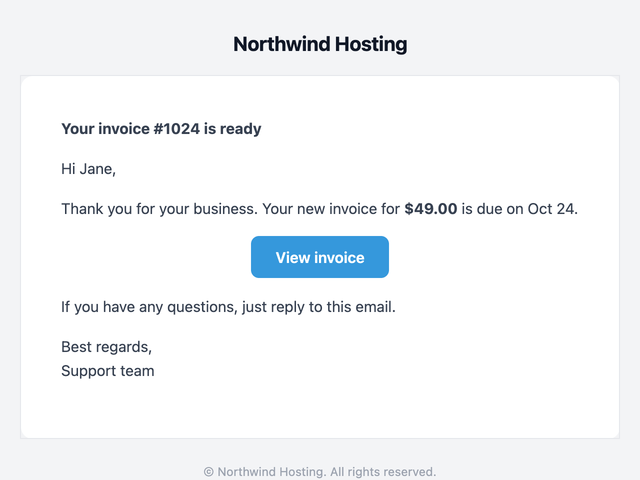
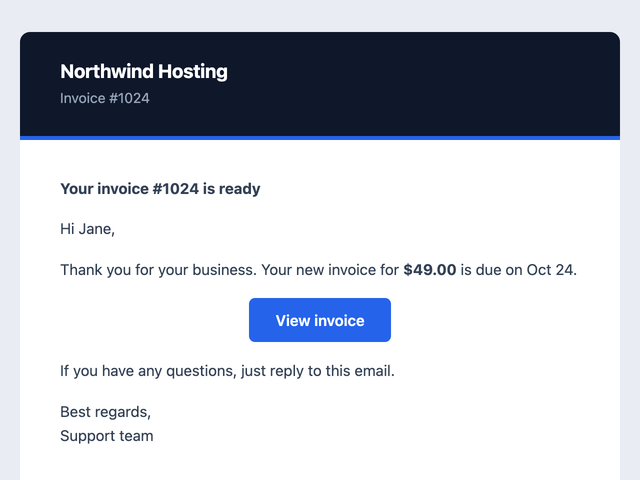
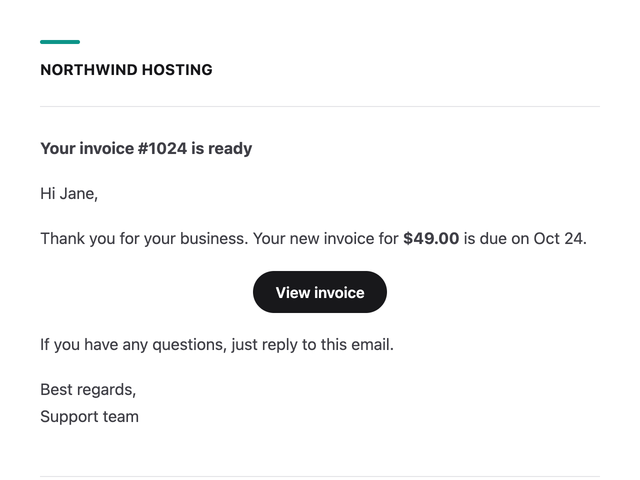
The busiest parts of the admin got new layouts that put the important things first.
A conversation view that reads like a chat, with everything around the ticket at hand.
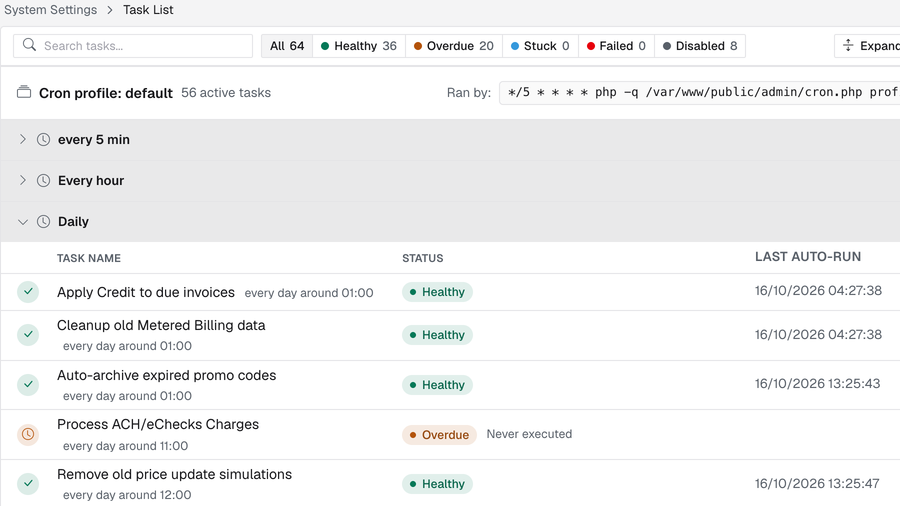
See the health of every automation task at a glance and act on problems straight away.
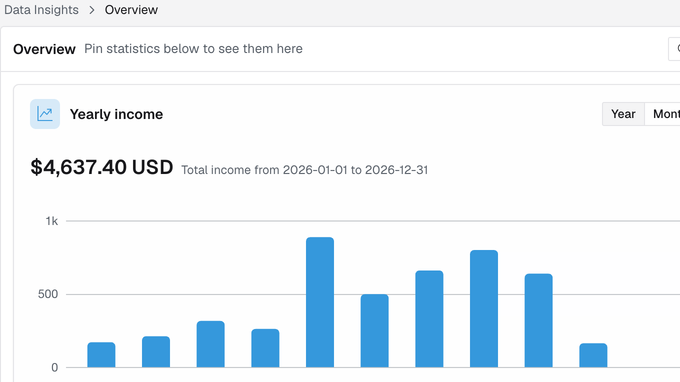
Pin the statistics you care about to your own overview. Every staff member builds their own view.
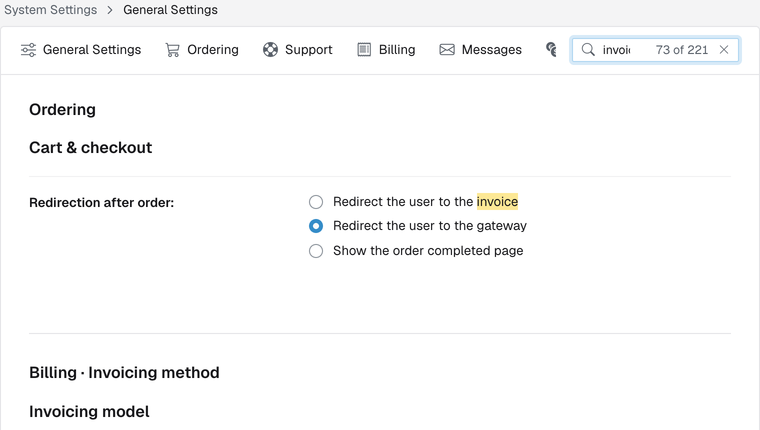
Easier navigation through system settings, plus search that finds and highlights any setting as you type.
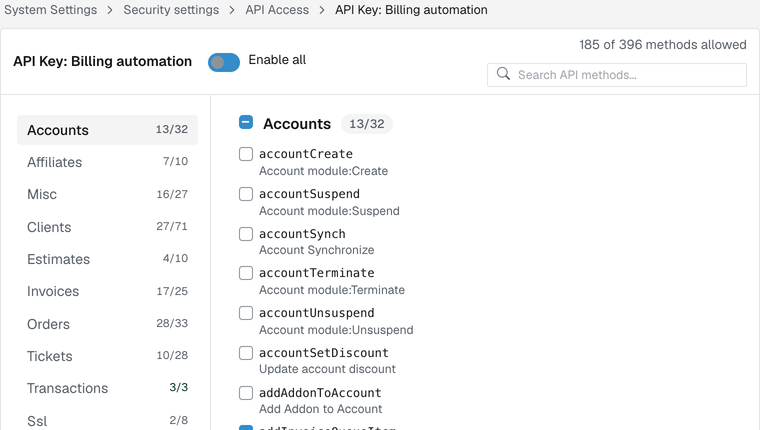
Browse API key permissions by area, with allowed-method counts and instant search. Staff privileges work the same way, with sensitive ones clearly marked.
There is no form or section in the admin that hasn't been improved.
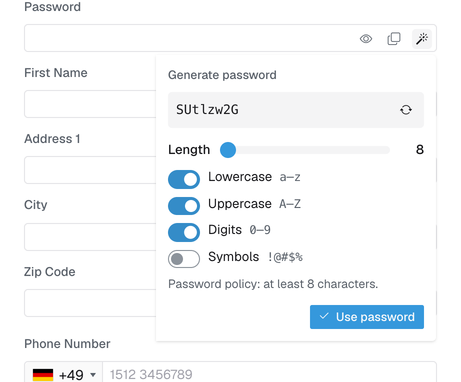
Show, copy or generate a strong password that follows your password policy, right in the field.
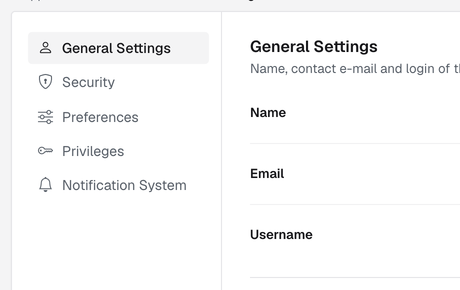
Long settings pages get a side menu, so you jump straight to the section you need.
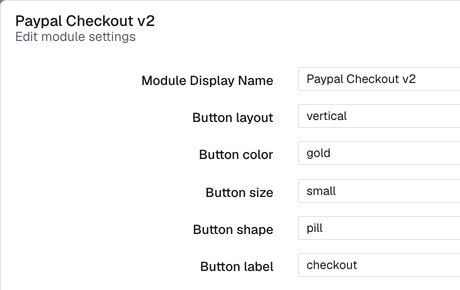
Configure payment, domain and other modules in a focused dialog, without losing your place in the list.
Clearer forms, better labels, toggles instead of checkboxes, consistent dialogs and date pickers - across every screen.
It's already in your HostBill. Take it for a spin. Nothing changes for your clients, and you can go back with one click.
Frontier ships with HostBill 2026-10-19 and every release after it.
Click “New admin look available: preview this page” at the top of the admin area.
Set it for good in Settings → General Settings → Other → Admin Area template.