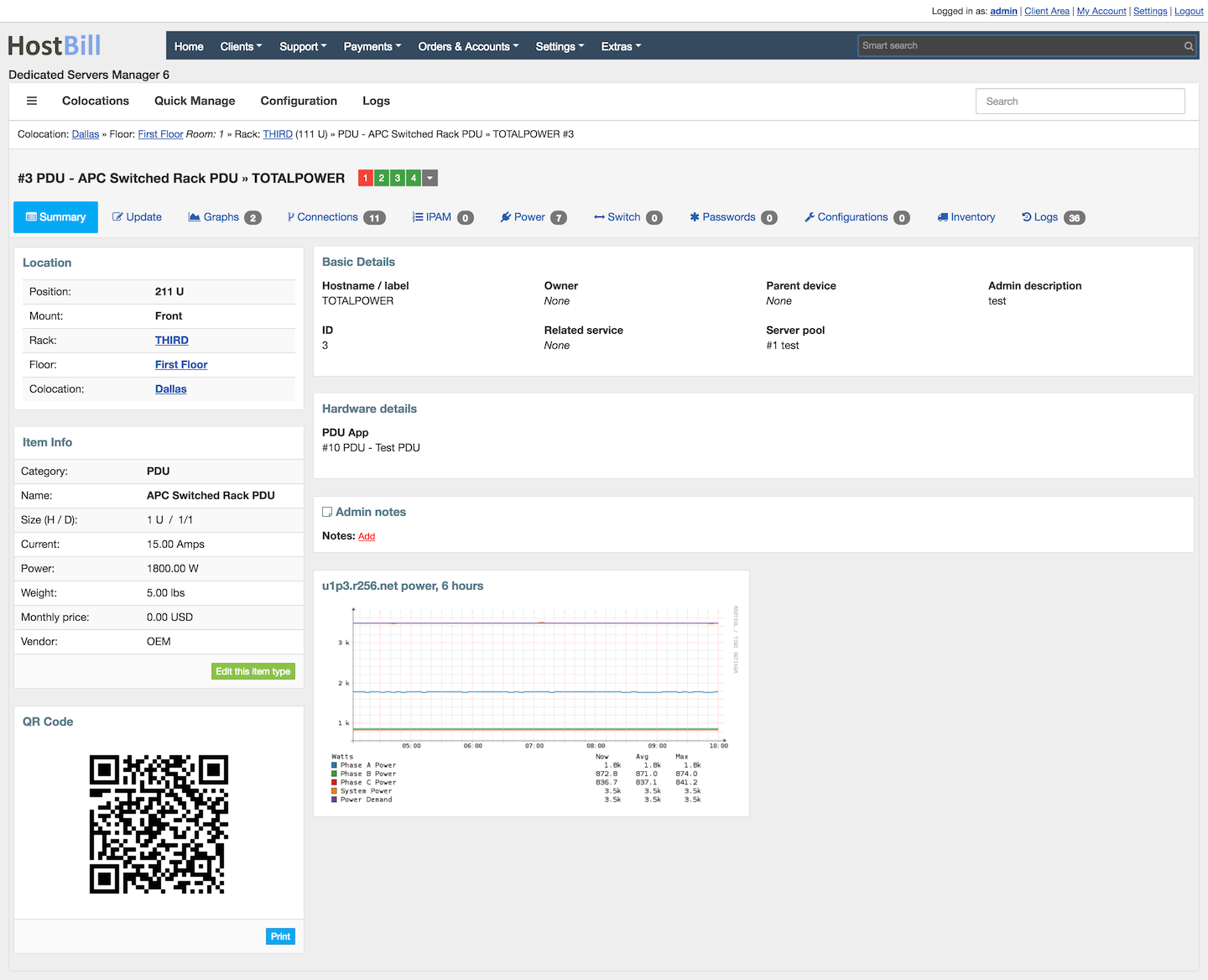
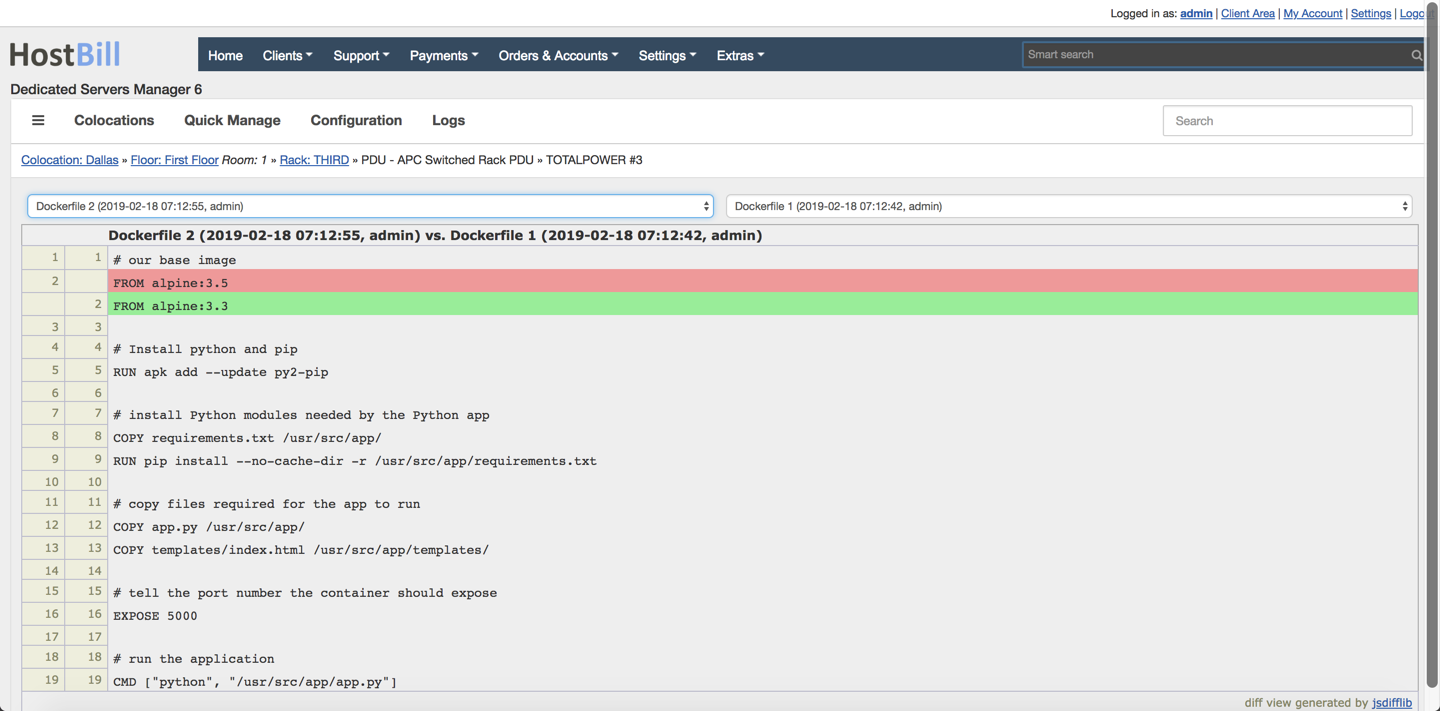
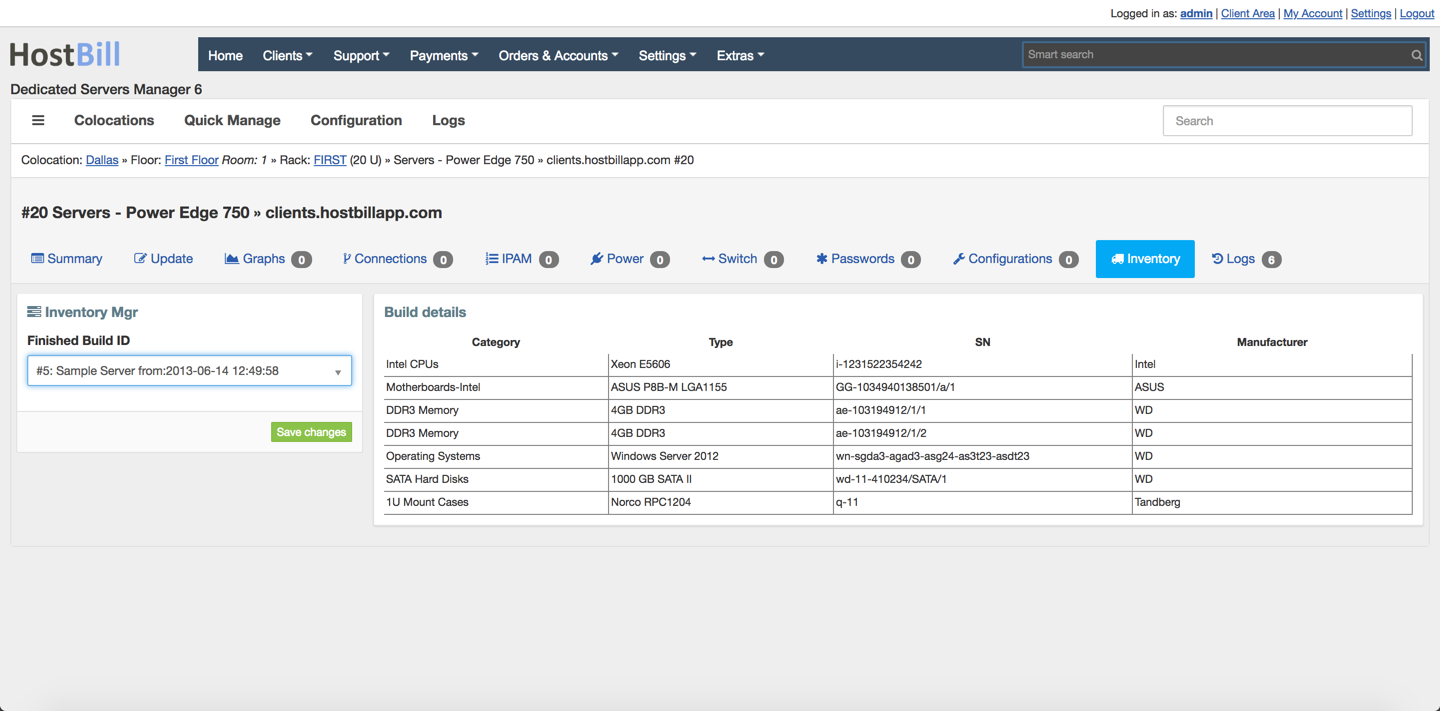
Colocation Manager lets you define and store unlimited device categories and types. You can organize inventory templates by manufacturers and vendors and adjust basic item template attributes, such as current, power, weight or base price. When managing the inventory you can setup custom item fields and upload image representation for your inventory templates. Each item can have multiple configurations stored, configurations can be compared in visual diff tool.
Features:
- Device configurator - define any device type with custom fields. Control device relationships, related service & owner, store admin notes.
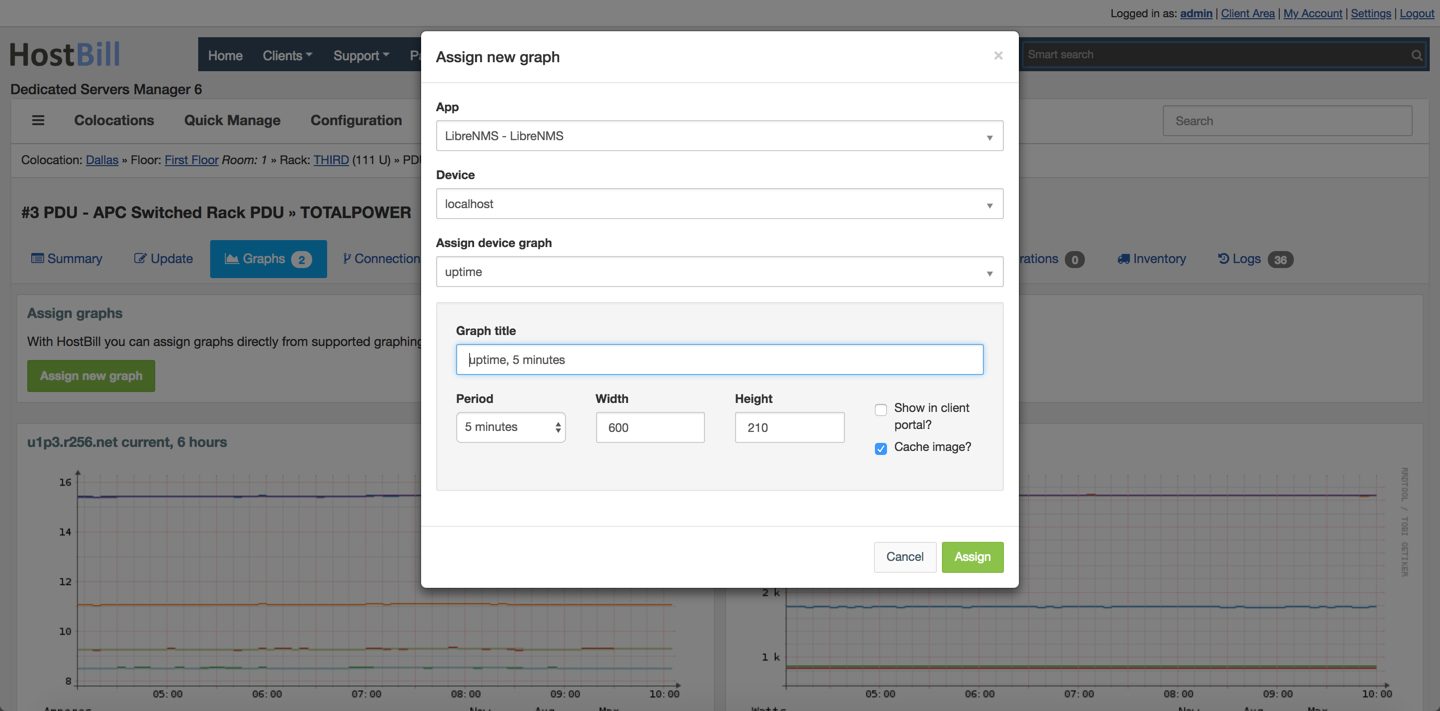
- Graphs manager - assign any graph from your faviourite Network monitoring software
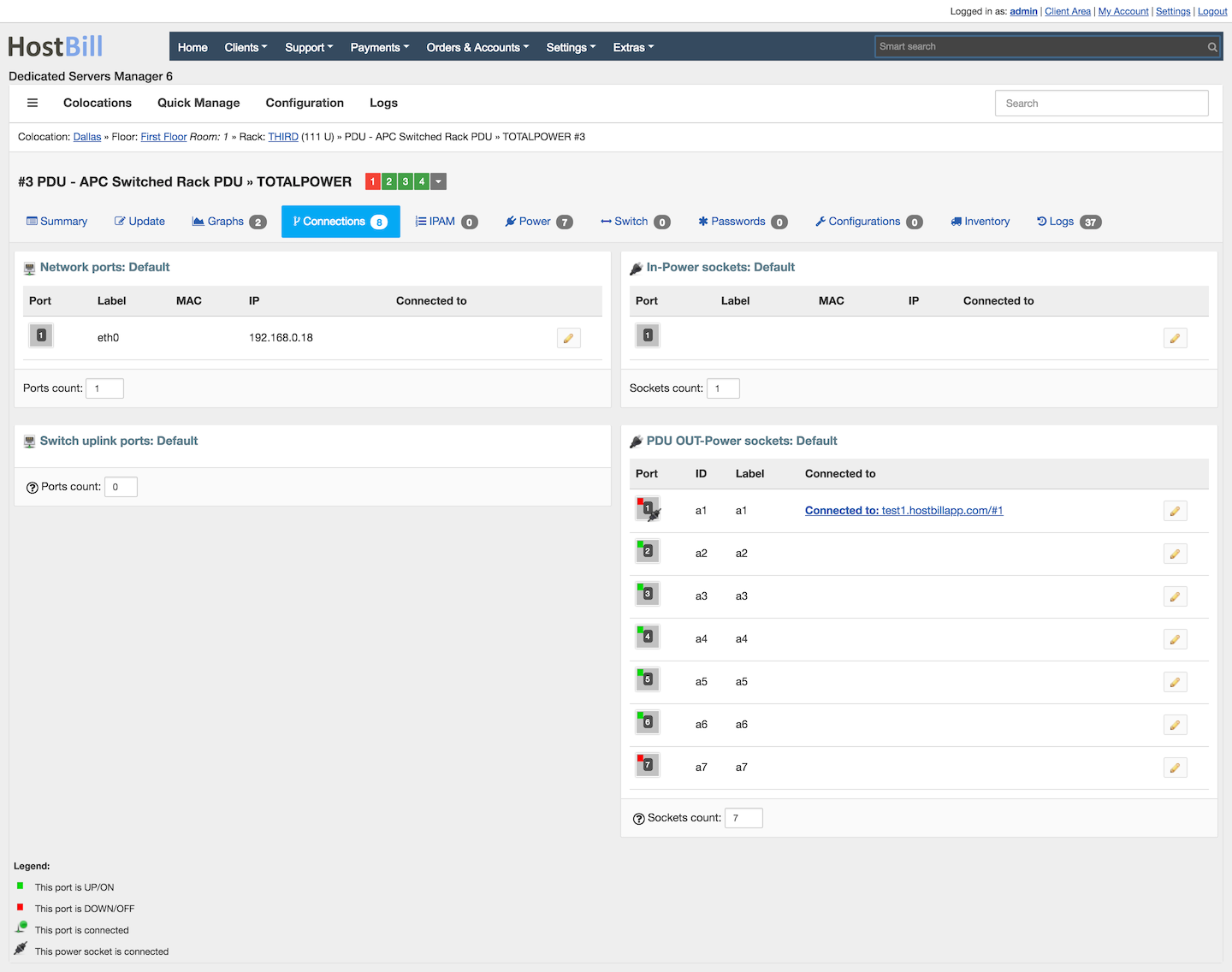
- Connection manager - connect your devices accross racks, store informations about network and power connections
- Cable manager - use cables entities for connections, show terminations, print cable labels, connect cable to inventory
- Switch manager - control switch ports assigned to your device from one place
- Power manager - control state of power sockets attached to your device
- Configuration manager - store unlimited device configurations, compare configurations for changes with visual diff tool
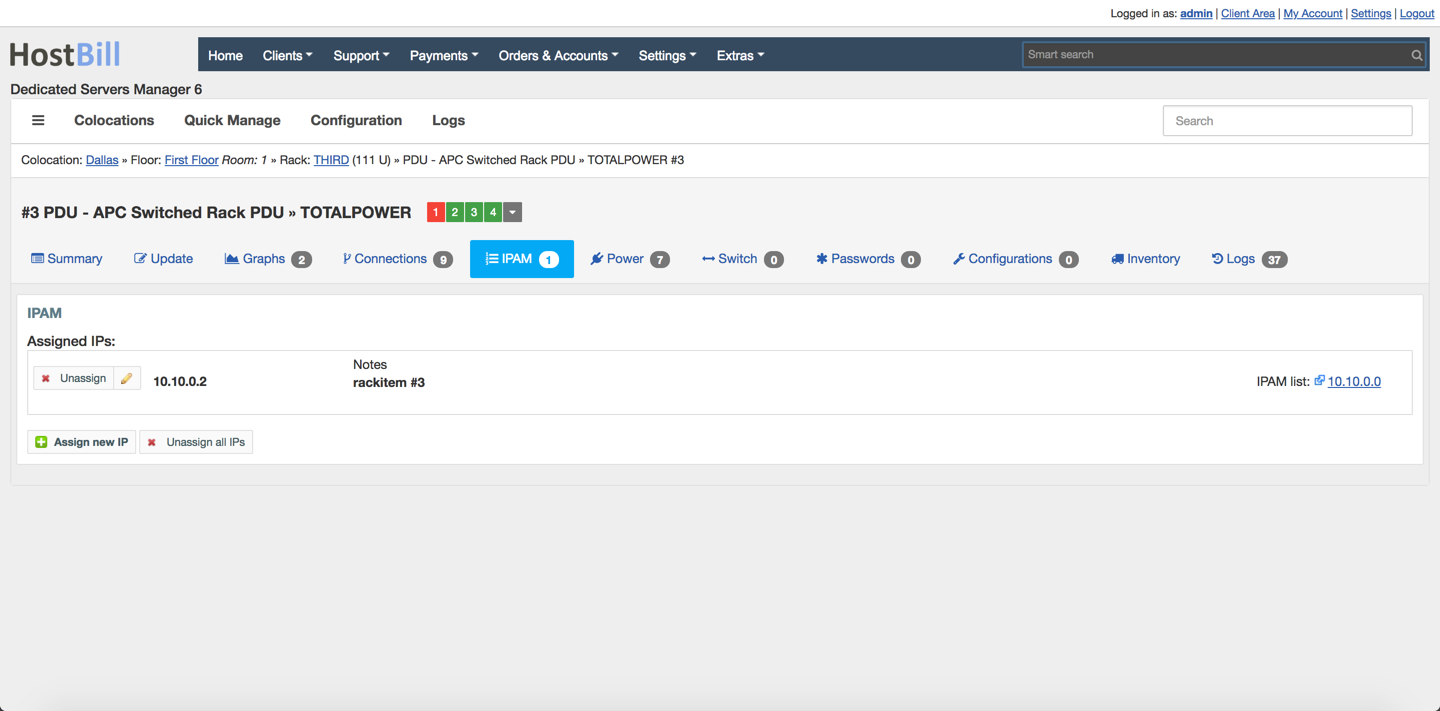
- IP manager - when IPAM plugin is available, manage device IPs directly from one place
- Device logs - any action taken within Colocation Manager is logged for easy audits
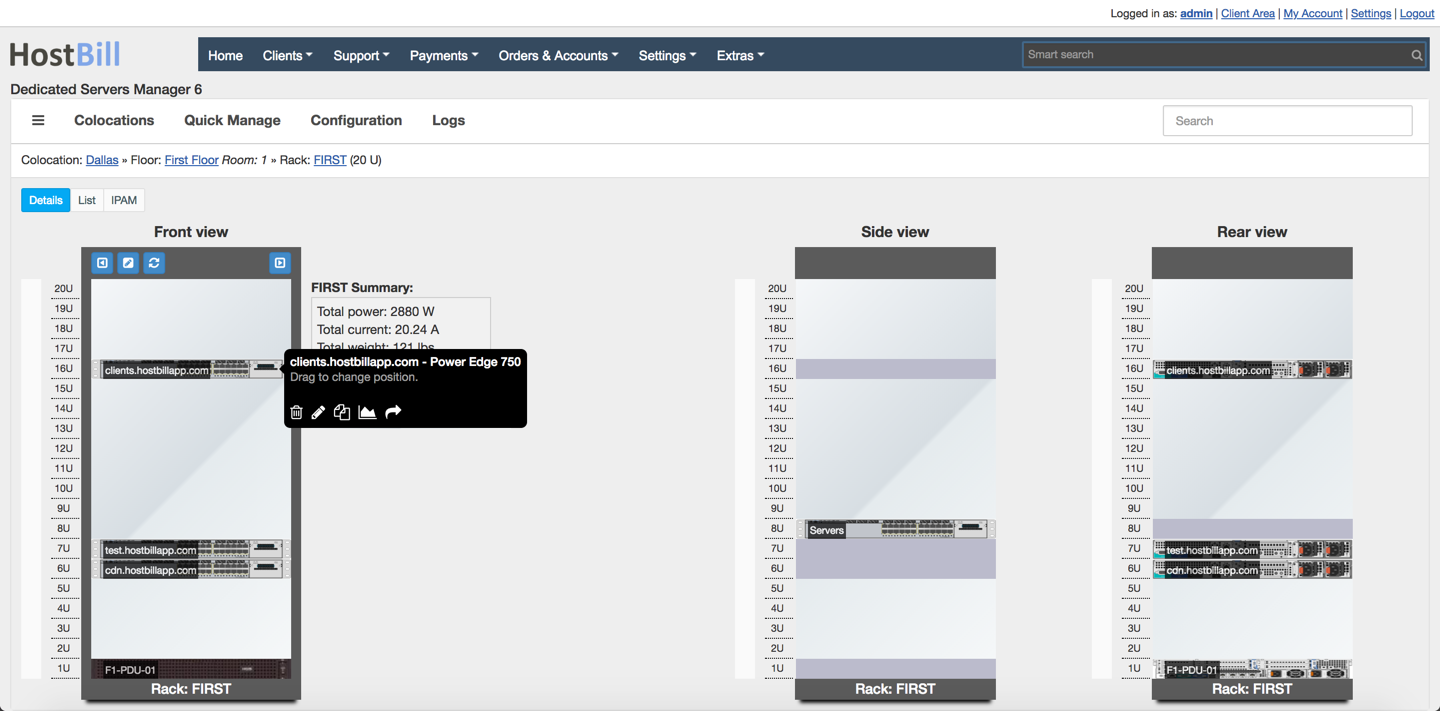
Colocation Manager is a perfect tool for managing Datacenters. With this module you can add unlimited datacenter locations, colocation floors and rooms, setup emergency phone numbers, add unlimited racks to rooms. Racks and items can be configured and re-arranged with easy drag-n-drop system. Thanks to Zero-U devices support you can also track the devices that take no U space. Colocaction manager lets you easily add side-mounted vertical PDUs for both sides of rack and manage them as regular rack item. Rack view can be displayed either as a standard list or a graphical rack representation. You can easily display rack summary: total power consumption per rack, total weight of mounted items, graphical representation of free rack space.
Features:
- Unlimited colocations
- Unlimited racks storage
- Store Zero-U Devices
- Side Mounted Devices
- List / Rack view
- Blade System Support
- Display Rack Summary
- Store & Manage rack item images
- Store & Manage custom rack fields
Colocation Manager enables your HostBill to bill your customers in various bandwidth billing models. You can allow your customer to select preferred billing model during signup from 95th percentile, total transfer generated or average transfer in given period. Colocation Manager module also allows to apply overage charge if the customer traffic peaks beyond setup transfer included in base package price. Before it happens, the customer will be alerted that their traffic peaks into overage zone. Thanks to this integration you can collect and display list of top bandwidth users managed in HostBill and get early warning on unexpected traffic peaks. The module also allows to setup charges for power circuit billing - accurate usage is collected by HostBill from your PQM/PDUs.
Features:
- Bill For Bandwidth Usage / Overages
- 95-th Percentile Billing
- Average/ Total Transfer Billing
- Overage Billing
- Power Billing
- Bandwidth Usage / Charge Projection
- Top Bandwidth Consumers List
End-Customer features:
- Bandwidth usage projection
- Define & get bandwidth alerts
- Control assigned PDU sockets
- View assigned graphs from monitoring software
Colocation manager is a bundle of multiple plugins (included for free) that togethers makes it so powerful. Included modules worth mentioning are:
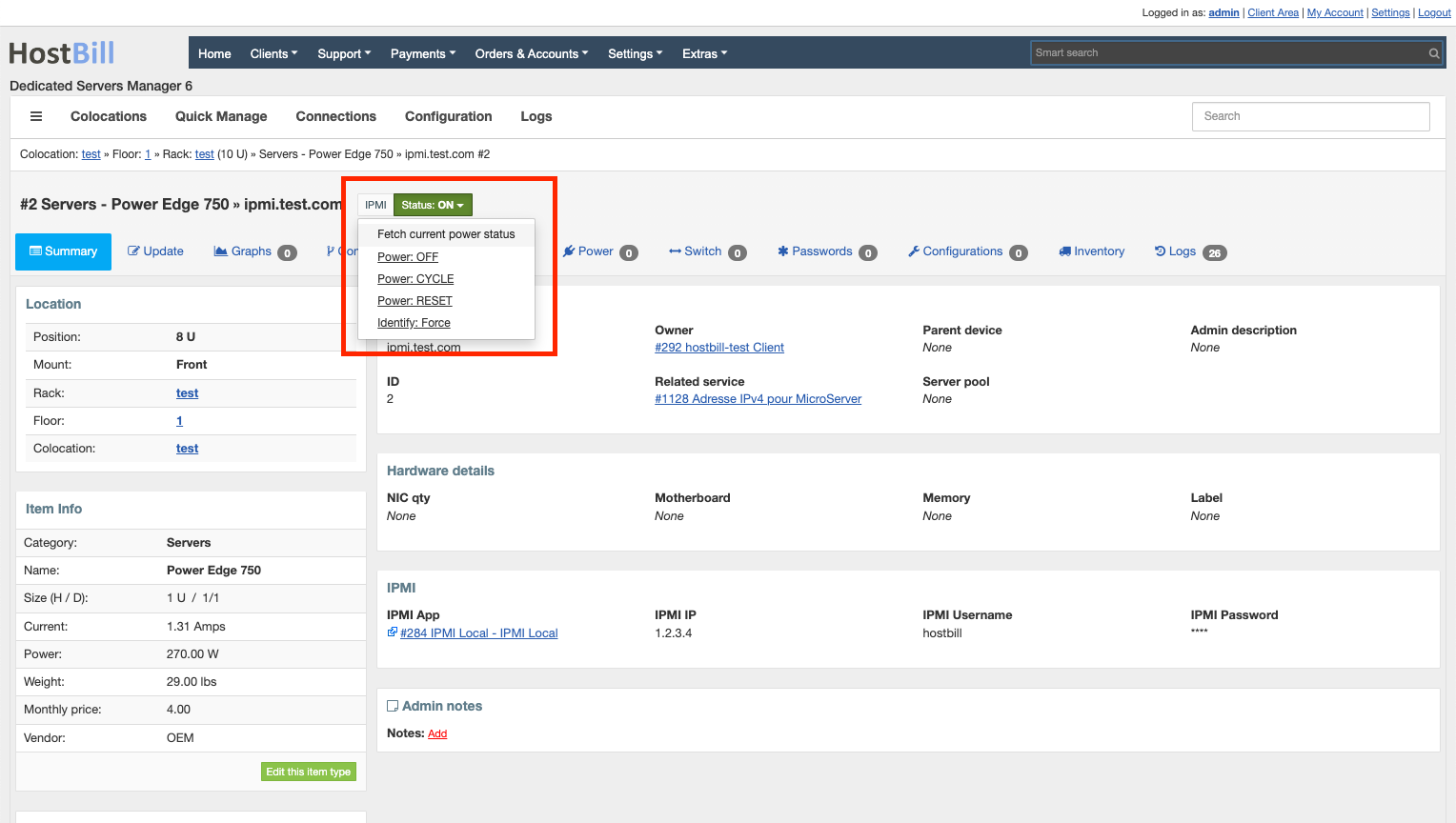
- PDU Control - This module utilises SNMP protocol to connect to your PDUs. It gives you and your customer control over power socket states, as well as can utilize gathered data about power consumption to bill for power. Additional device drivers included in module utilizes IPMI and Telnet protocols to control device power.
- IPMI - Module allows to control power of IPMI-enabled devices using ipmitool directly from HostBill
- Switch Control - using SNMP and Telnet protocols module can control read and switch ports states. HostBill can automatically control switch ports - when service is overdue, HostBill can remotely turn off the port.
- Network monitoring - Included with Colocation Manager are Cacti, Observium and LibreNMS modules, giving you ability to utilize their data for:
- Bandwidth billing & monitoring
- Assigning any graph to device / client account
- Giving your customer access to selected graphs (without the need to login to actual 3rd party network monitoring apps)
Colocation Manager plugin also neatly integrates with other (optional) HostBill plugins, like: