OnApp + HostBill = future of cloud hosting

OnApp CDN is a revolutionary approach to CDN for hosting providers.
Add new revenue stream to your hosting business - dive in into $2.6bn market without global infrastructure costs!


Watch video tour

Full client control

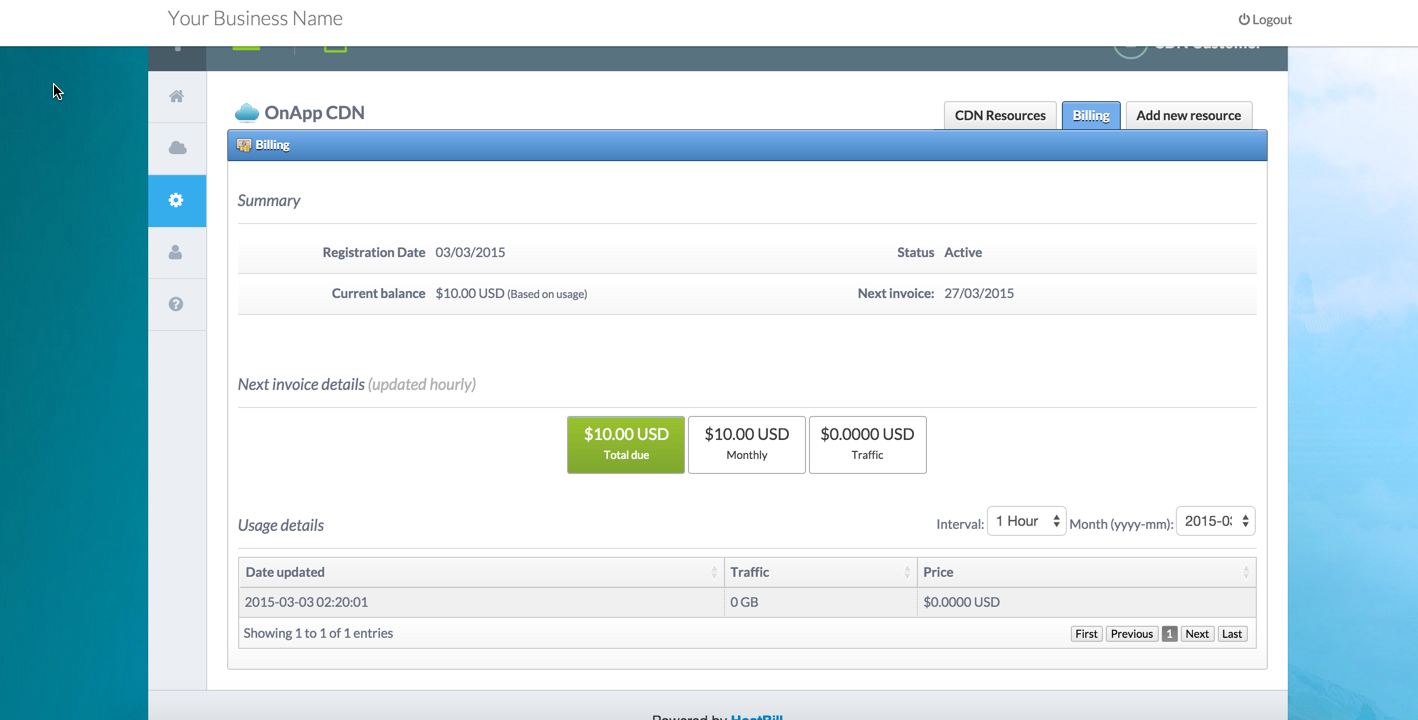
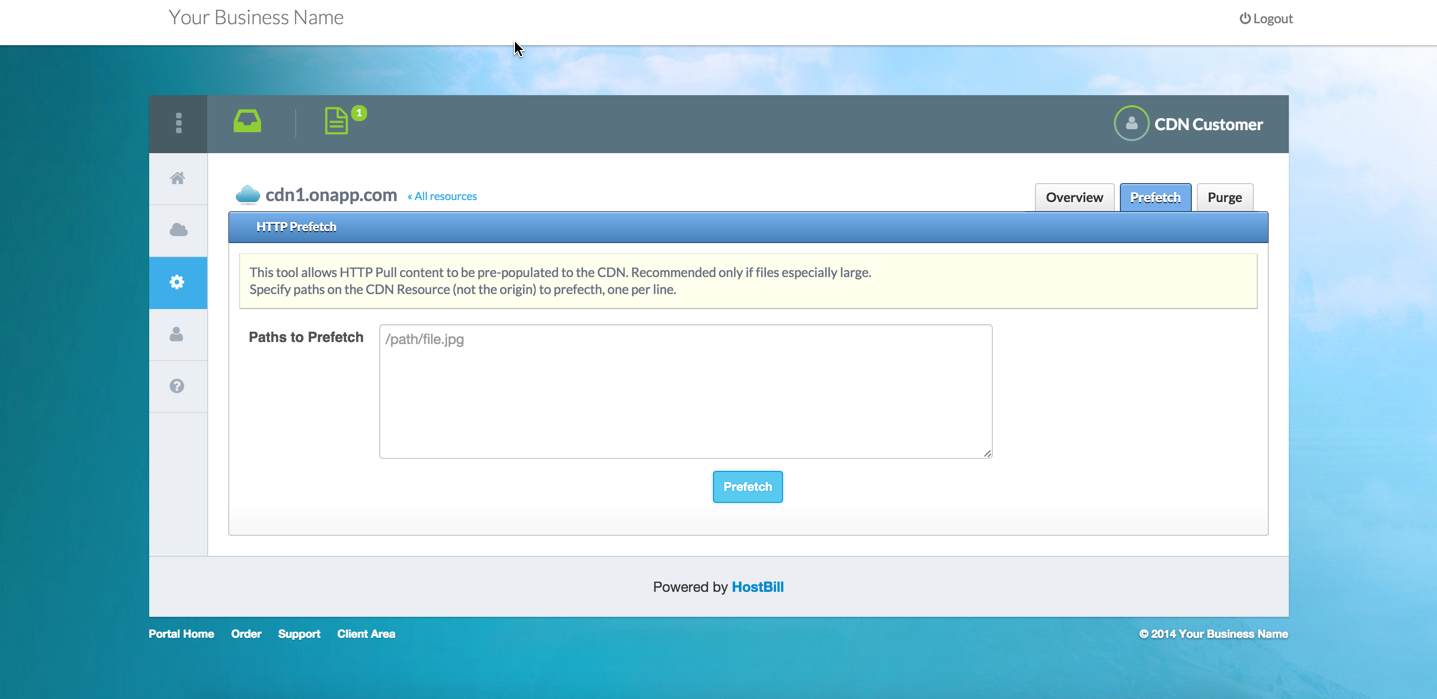
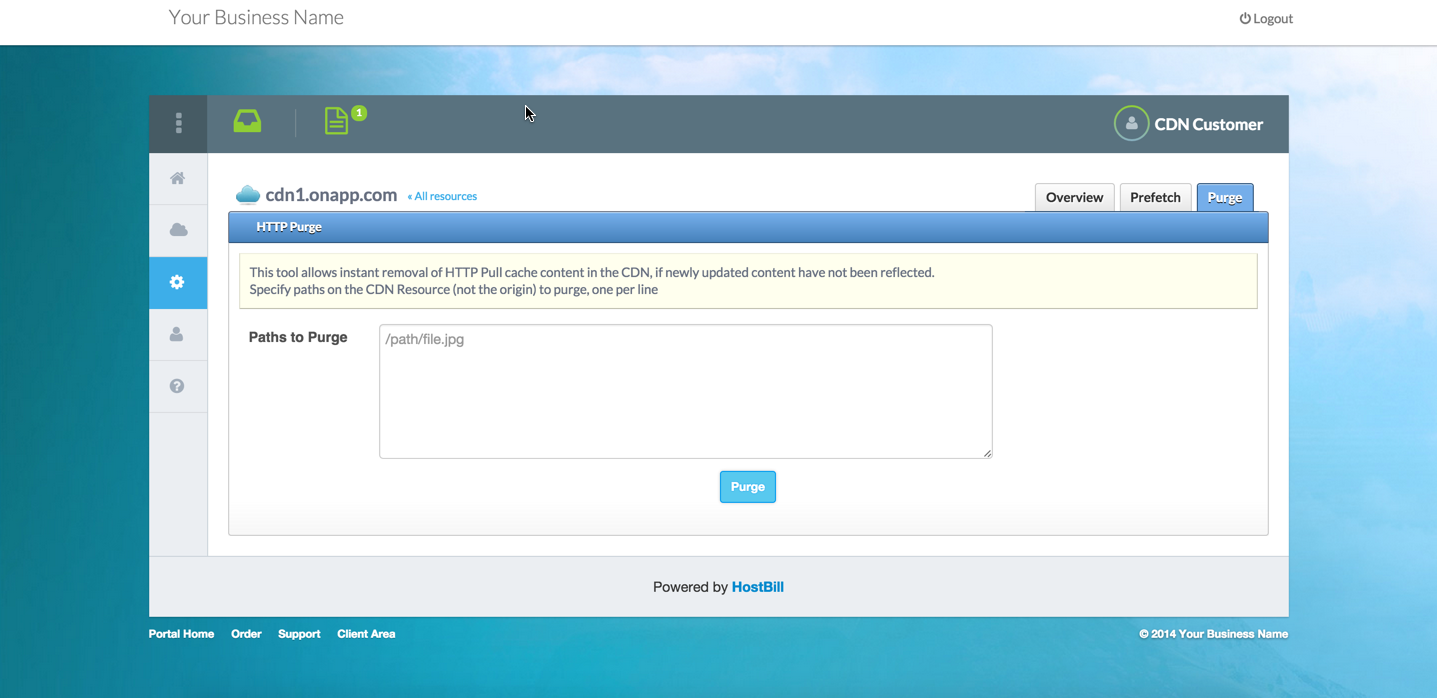
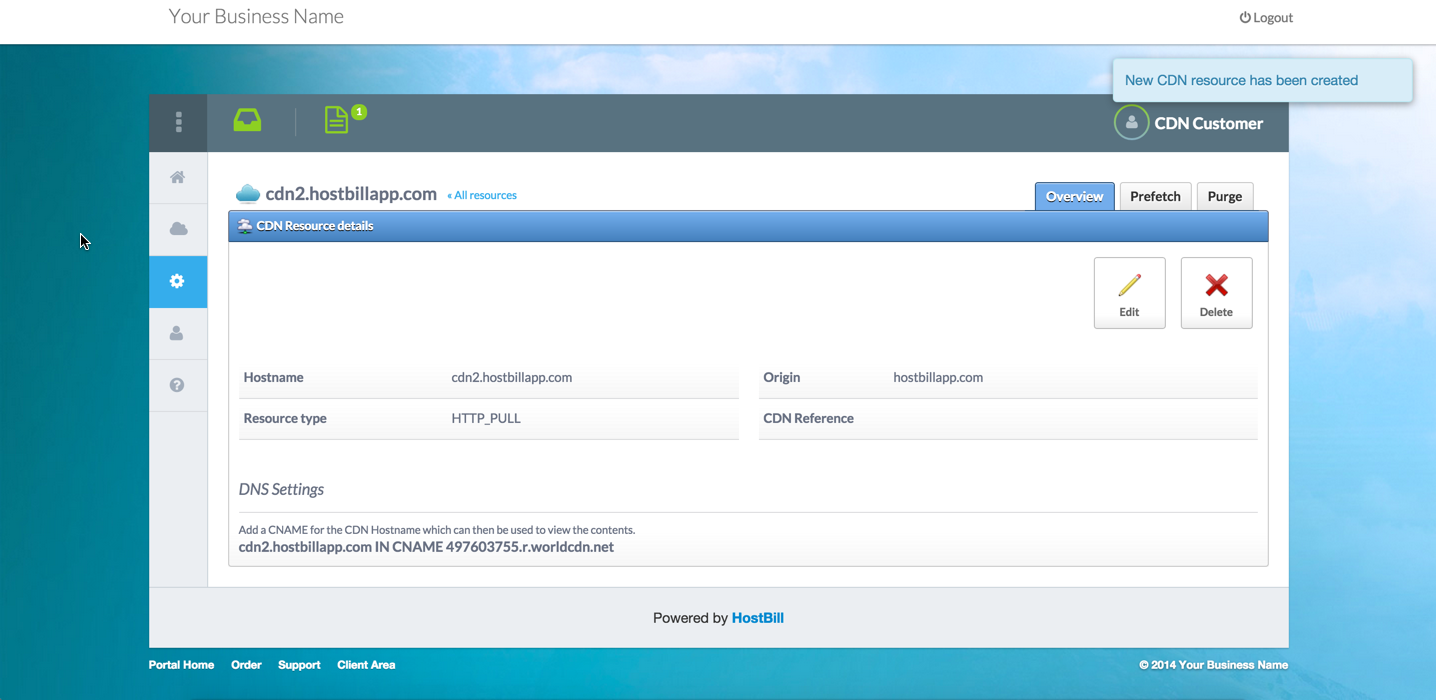
Your client have full control over his CDN resources from HostBill clientarea:

  • Create/remove CDN resources
  • HTTP Prefetch/Purge of CDN content
  • Edit CDN servers locations with map preview
  • New: Track traffic usage costs for pay-per-traffic plans

Installing HostBill

HostBill installation is fully automated and takes just seconds, more info at http://hostbillapp.com/install/

Watch video tour

Connecting HostBill with OnApp

  1. In HostBill go to Settings > Modules, find and activate OnApp CDN hosting module
  2. You will be redirected to Settings > Apps to set connection with OnApp
  3. Enter OnApp admin credentials, use Test Connection to check if HostBill can connect
Watch video tour

Creating your first CDN package

  1. In HostBill go to Settings > Products & Services, and Add new order page
  2. From Order Types select OnApp CDN
  3. After creating order page add new product in it, provide name & Save changes
  4. In product configuration section proceed to Connect with App, select OnApp module and App server created in previous steps.
  5. Proceed to configuration wizard and set edge groups your client will have access to. Follow video tour for more details.
  6. Submit changes, your package is ready

Changelog

OnApp module for HostBill is actively maintained to make sure all new cool features are available for you and your customers.
Latest version: OnApp 2.3.x, HostBill 3.8.0 - 2012-08-10 - Read changelog