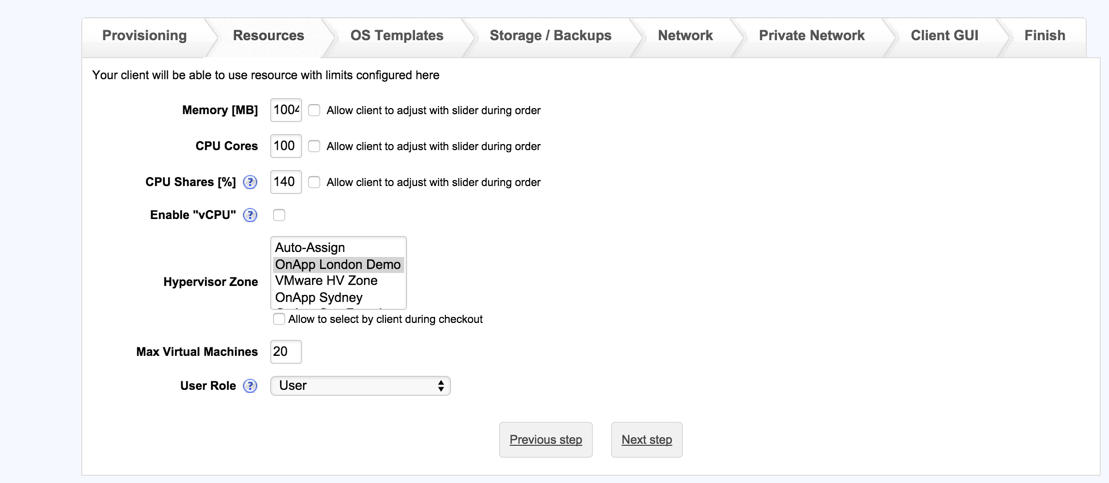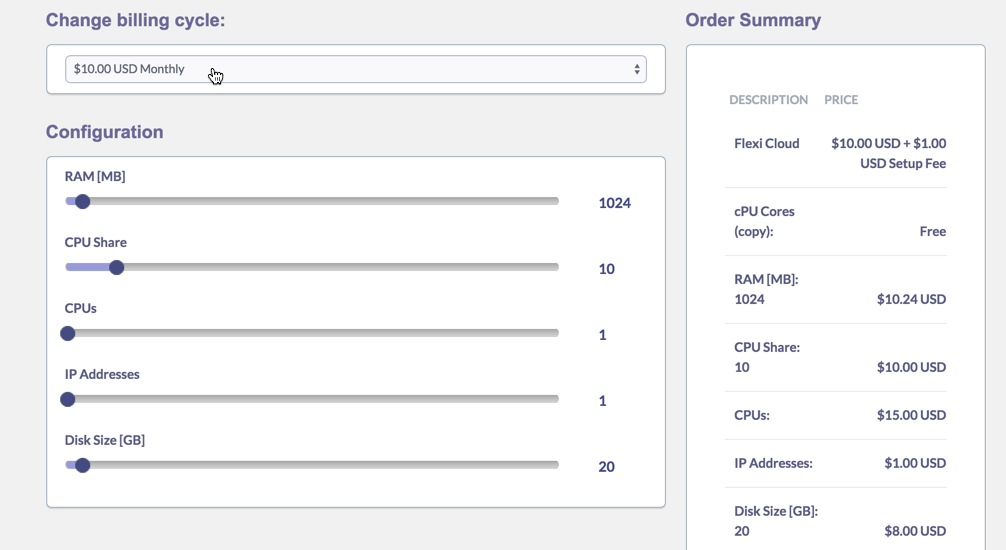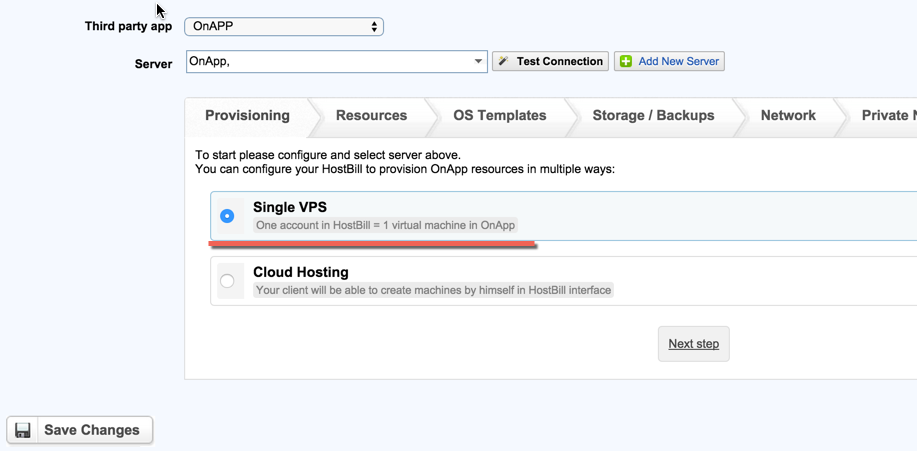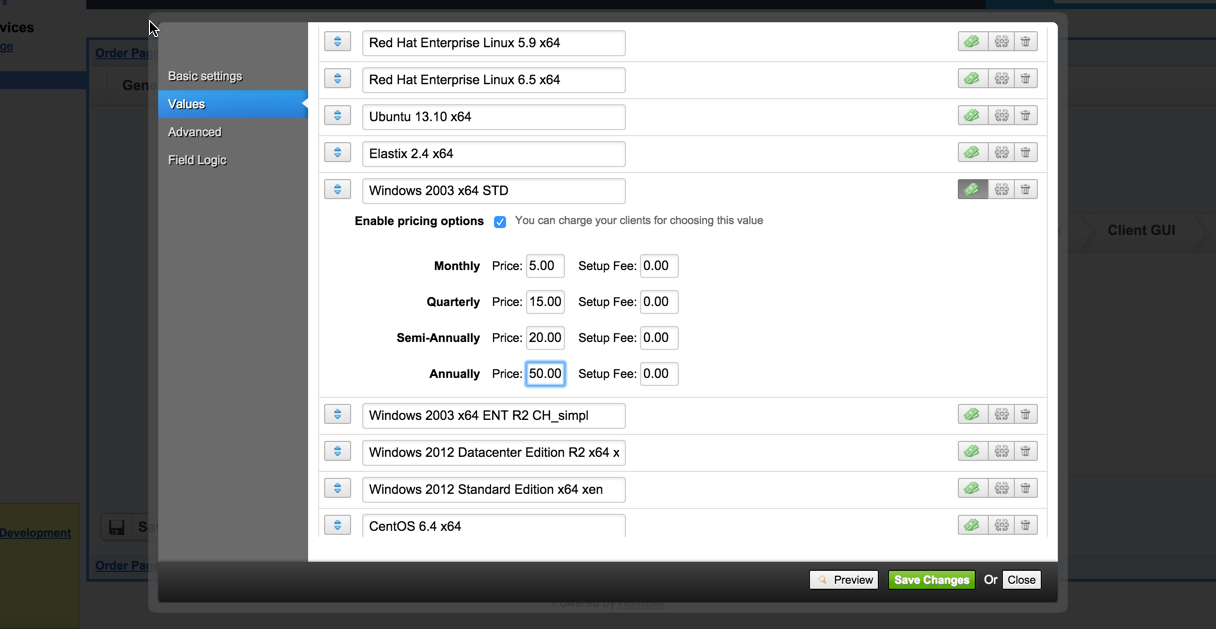
OnApp is the end-to-end cloud management solution. With HostBill integration you can build complete cloud hosting platform and get bite of $20 billion market! The OnApp Cloud module lets you sell Cloud with multiple billing options: you can bill for VM time or resources consumption over time, charge flat recurring fee or let customer select amount of resources needed during signup. Billing options also include bill for bandwidth.
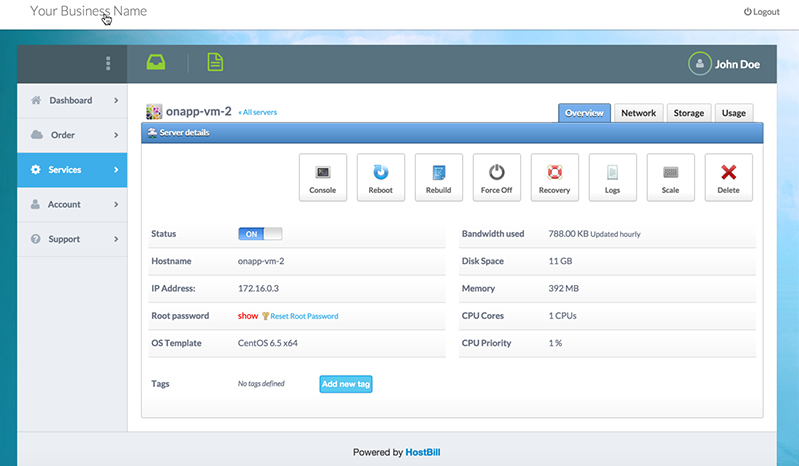
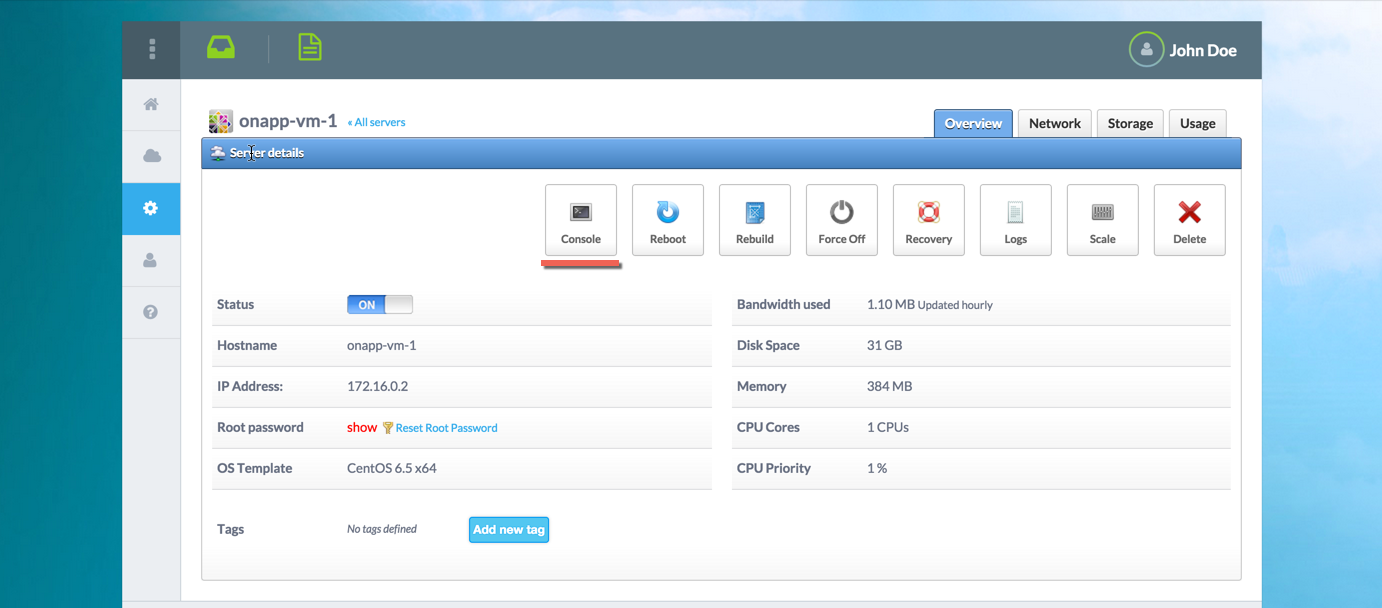
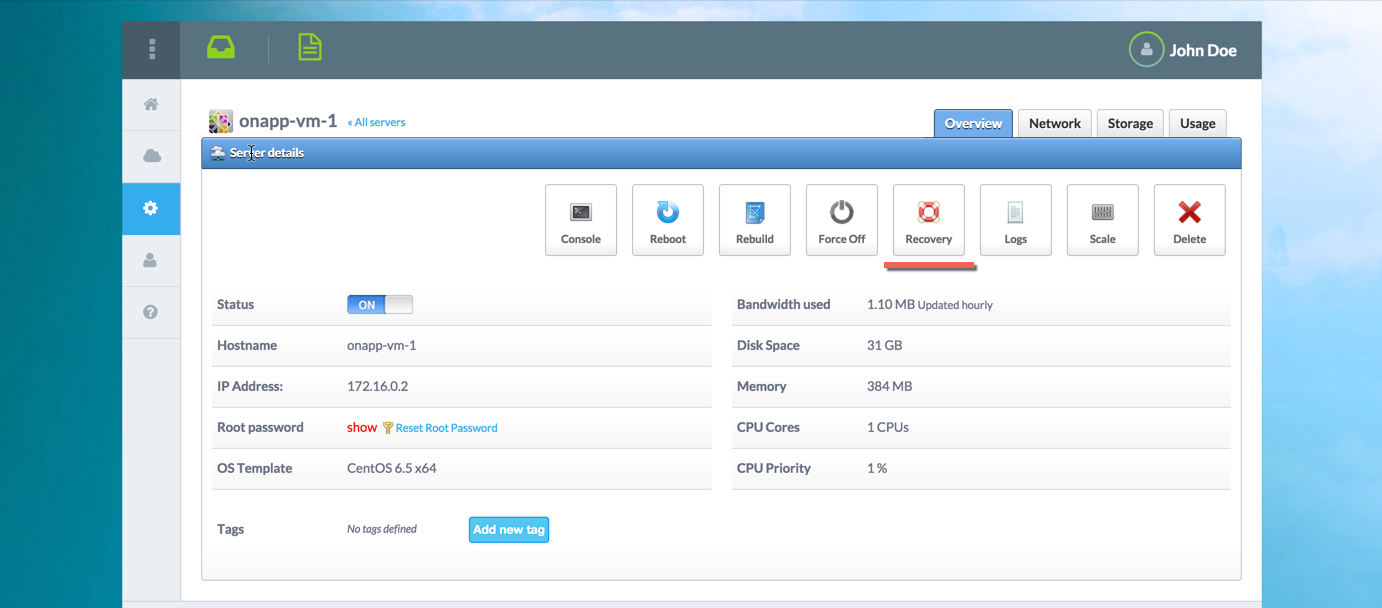
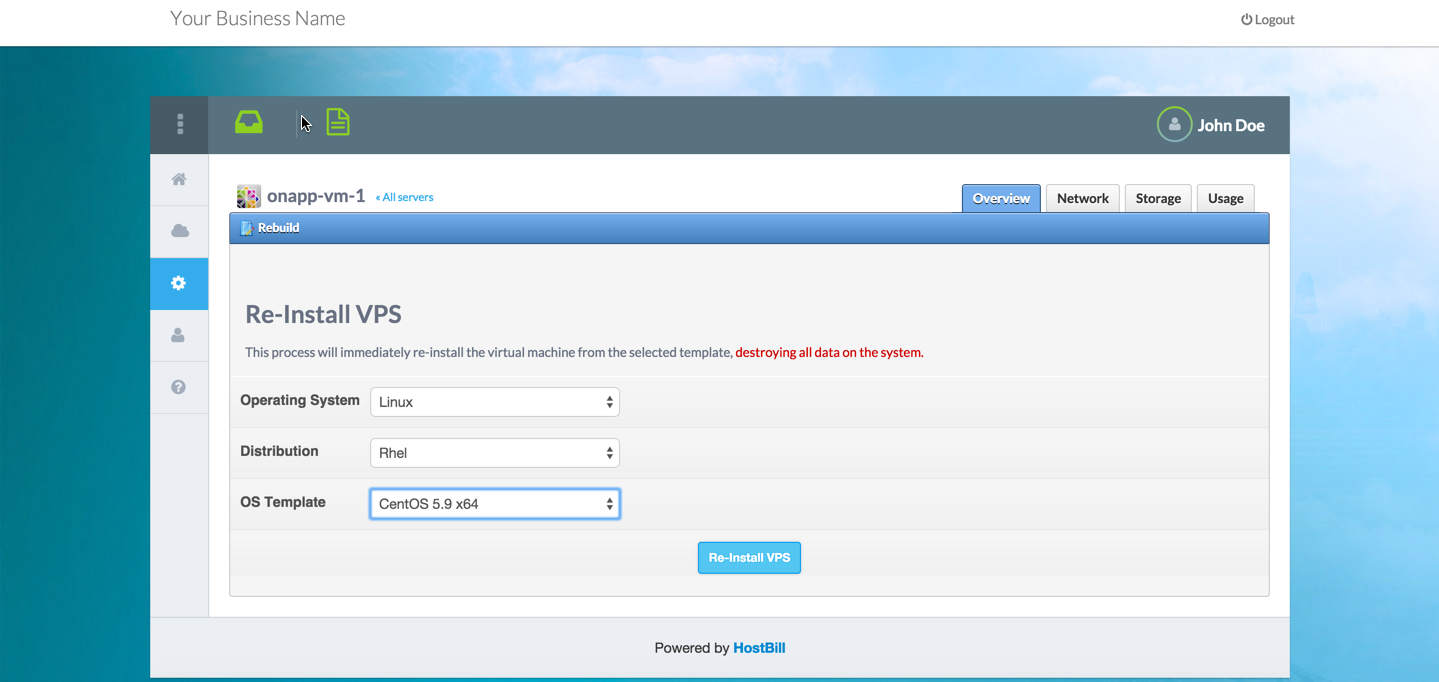
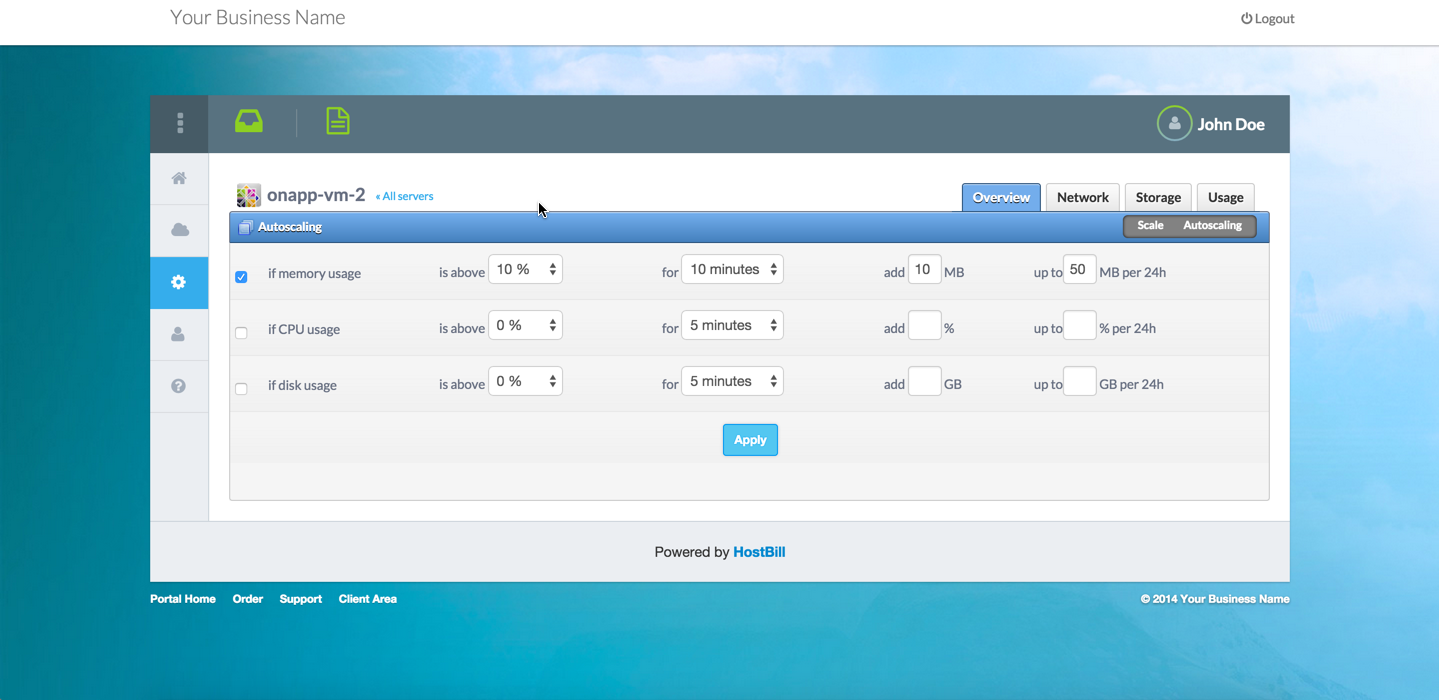
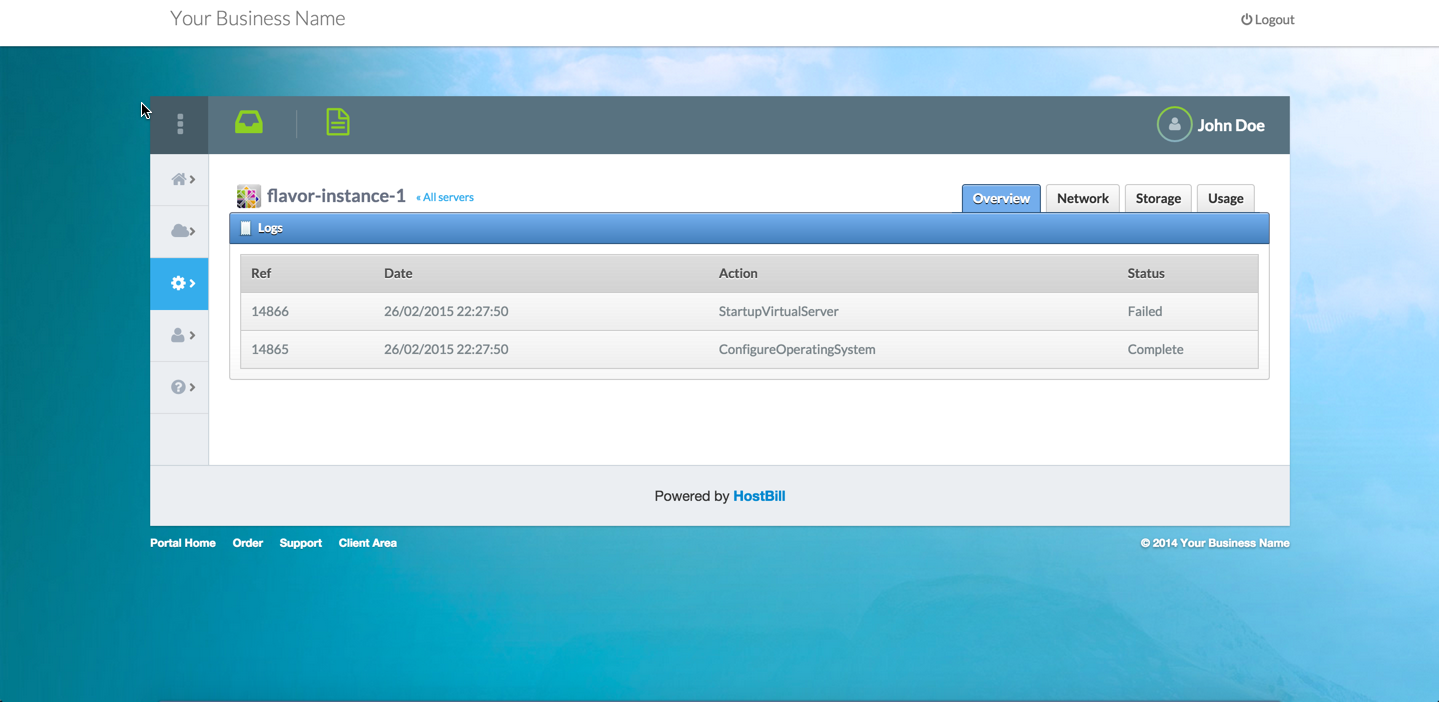
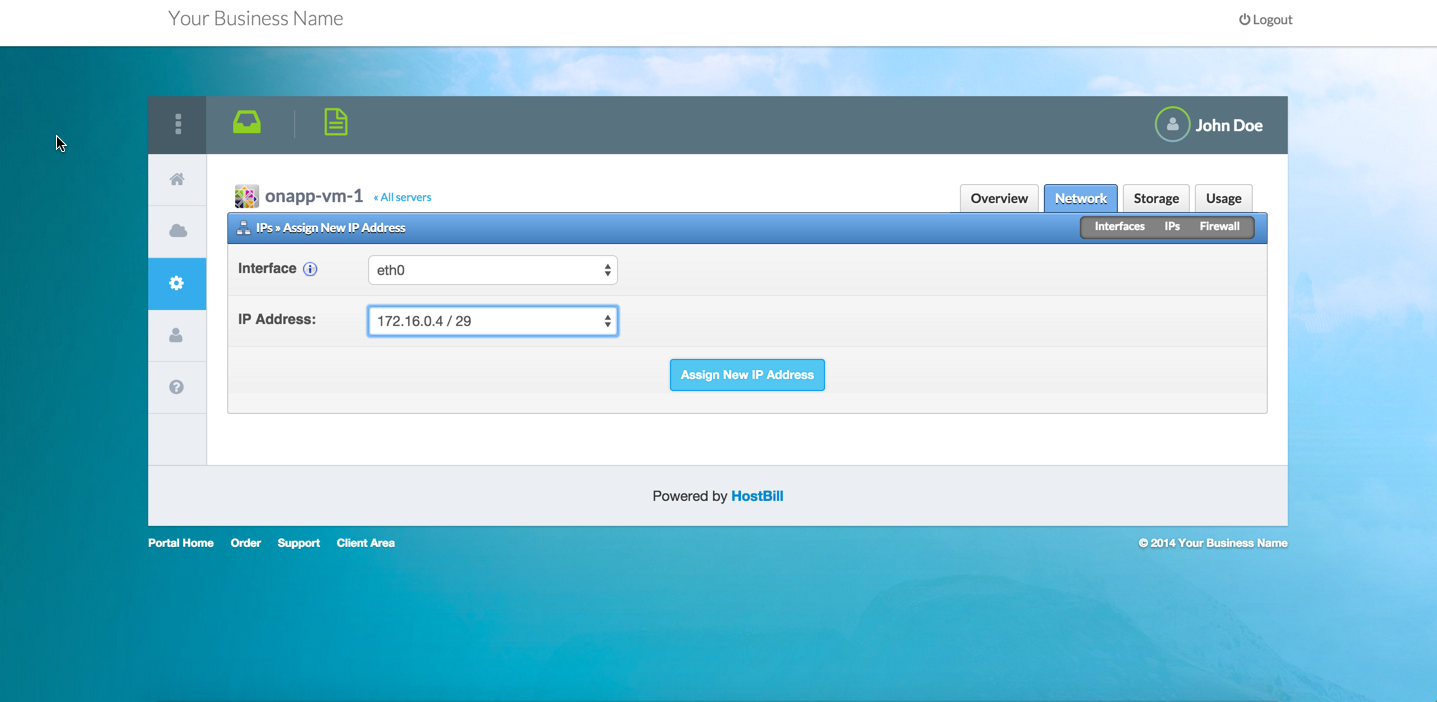
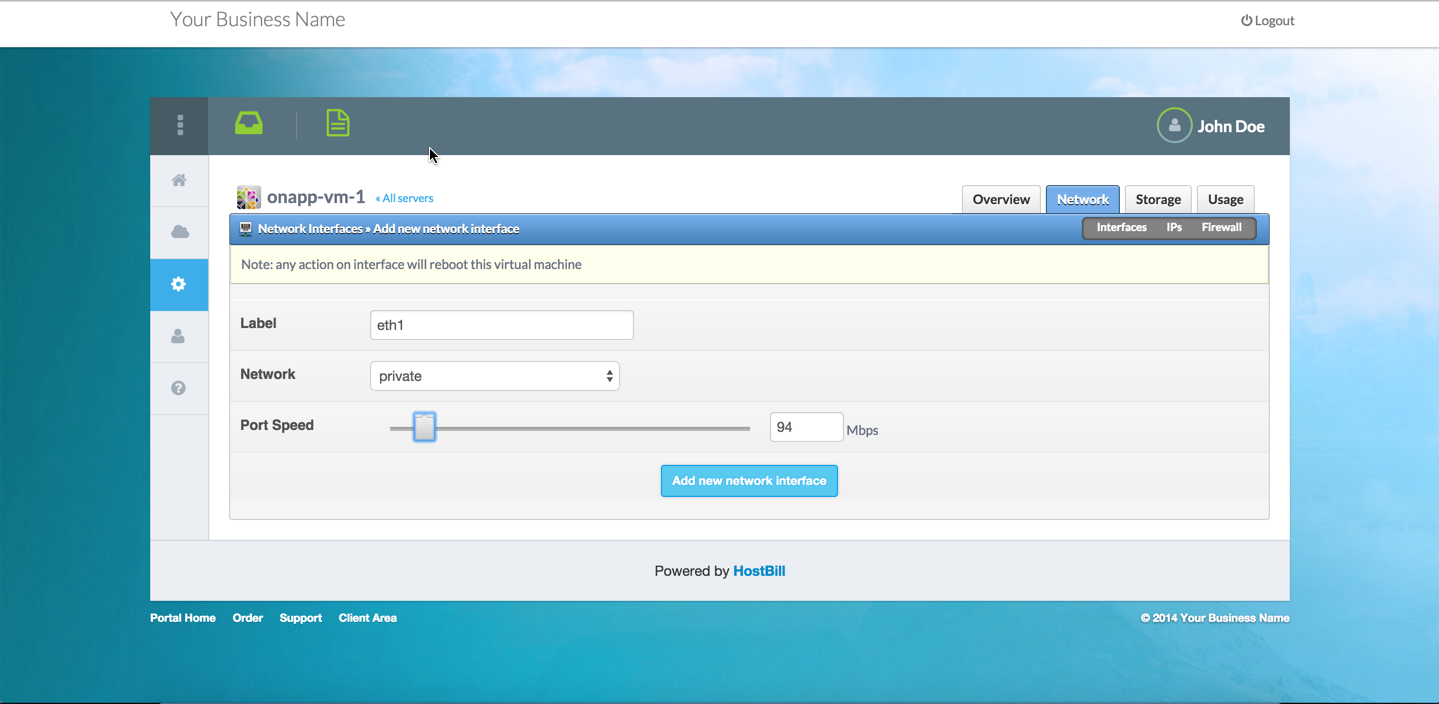
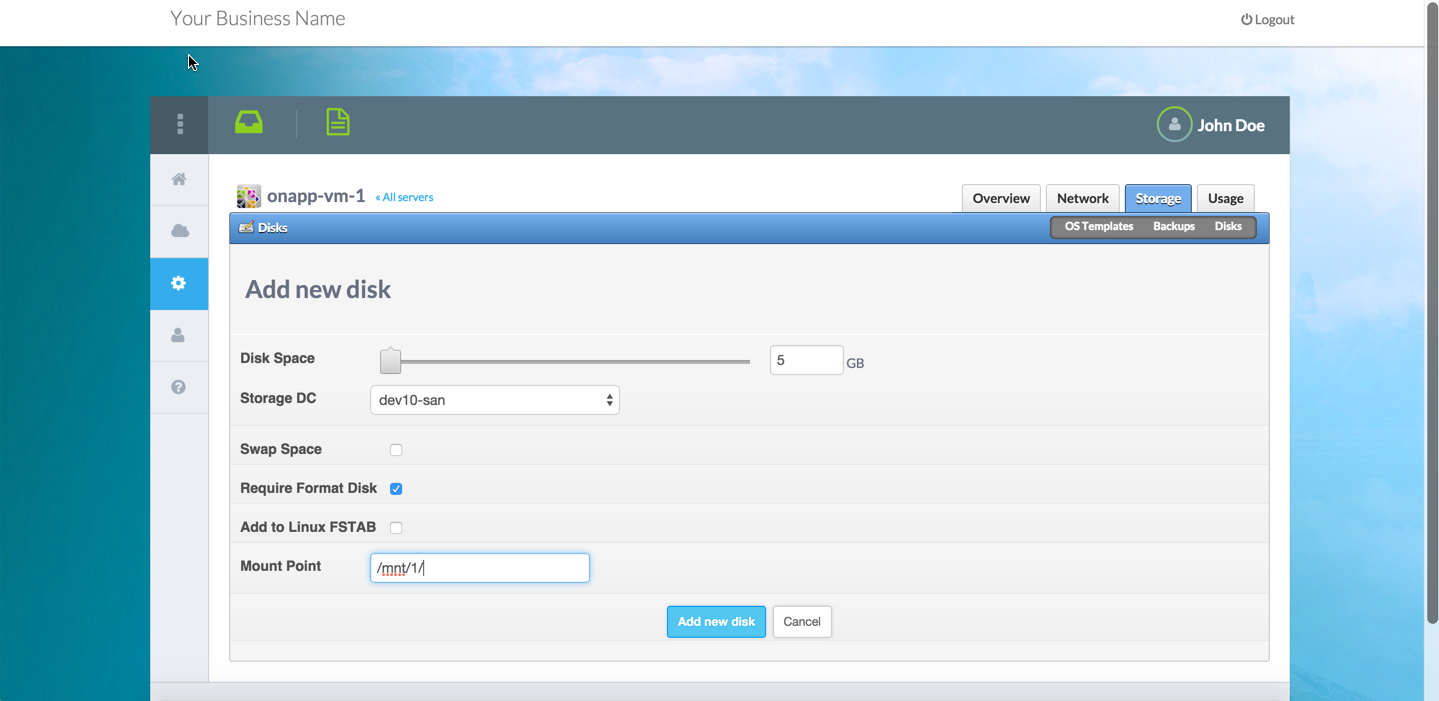
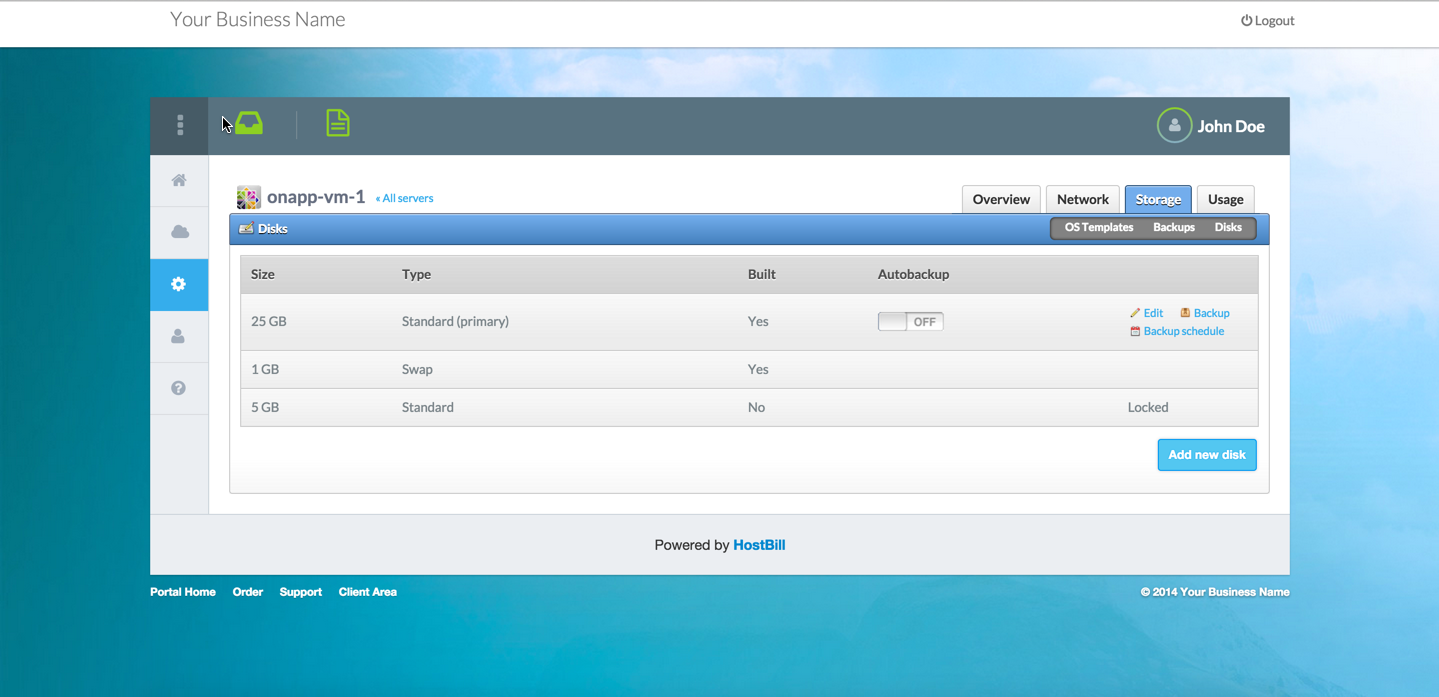
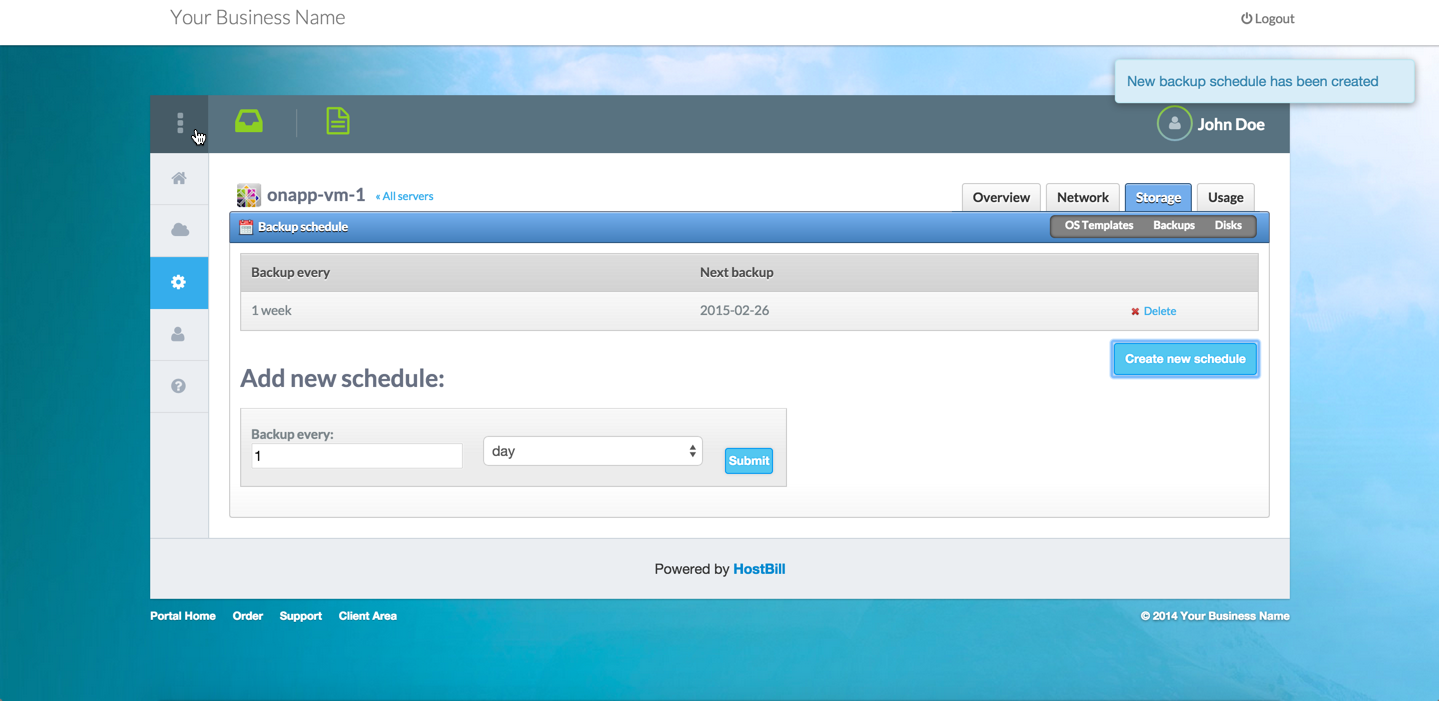
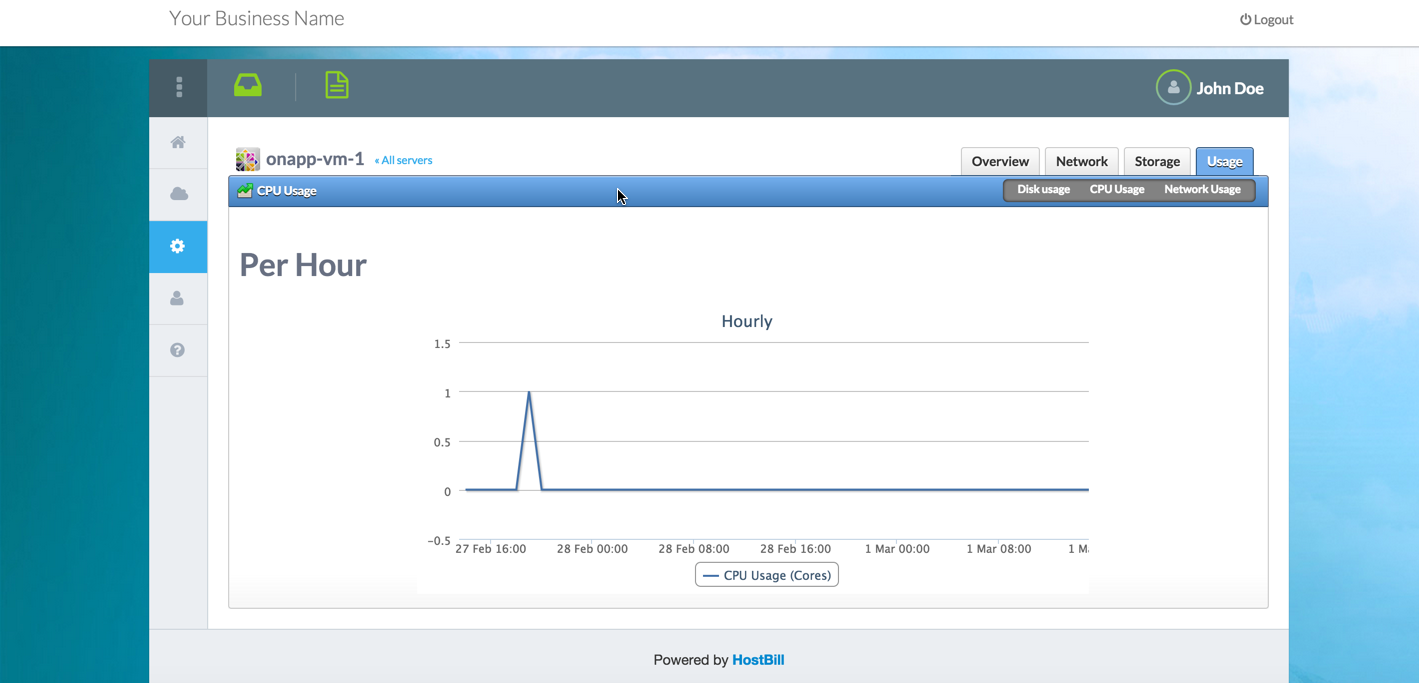
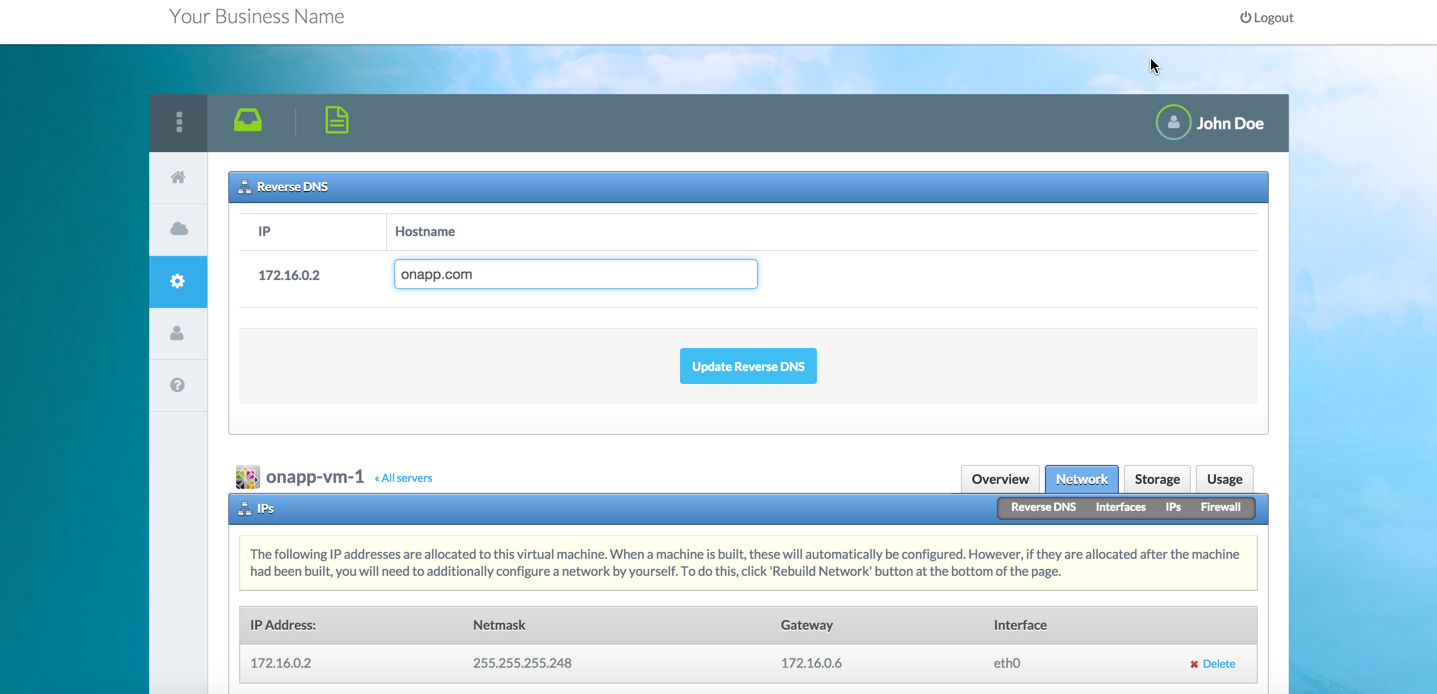
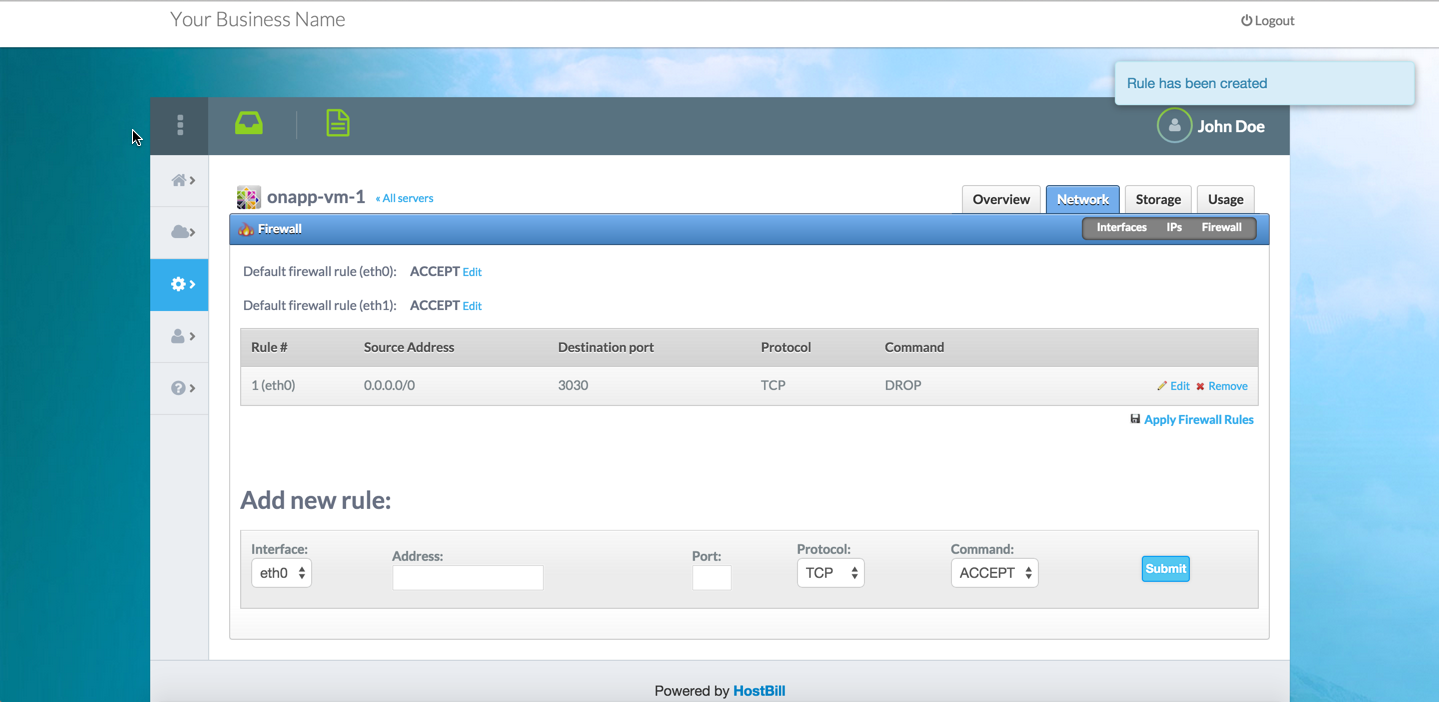
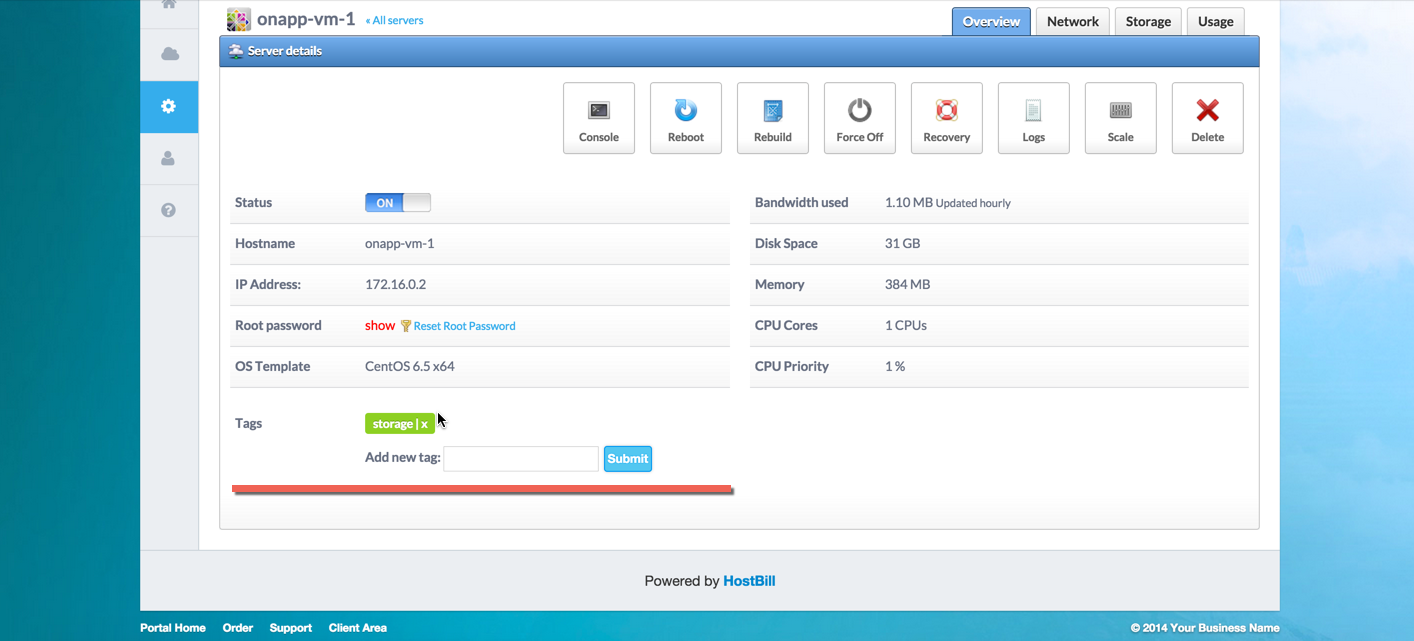
Thanks to HostBill integration and extensive list of features, your customers will have the ability to fully manage and track their resources. HostBill will enable your clients to control their VM power state directly from billing portal and access its VNC console from the browser. VM can be easily rebooted into recovery mode with one click from client portal. The VMs created from HostBill can be scaled by customer within available resources or can be autoscaled with scaling rules applied to the VM thanks to autoscalling capabilities. Clients can also choose to rebuild deployed VM from client portal at any given moment. Other client features include ability to assign IP addresses from the pool of resources to the virtual machines, attach/detach network interfaces to the VMs, add/remove disks to the VMs, within cloud quotas defined in hosting package; create/destroy and revert backups and manage backup schedules; manage their reverse DNS entries and Firewall rules directly from HostBill interface.
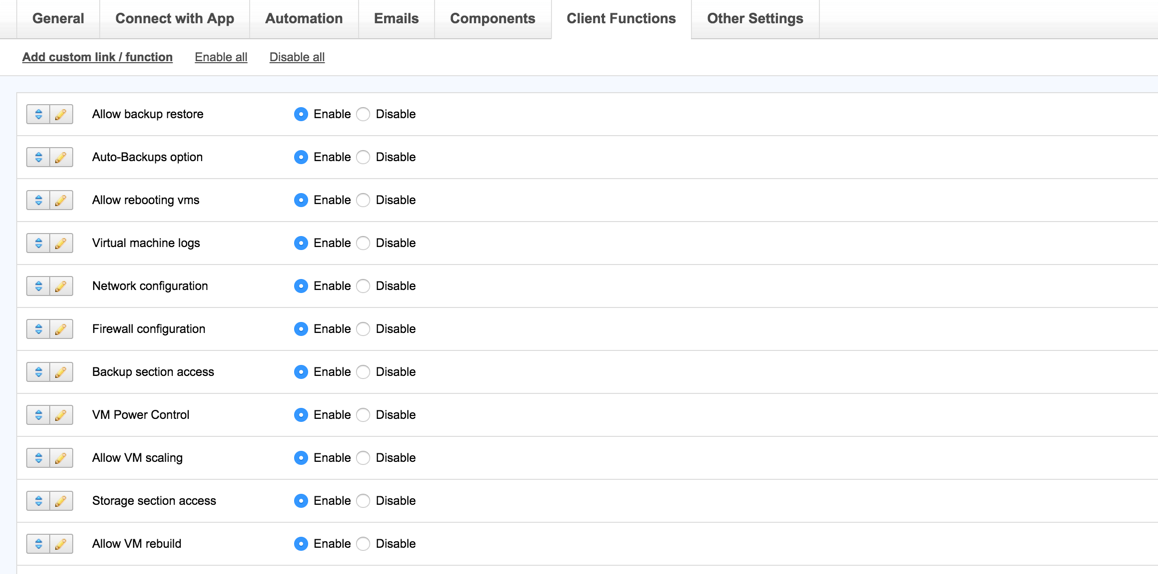
Your staff will have full control over client area features and will be able to manage client cloud - start/stop/remove client VMS from admin portal and track metered/flavor usage. HostBill will also automatically provision/suspend/unsuspend/terminate your OnApp-based accounts when needed.
Note: Current module supports only OnApp 6.x, if you use lower version, you can still order v5 module here