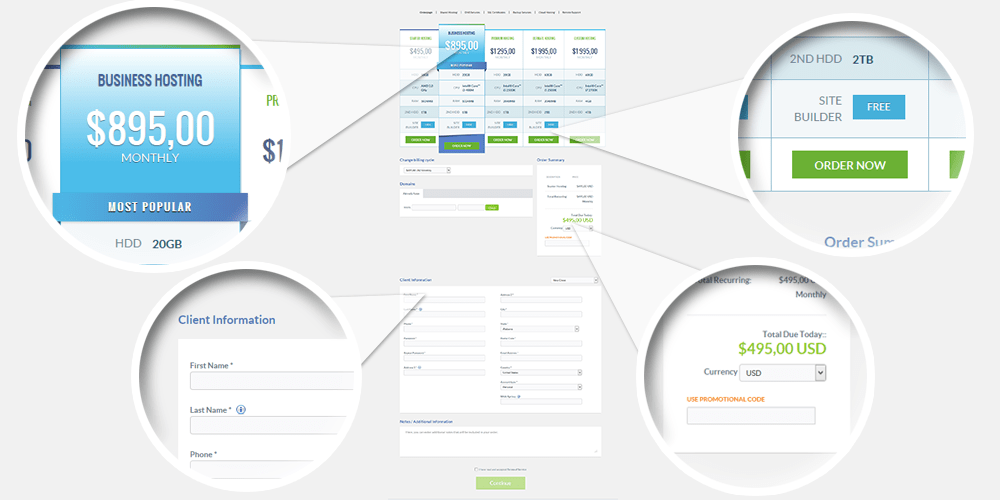
Not only a beautiful design but also unique features of our order pages keep the ordering process straightforward and hassle free. With over 50 orderpages designed specifically to increase your conversions and built using the latest technologies with innovative yet intuitive ways to present products, you can easily find the one that suits your business.
You can choose one template for all products or different ones for different order pages from a range of default order pages that come with Hostbill. You can also order one of our exclusive premium order pages or have a custom order page built by our specialists to suit your marketing goals.
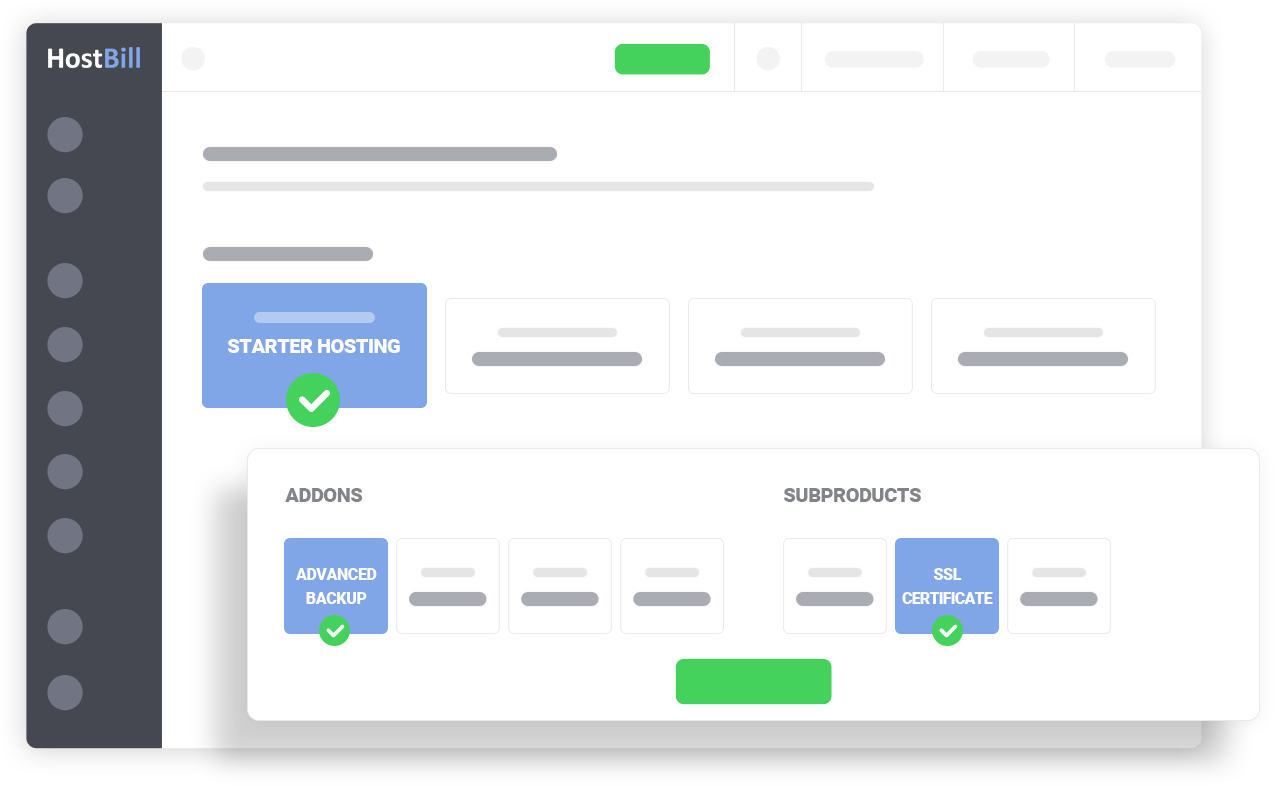
HostBill’s multiple product configuration options allow you to easily sell virtually any product or service and give your customers more control over package during signup stage to reduce pre-sales questions and keep orders maintenance to minimum.
Each product or service in HostBill can consist of unlimited number of components and can be presented using our flexible configuration options.
HostBill Forms enable you to create intuitive way for your customers to adjust package specification during singup, with multiple features, including:
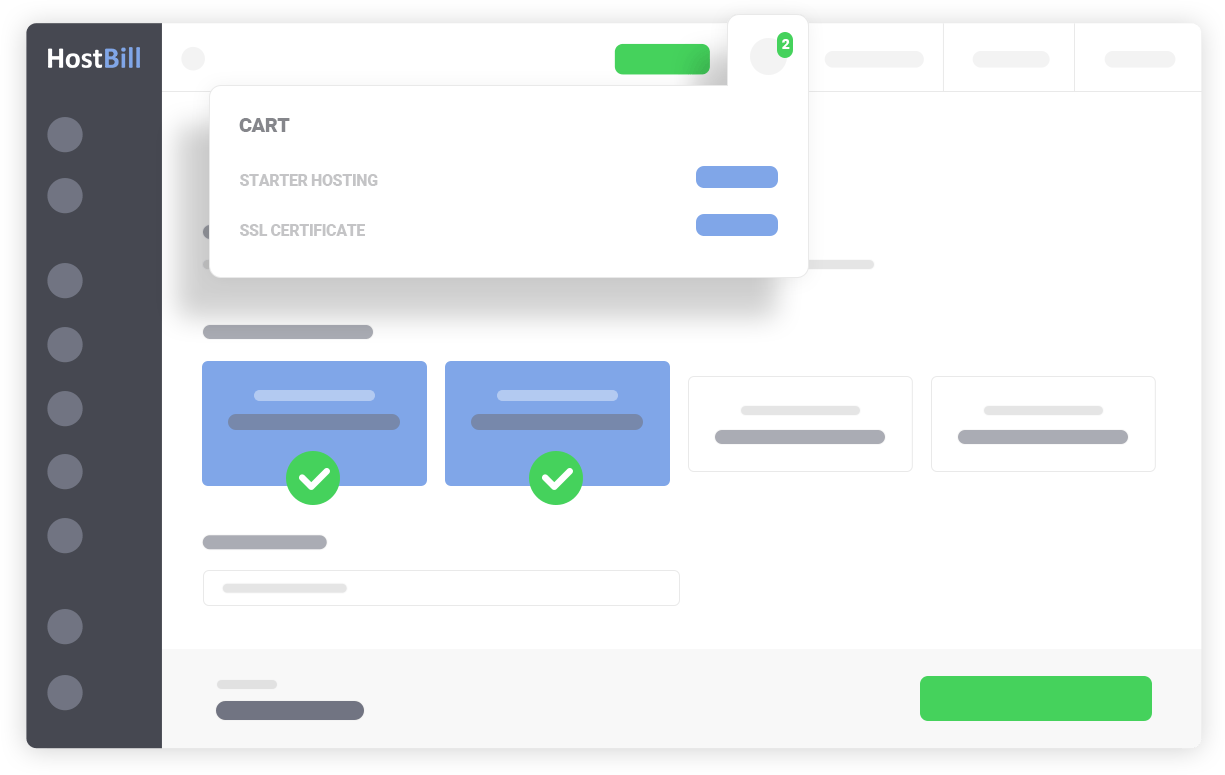
Choose what’s best for your business model: sell more at once - allow your customers to build multi-item orders or stick to the standard model single category checkout. Multi-cart model enables your customers to put more than one item from various categories into the shopping cart. HostBill Client area includes small widget on each page that can be used to check cart content, adjust already added items and proceed to checkout when ready. Best part of this feature - you can mix amazing HostBill order pages together!
Built with Web Hosting market in mind, standard single category checkout model is the fastest way to get the client from selecting the product to checkout, where the client picks the category, selects the product and configures it, provides billing details, selects payment method and proceeds to checkout all at once.
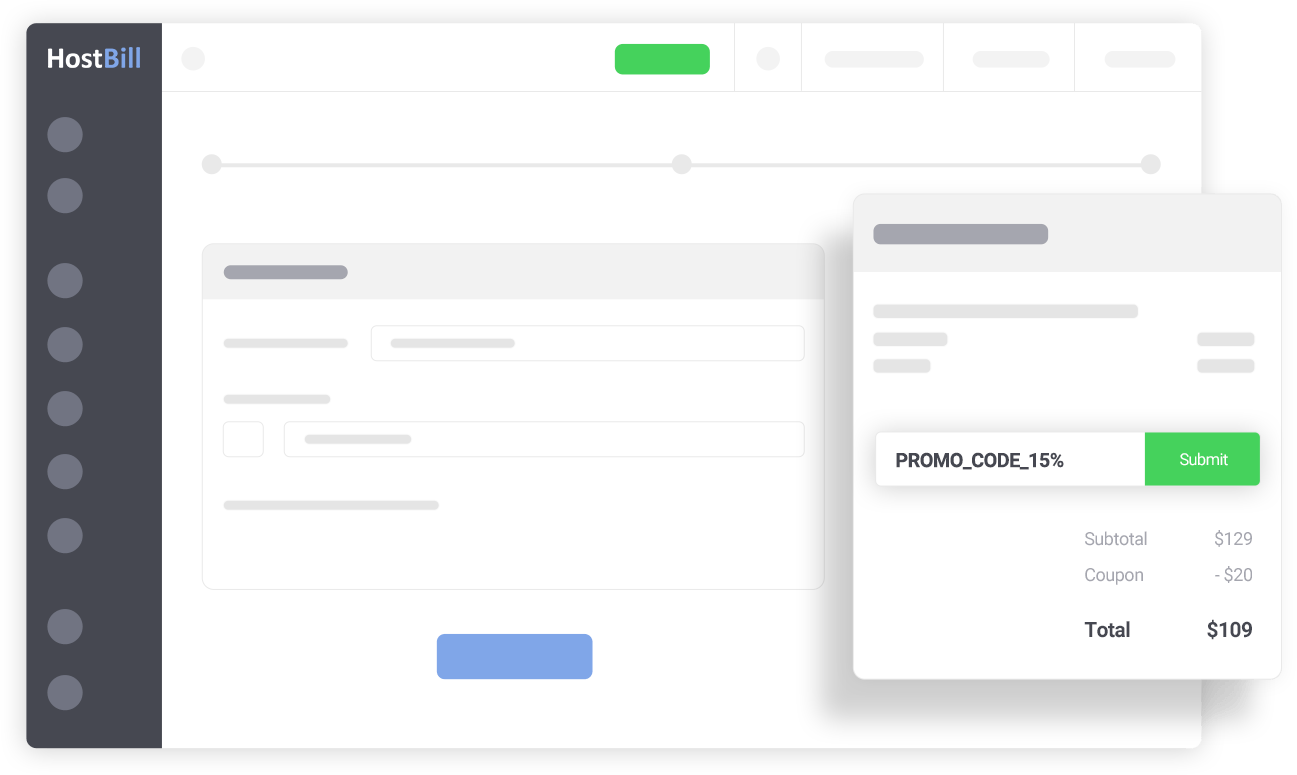
HostBill gives you the opportunity to generate and distribute promo codes to your current and new customers to drive engagement and boost sales. You can offer your customers a fixed amount or percentage discount for all or selected products and services in your store. Manage discounts to be valid to only new or existing customers or selected customer groups.
Create the first line of defence against fraud to protect your business from costly chargebacks with HostBill built-in fraud protection features and third party extensions. Reject fraud before it hits payment gateway and eventually your pocket.
Increase your sales, gain more traffic and improve search engine rankings by introducing affiliate program with built-in, feature-rich HostBill solution.
HostBill affiliate features allow you to create unlimited commission plans,with various commission rates depending on service billing cycle and/or price; enable recurring commissions; use affiliate vouchers feature to generate coupon codes giving discounts to the referred sign-ups and much more.
The solution is fully automated making your affiliate program a hassle-free part of your business.