HostBill will take care of automatically billing your customers and collecting payments for specified products or services on a pre-scheduled periodic basis. Customize the billing cycles to suit your business (weekly, monthly, annual or any other cycle) and maintain customer relationship with automatic messages, thank you notes and more!
HostBill offers vast array of billing cycles to perfectly match your business needs:
HostBill comes with the support of more than 100+ payment gateways which are included for free to help you get paid on time, whether it’s by automatically charging client's credit card on file through merchant gateway or sending PDF invoice with a link to the payment gateway.
Browse available integrationsIf you think that acquiring new customers is a tedious process that cannot be automated – think again! Our automated quote generator in a simple way lets you use amazing HostBill orderpages to attract potential customers, without revealing prices. Prepare a quote, send to a potential customers, attract them with your offer and professional template - turn leads into deals. With HostBill you're just one click away from converting quote into invoice.
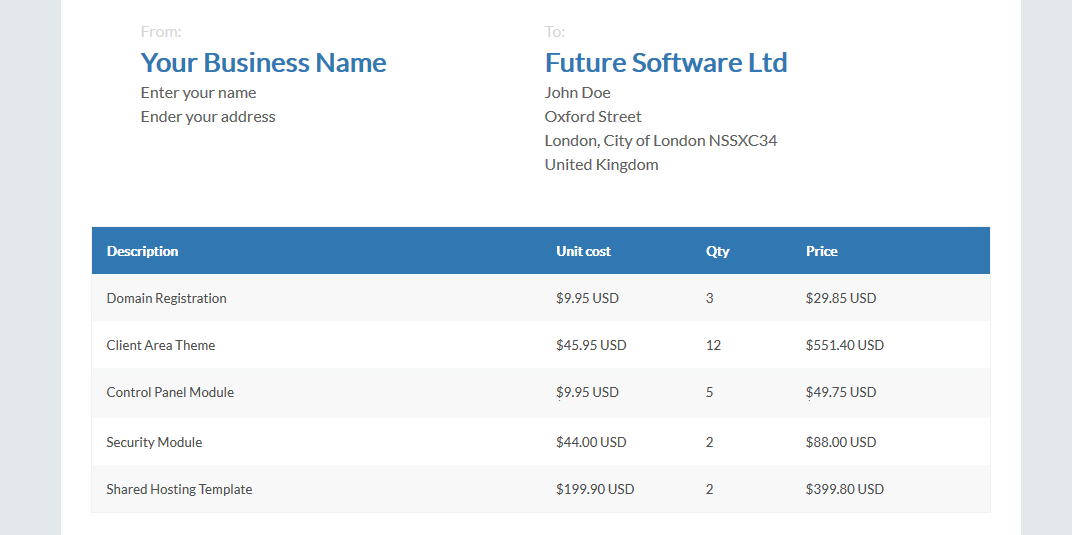
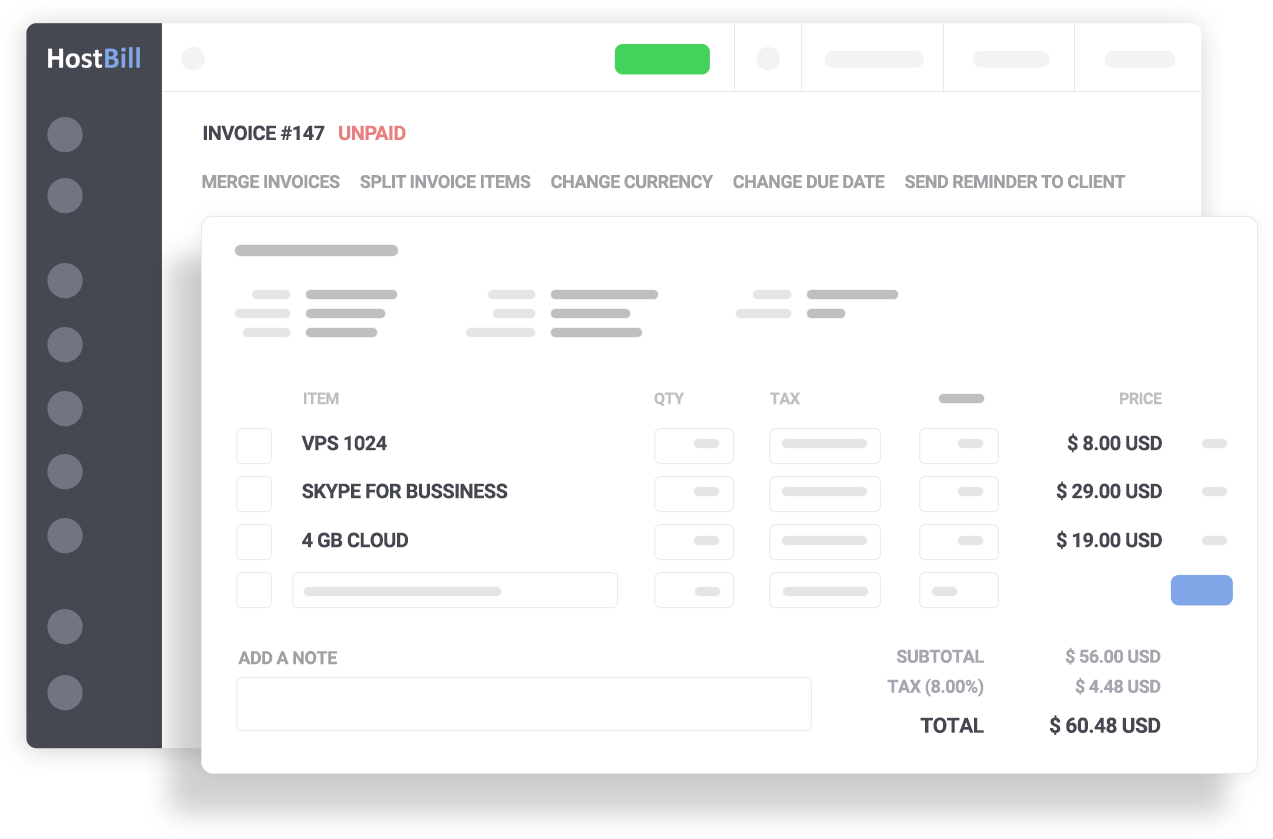
HostBill invoicing system offers a range of sophisticated options that will help you to create and send invoices in a quick and easy way, automate routine tasks and ensure smooth and secure payment collection. With HostBill you can easily create and automatically send recurring invoices, with a flexible tool to define schedules and frequency. Apart from regular invoices, you can create separate documents for pro-forma invoices, credit notes or credit receipts. HostBill ensures automated invoices merging, generation and delivery delays.
Invoices created in HostBill can be easily customized to reflect your brand style, from adding the logo to setting invoice numeration sequence and defining invoice format and prefix. HostBill also gives you the opportunity to create invoice with two different currencies and in two different languages on one invoice.
Running multi-branch business puts entirely new challenges on your billing department: using different currencies and taxation rules. HostBill tackles this problem with its features – automatically updated currency exchange rates and multiple tax rules/levels – just to name the few.