2012-03-12 Changes:
- Added: Module: OnApp CDN - Metered billing capabilities - customer can be billed monthly for traffic used [03-05-2011]
- Added: Module: OnApp - Client can now manage his OS templates created from backups directly from client interface [03-09-2011]
- Added: Module: OnApp/OnApp CDN - Invoices can now be generated each week for metered usage [03-09-2011]
- Fixed: Module: OnApp - if more than one hypervisor zone is available for customer it may occur that wrong hypervisor will be picked during VM creation [02-29-2011]
- Fixed: Module: OnApp - upgrading free resources in metered plan fails [02-29-2011]
- Fixed: Module: OnApp CDN: Failure on Edge Resource creation do not report any error to interface [03-12-2011]
2012-02-24 Changes:
- Changed: Module: OnApp - Its now possible to set resource pricing for virtual machine powered off with metered billing preview [02-13-2011]
- Changed: Module: OnApp Reseller - its now possible to use zone names instead of ids to limit reseller access [02-13-2011]
- Added: Module: OnApp: Resource pricing in OnApp billing plan is now set to corresponding values in HostBill metered table [02-14-2011]
- Fixed: Module: OnApp: Improved error reporting for json api calls returns [02-20-2011]
- Fixed: Module: OnApp: Wrong monthly bandwidh usage shown in clientarea [02-23-2011]
2012-02-09 Changes:
- Added: Module: OnApp Reseller - http://hostbillapp.com/features/apps/onappreseller.html
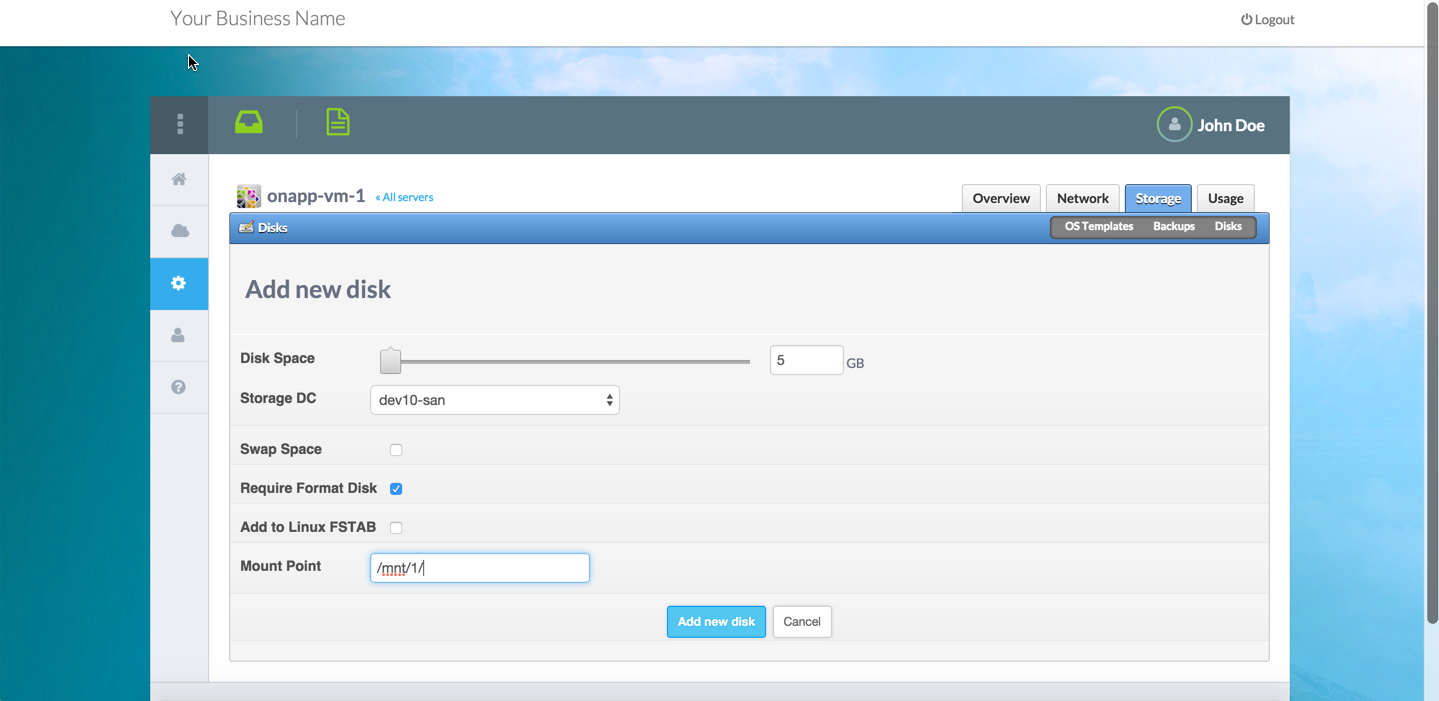
- Added: Module: OnApp - Additional option in storage tab to determine whether disk should be resized on package upgrade
- Fixed: Module: OnApp - Memory usage value is wrong in client service listing
- Module: OnApp - Port speed slider maximum is set higher than resources available
- Fixed: Module: OnApp - Recurring price for accounts with form elements resets to fixed fee
- Fixed: Module: OnApp Addons - Unable to create addon resources with multiple network/hv/storage zones selected
2012-01-12 Changes:
- Added: Module - OnApp: Client can now enable/disable autobackup during virtual machine creation
- Fixed: Module - OnApp: Client is unable to remove backup from interface
2012-01-04 Changes:
2011-12-28 Changes:
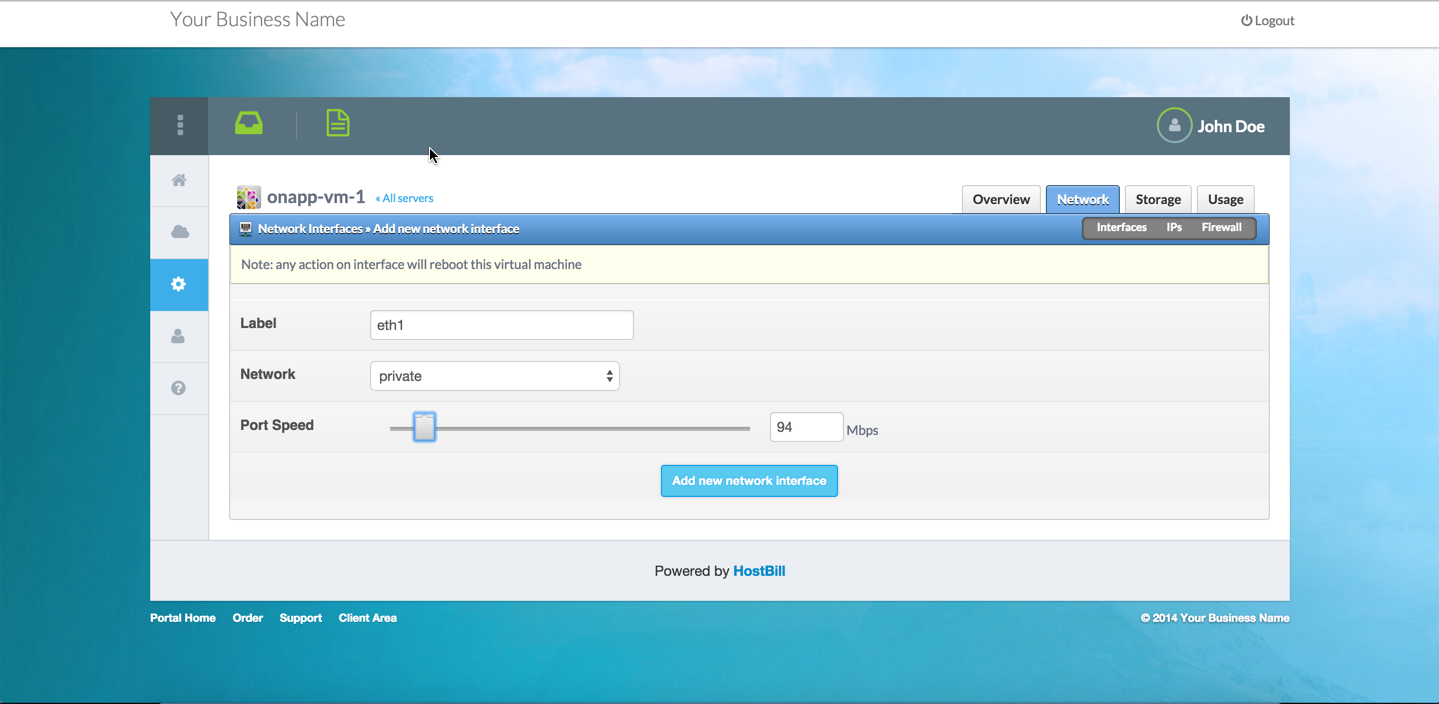
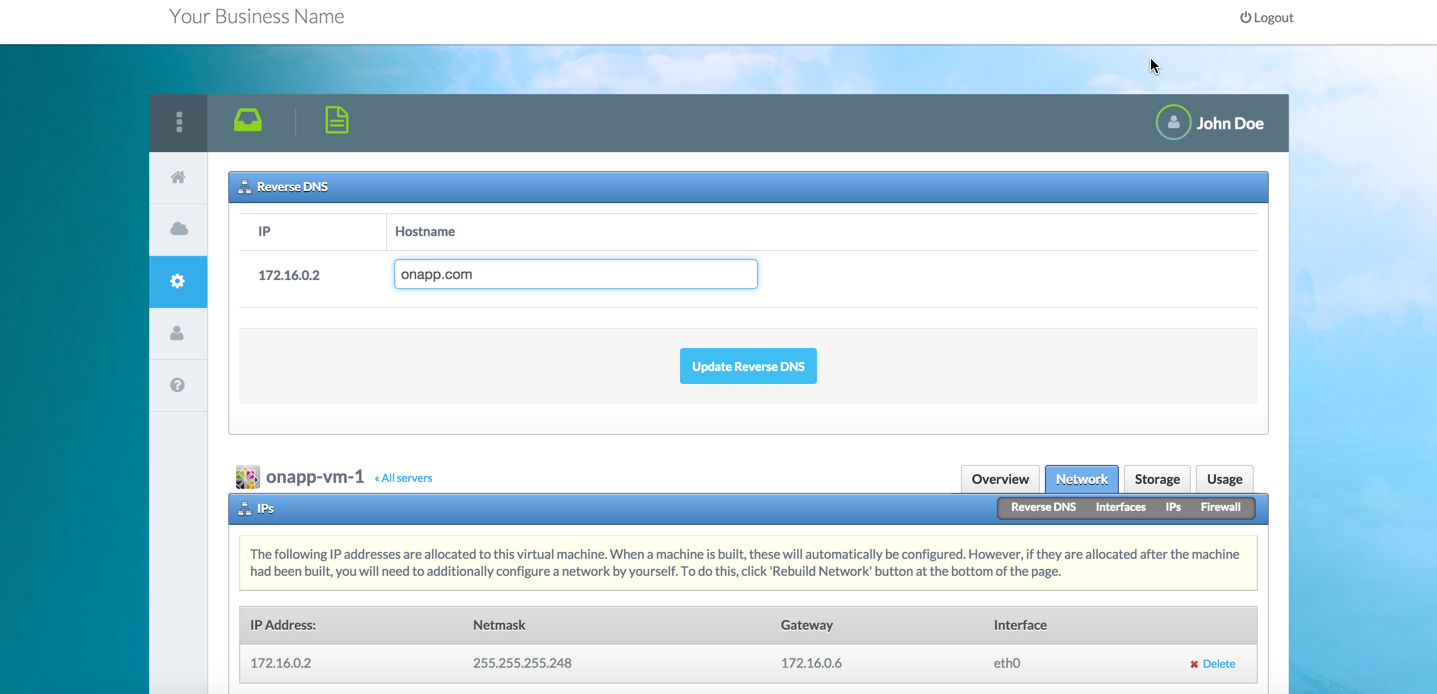
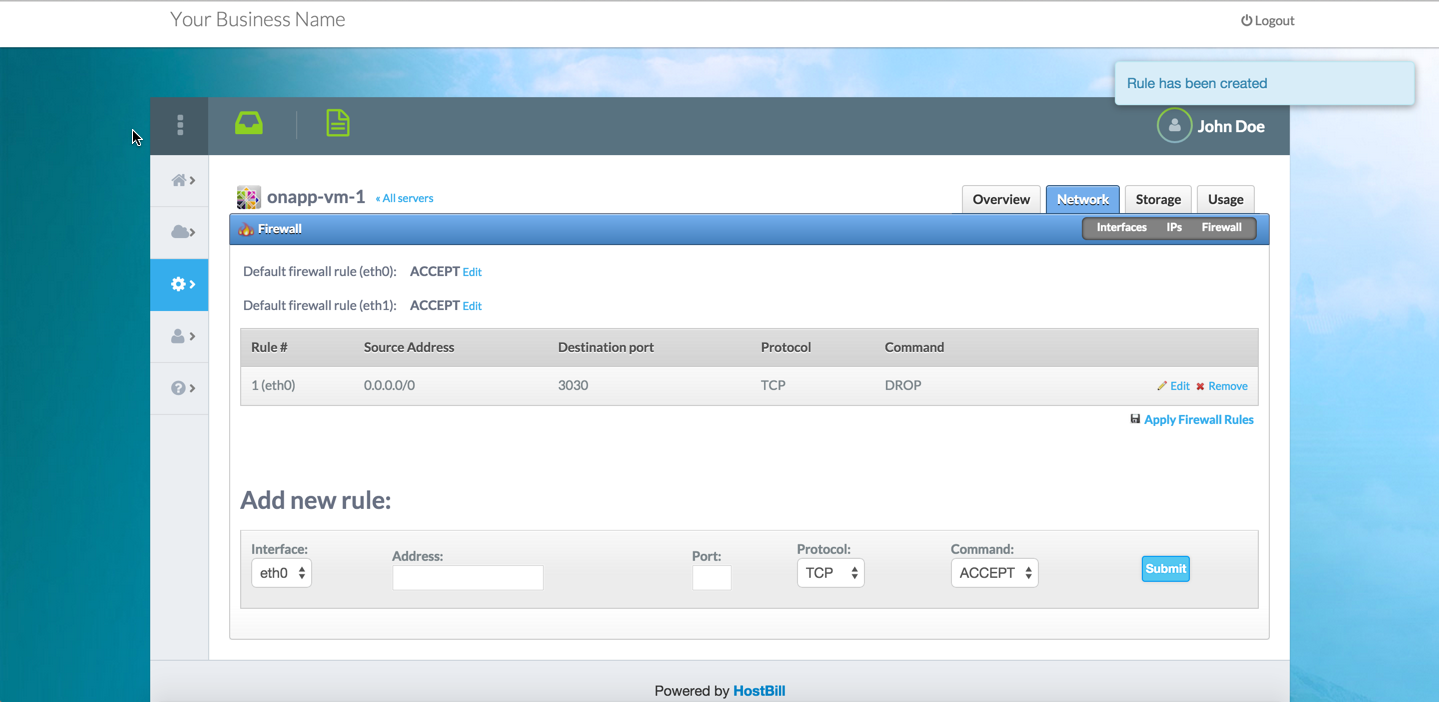
- Added: Customers now can fully manage their network interfaces from HostBill clientarea: learn more
- Added: Customers can rebuild network directly from HostBill clientarea
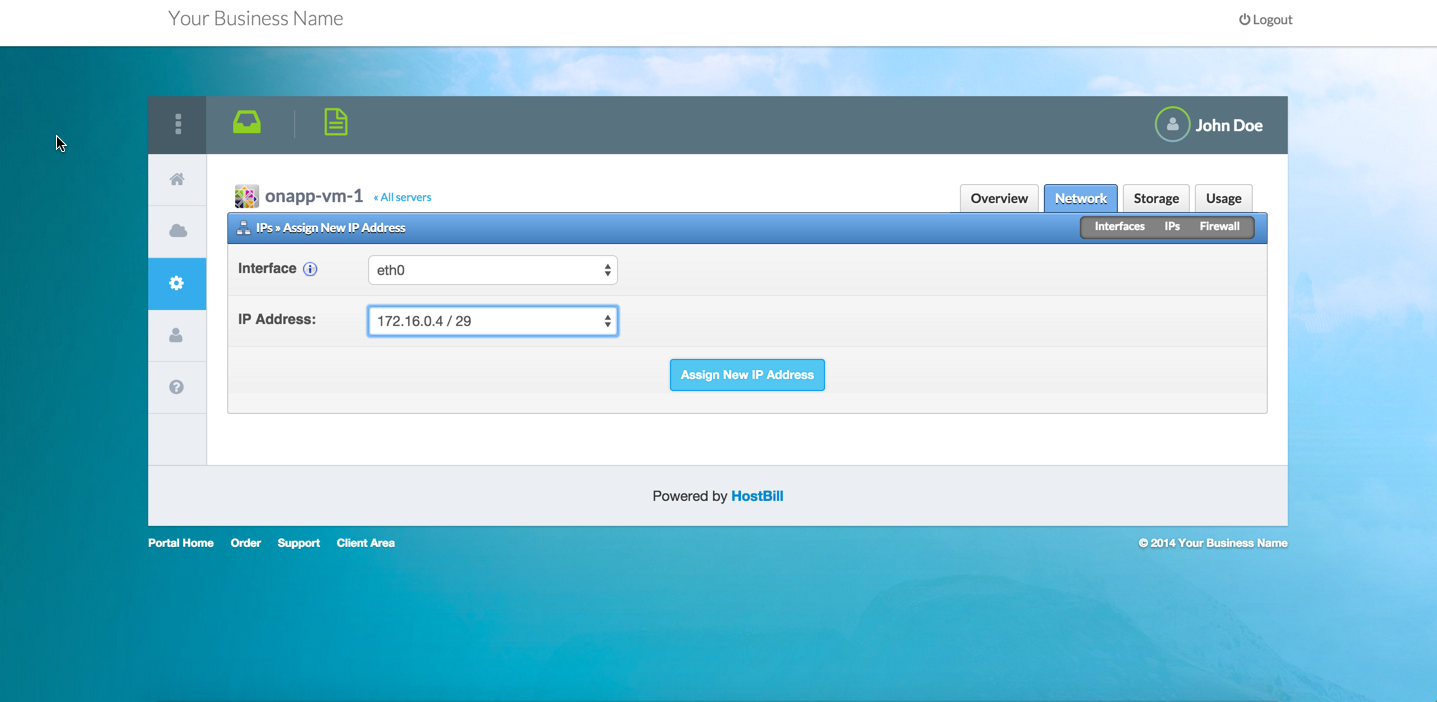
- Added: Client can now choose network interface when assigning IP address to VPS
- Added: When adding IP to vps, customer can now select IP address from available addresses
- Added: "Set template pricing" option now filters templates fetched/updated from onapp based on selected template group
- Added: Additional IP addon now can be configured to turn auto-network rebuild off/on after assigning IP to VM
- Added: Users are now created in OnApp with time-zone related to their country in HostBill
- Added: Network interface name on IP address listing
- Fixed: disk_limit and bw_limit variables do not work in OnApp welcome email
- Fixed: Missing translations in clientarea after fresh module install
2011-12-21 Changes:
- Added: Security - Additional CSRF security prevention in clientarea
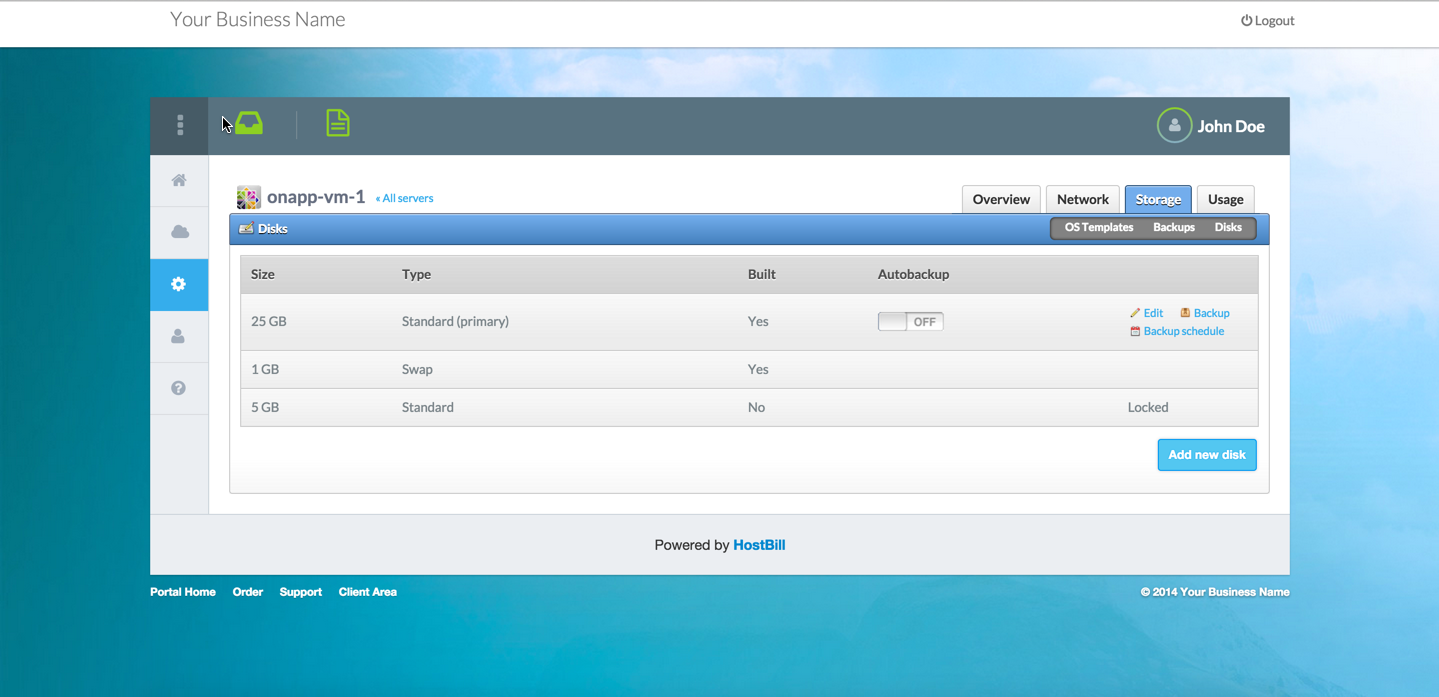
- Added: Client now can convert backup into template to use with new Virtual Machines
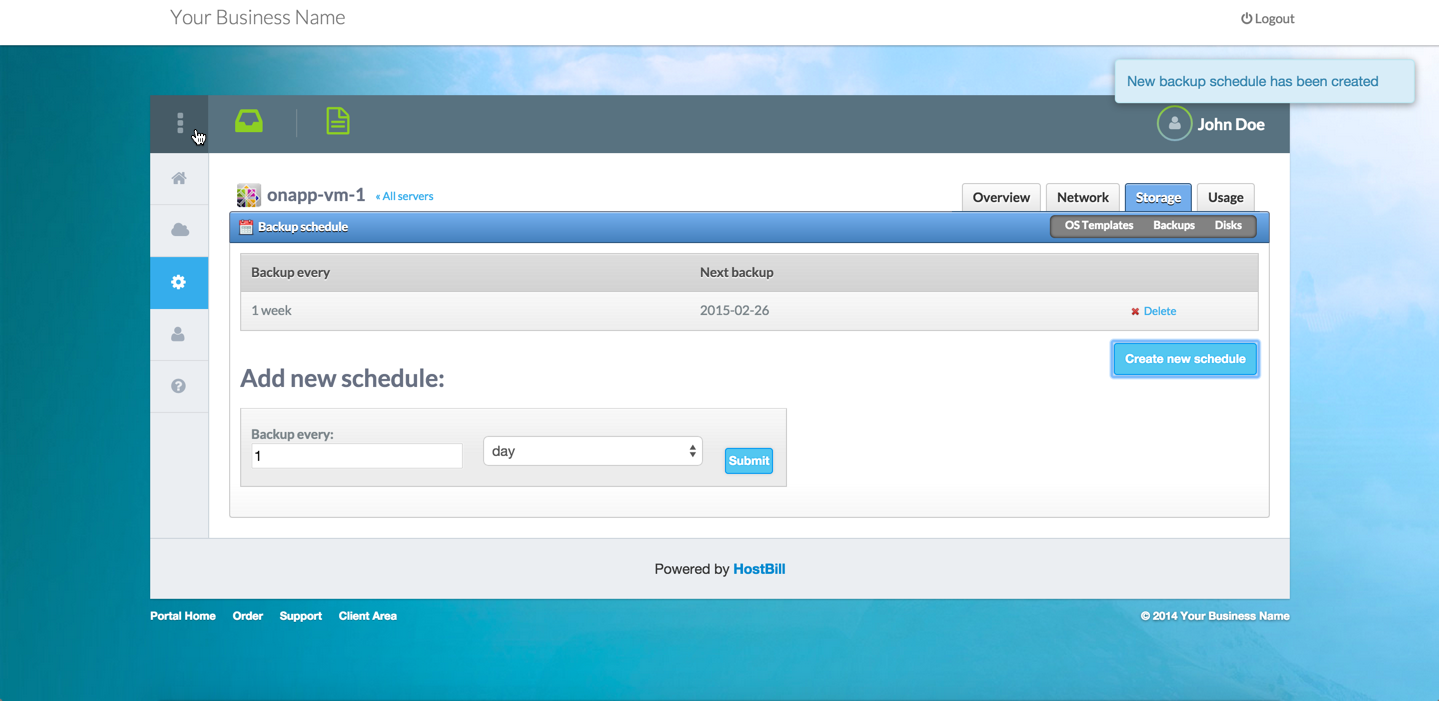
- Added: Client now can schedule his own automated backups (only if user role has schedules.*.own enabled)
- Fixed: Security - Its possible to preview other Virtual Machine's firewall rules
- Fixed: Resource downgrade with slider allows to set resources below minimum configured in Forms
- Fixed: When creating new account disk usage, ip address and memory usage is not displayed
- Fixed: Its not possible to use all available CPU Priority during VPS edit
- Fixed: Virtual Machine lists in adminarea shows all machines if account status changed from Pending->Active without using "Create"
2011-12-14 Changes:
- Fixed: Module OnApp: Autoscaling configuration is not applied in onapp once edited by customer in HostBill
- Fixed: Module OnApp: Account creation on multiple clouds may fail for cloud packages due to Hypervisors:nil error
- Fixed: Module OnApp: Auto-Upgrading single VPS to higher plan with more cores fails
- Fixed: Module OnApp: Scale (Edit VM) screen do not allow CPU cores upgrade within limits given
- Fixed: Module OnApp: Scaling VM dont work with CPU shares set to maximum
- Fixed: Module OnApp: Its not possible to set resource limits to 0 during downgrade using forms
- Fixed: Module OnApp: When VM is off metered billing values are still updated as used
2011-12-05 Changes:
- Added: Cloud selector for providers with more than one cloud - learn more
- Added: Clientarea texts can now be easily translated in Adminarea->Settings->Language settings->[clientlang]->Section: onapp
- Fixed: Automated disk resize when upgrading / downgrading single VPS package
- Fixed: missing metered billing email templates afer fresh install
- Fixed: Resources upgrade issue - for cloud package when upgrading package with sliders applied
- Fixed: Resource upgrades header appears without sliders enabled
2011-11-30 Bugs fixed:
- Port speed/rate slider do not work, limit is set to 0 causing VM creation to fail
- Os templates appear in resource upgrade/downgrade section in clientarea
- Missing "refresh" button next to vm status
- Link to delete in single VPS section should read "Cancel VPS"
- Package upgrade is not possible if there are also sliders applied
- When there are no template sets returned from OnApp, product config returns error
2011-11-23 Changes / New features:
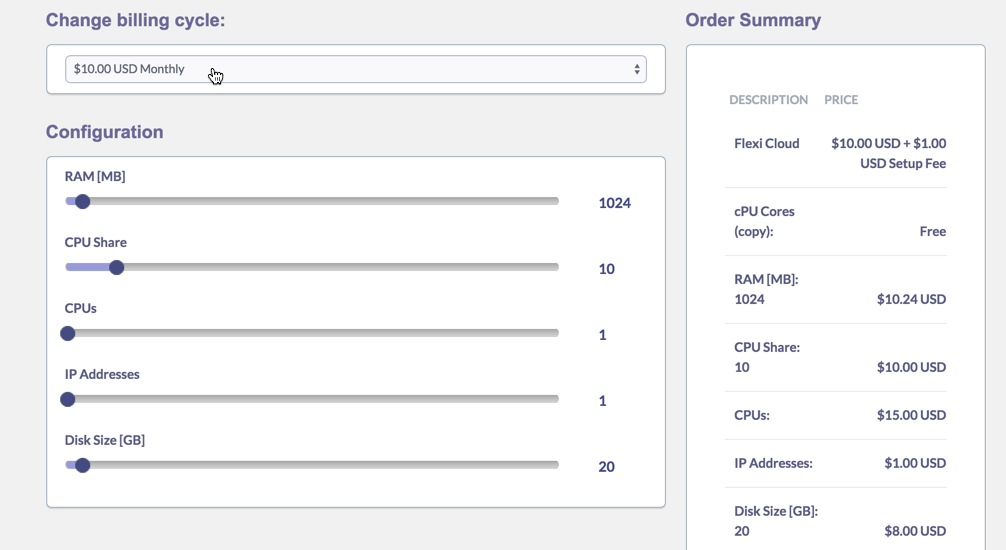
- Added powerful metered billing model to track and bill hourly usage of client resources
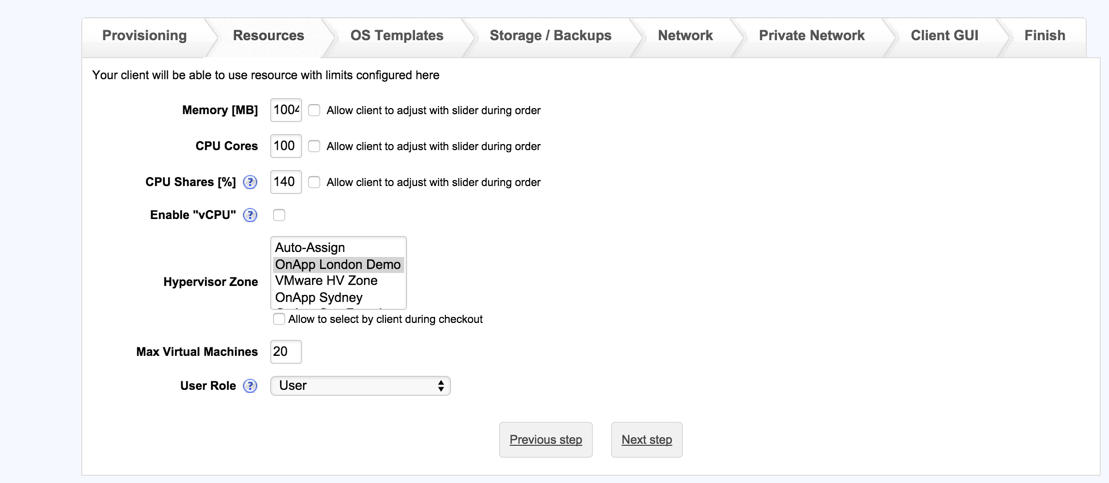
- Its now possible to limit: Hypervisor Zone, Template group, Network Zone, Data zone for newly created machines
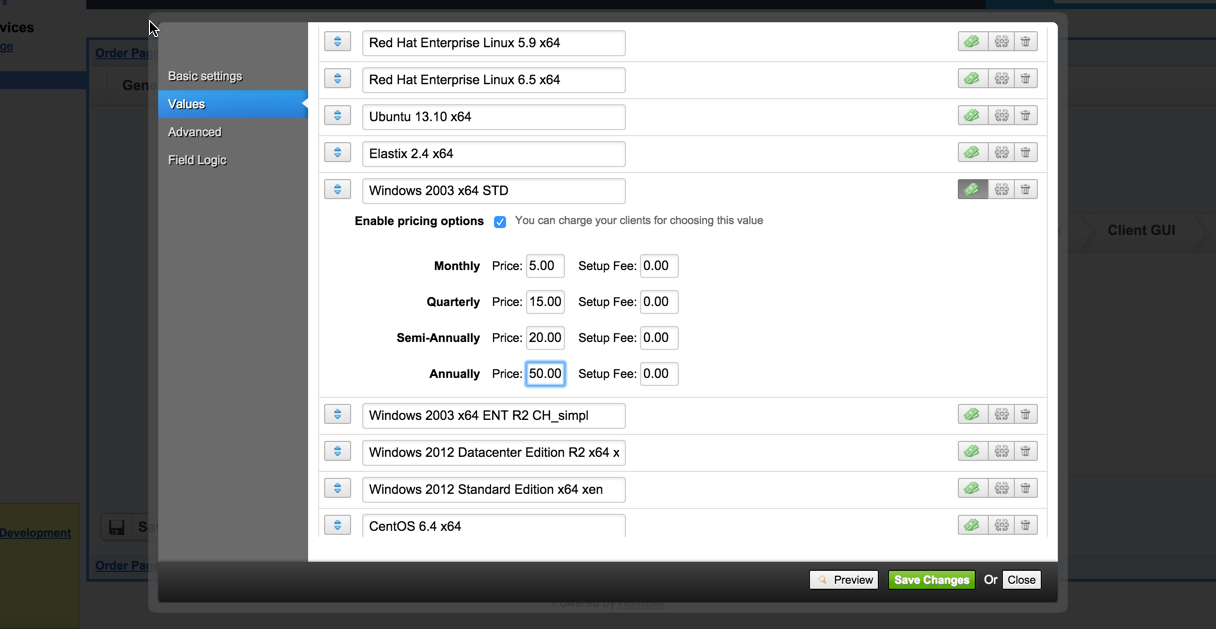
- Its now possible to let client choose HV zone and Data store zone during signup (also to add price to each zone)
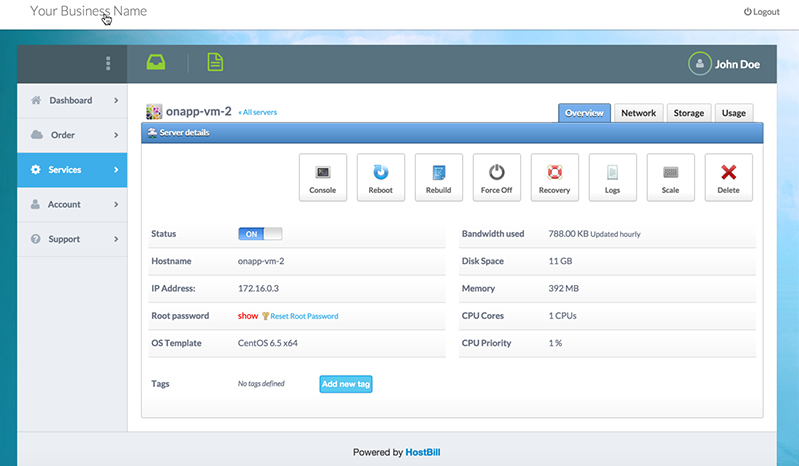
- Rebuilt clientarea theme with more user-friendly GUI
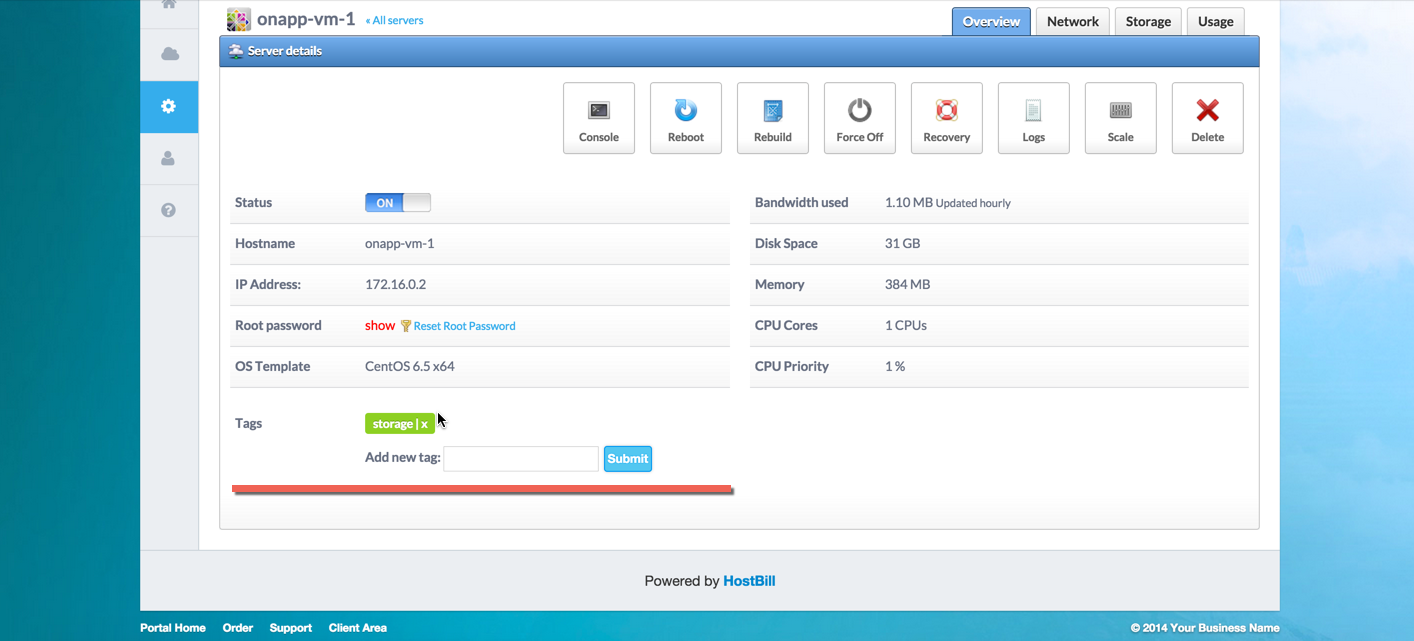
- Client can now reset his root password from clientarea
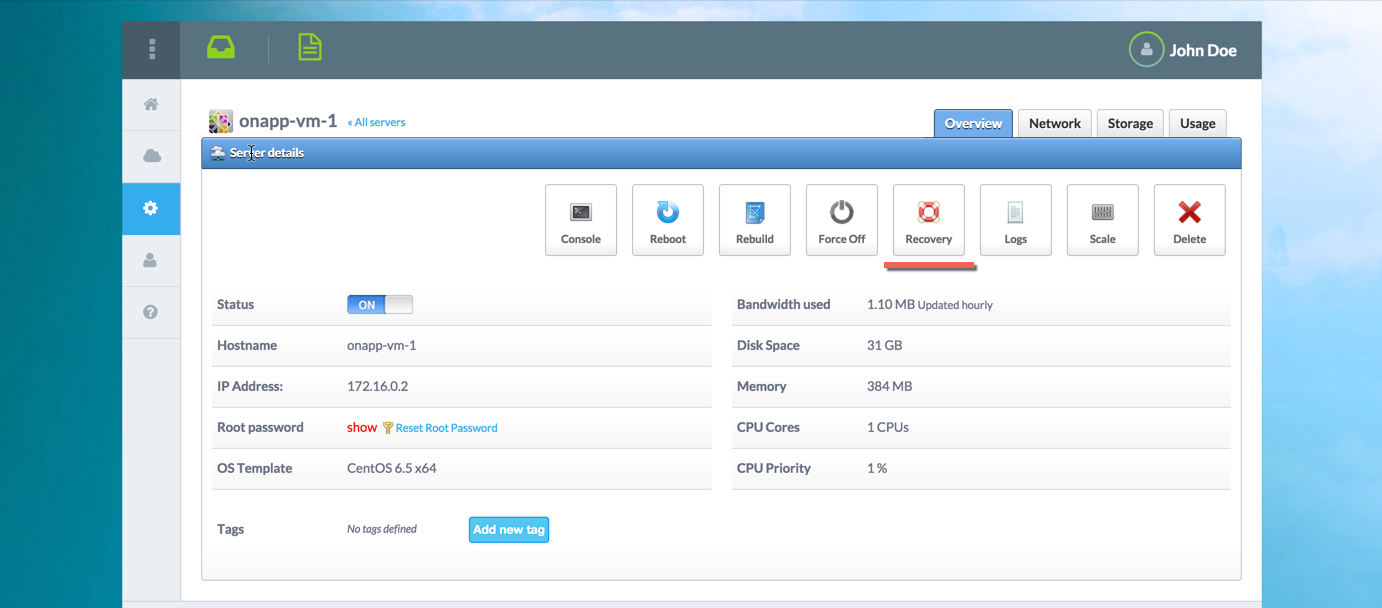
- Added option to reboot Virtual Machine in recovery mode
- Added option to startup VM in recovery mode
- Custom accounts listing in adminarea with resources (disk/memory) usage bars
- Client can upgrade/downgrade single resource using sliders
2011-11-23 Bugs fixed:
- Cloud Hosting Plan with 60% CPU share allows to create accounts with 40% CPU priority, no more
- After adding new templates to OnApp its not possible to update OS Templates Form element in HostBill
- Its not possible to create firewall rule with empty IP address
- Resource addons (disk/ip/bandwidth/backups) fails to create under OnApp 2.3
- FreeBSD templates are not displayed during Virtual Machine creation
- Tax is not charged when using Paid OS templates
- HostBill creates multiple copies of same billing plan under OnApp 2.3
- Terminating account invokes stop & destroy, which may lead to termination fail
- Client language is not passed to OnApp when provisioning new account
- After creating IP addon additional IPs are not assigned to Virtual Machine
- When upgrading account with sliders applied resources limits are set to 0
- When autocreating VM with windows template disk size is reduced by 1
2011-09-14 Changes / New features:
- Fixed: Used CPUs are not being considered when creating new VM for "Multiple machines" account
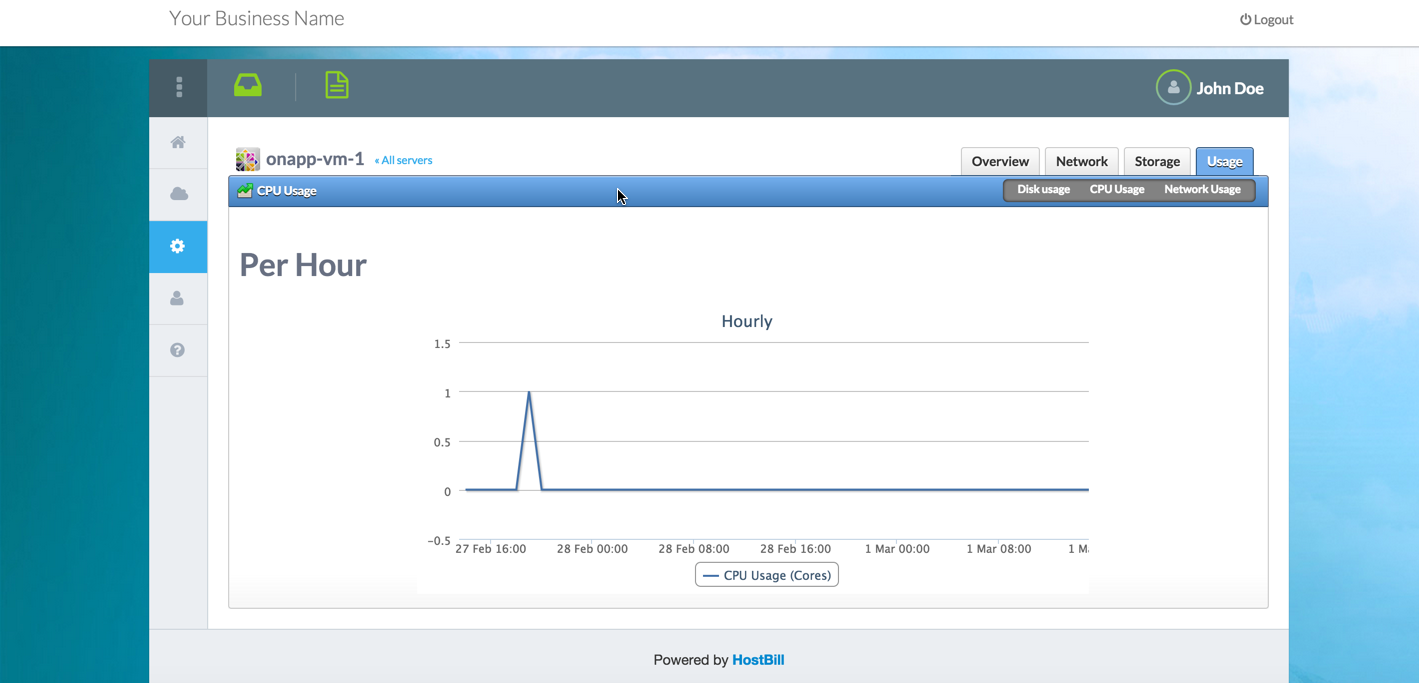
- Fixed: Network and CPU usage graphs are now loaded asynchronously to fix big loadtime issue
- Added: When creating new client account HostBill will set OnApp locale to match HostBill client language
- Fixed: Monthly bandwidth usage KB/MB issue
- Added: Client can now update his resources using sliders from clientarea, without upgrading whole package
- Added: Form: Slider for data sent / hour [GB]
- Fixed: IP address assignment dont work in OnApp 2.2
2011-08-11 Changes / New features:
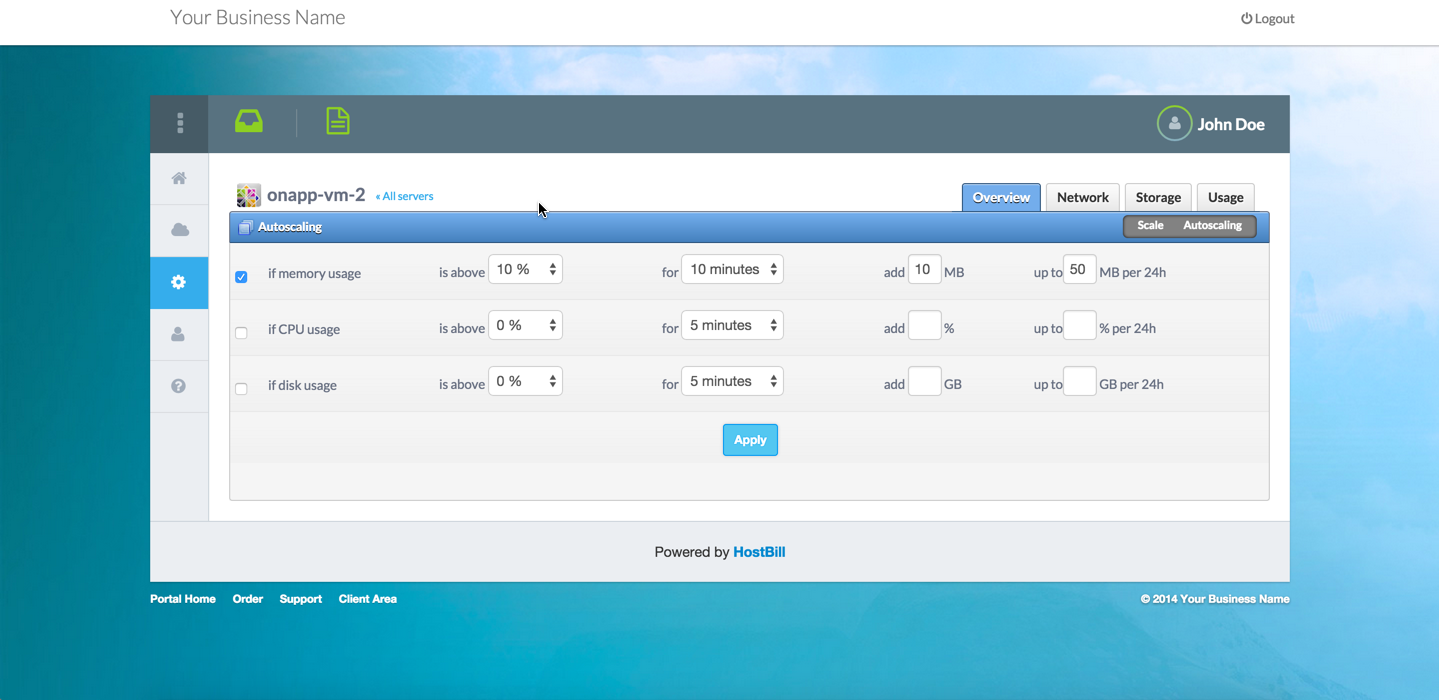
- Added: Autoscaling VM - option for cloud customers can be enabled in products, allowing them to manage their autoscaling settings
- Fixed: Network and cpu graphs are not displayed with large amount of data returned from OnApp
- Fixed: When autocreating VM with windows template disk size is reduced by 1
- Fixed: Upgrading package with forms applied (sliders) set related resource limits to 0.
2011-07-20 Changes / New features:
- Added: OnApp Hourly Billing plugin- you can now bill your customers for usued/unused resources in OnApp on hourly basis.
- Added: Module now checks if template of auto-provisioned vm is not windows before assigning swap space to vm.
- Added: Ability to import existing OnApp accounts into HostBill with 3 mouseclicks: Learn more
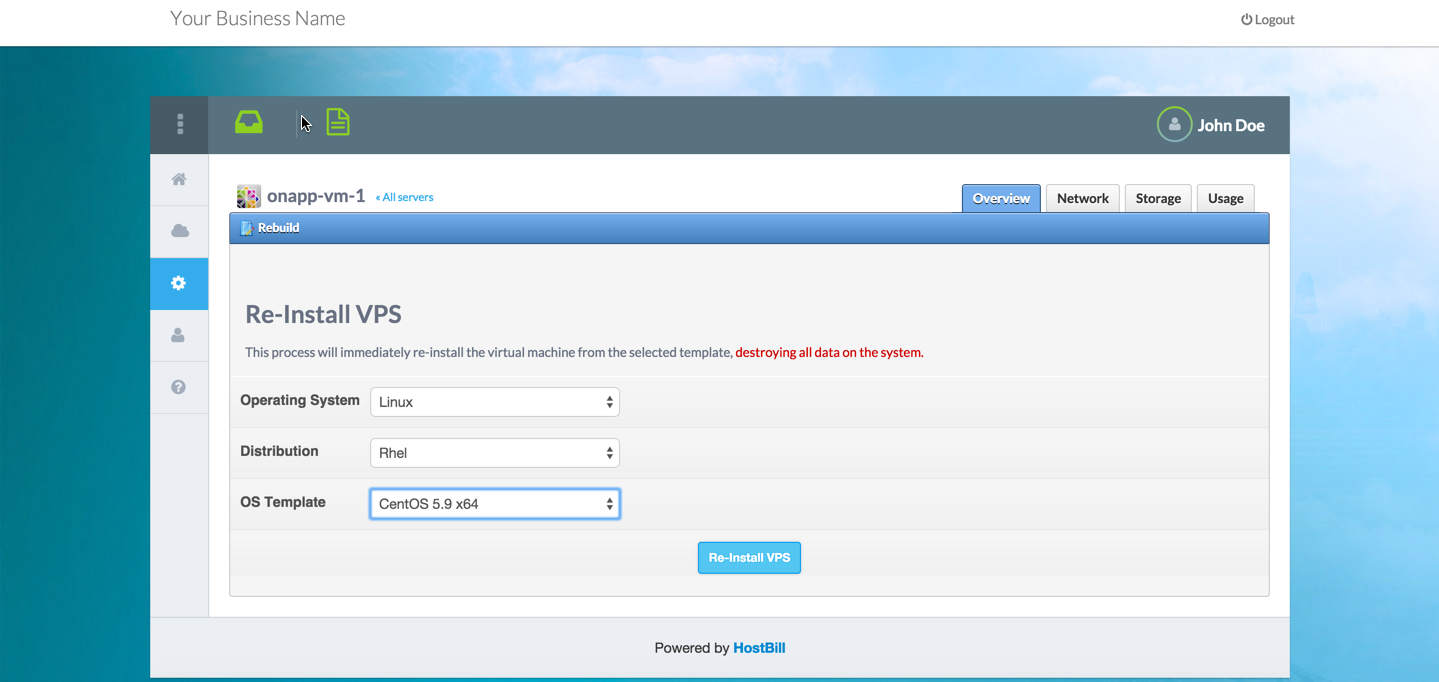
- Added: OS template selection list is split by Operating system/Distribution - preview
- Fixed: Network & CPU graphs dont load with https .htaccess redirection in OnApp
- Fixed: Network graph dont load for big amount data returned
- Fixed: CPU Graph is now working correctly
- Fixed: Windows based template dont show windows icon in clientarea
- Added "auto-assign" for primary network option in products
- Fixed: Billing plans are duplicated when package in HostBill contains at least 1 form element
- Fixed: Issue when creating custom cpu-count resources within fixed cpu-shares limit
2011-06-20 Changes / New features:
- Fixed: Its not possible to terminate user that has been previously suspended
- Fixed: Admin dont see virtualmachines of suspended user
- Fixed: Auto-created vm for "Single machine" product have other root pass than set in HostBill
- Fixed: User custom OS Templates are not listed in clientarea for new VM creation
- Fixed: VM fails to autoprovision when cpu share is less than cpu cores limit in package
- Fixed: Listing IPs in clientarea for vms with more than one IP address assigned bug
- New IP is now automatically assigned after ordering additional IP through OnApp:Ip addon.
- When addon like extra IP is hidden, but assigned to product - it wont display in cart but will be available to order from clientarea
- When customer orders single vps with more than one IP, it will be assigned to his VM automatically
- Assigning new IP address in clientarea now invokes VM Network Rebuild
- Added unassigned IP count in clientarea VM:Ip tab