cPanel + HostBill

The Manage2 module for HostBill allows you to automate procedures related to cPanel license management.
Offer cPanel software licenses from your HostBill as separate product, or sub-product to your VPS/Cloud offer


Overview

Add automatic license activation to your ordering process!

  • Create and sell cPanel Licenses
  • Works grat as a sub-product for dedicated servers

Watch video tour

Client functions

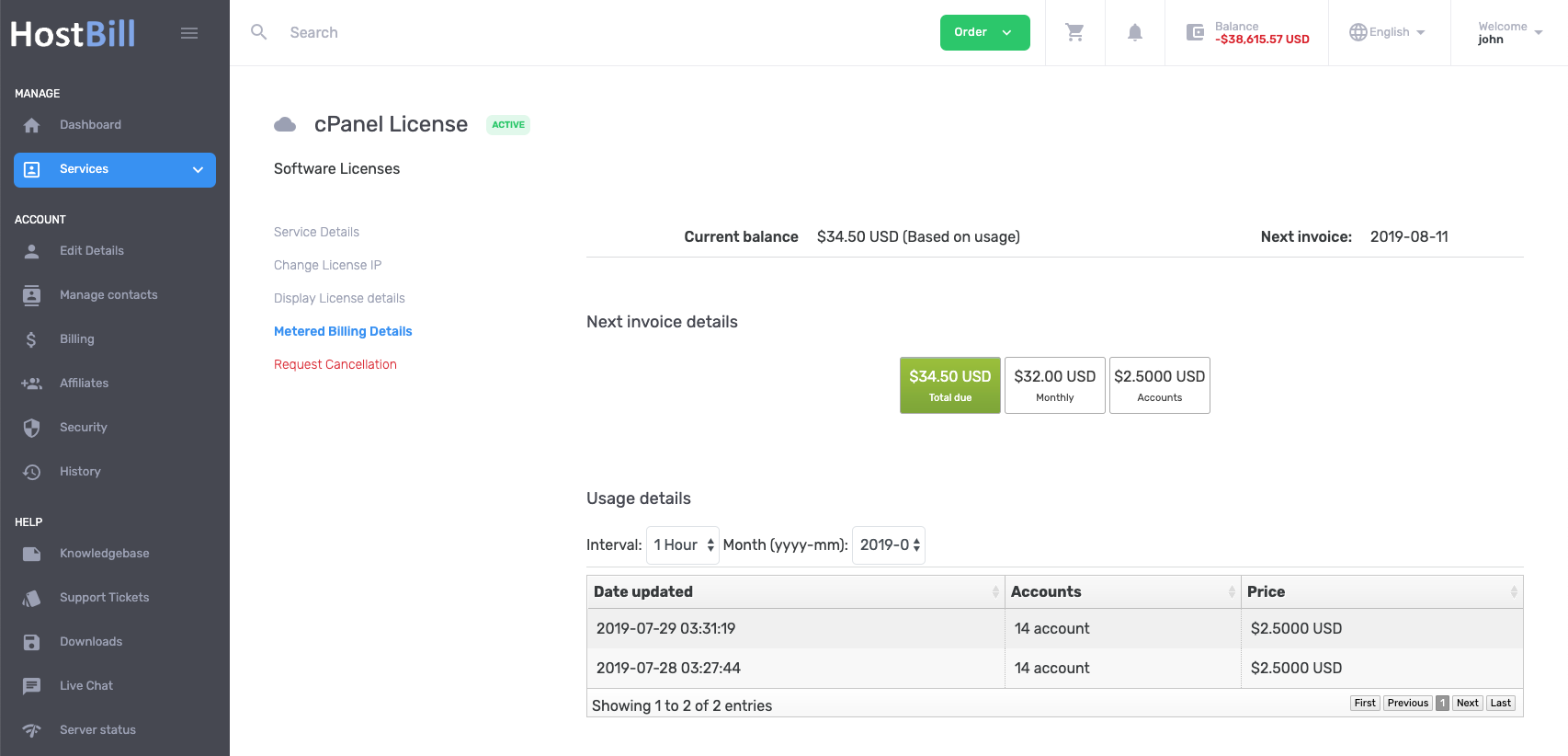
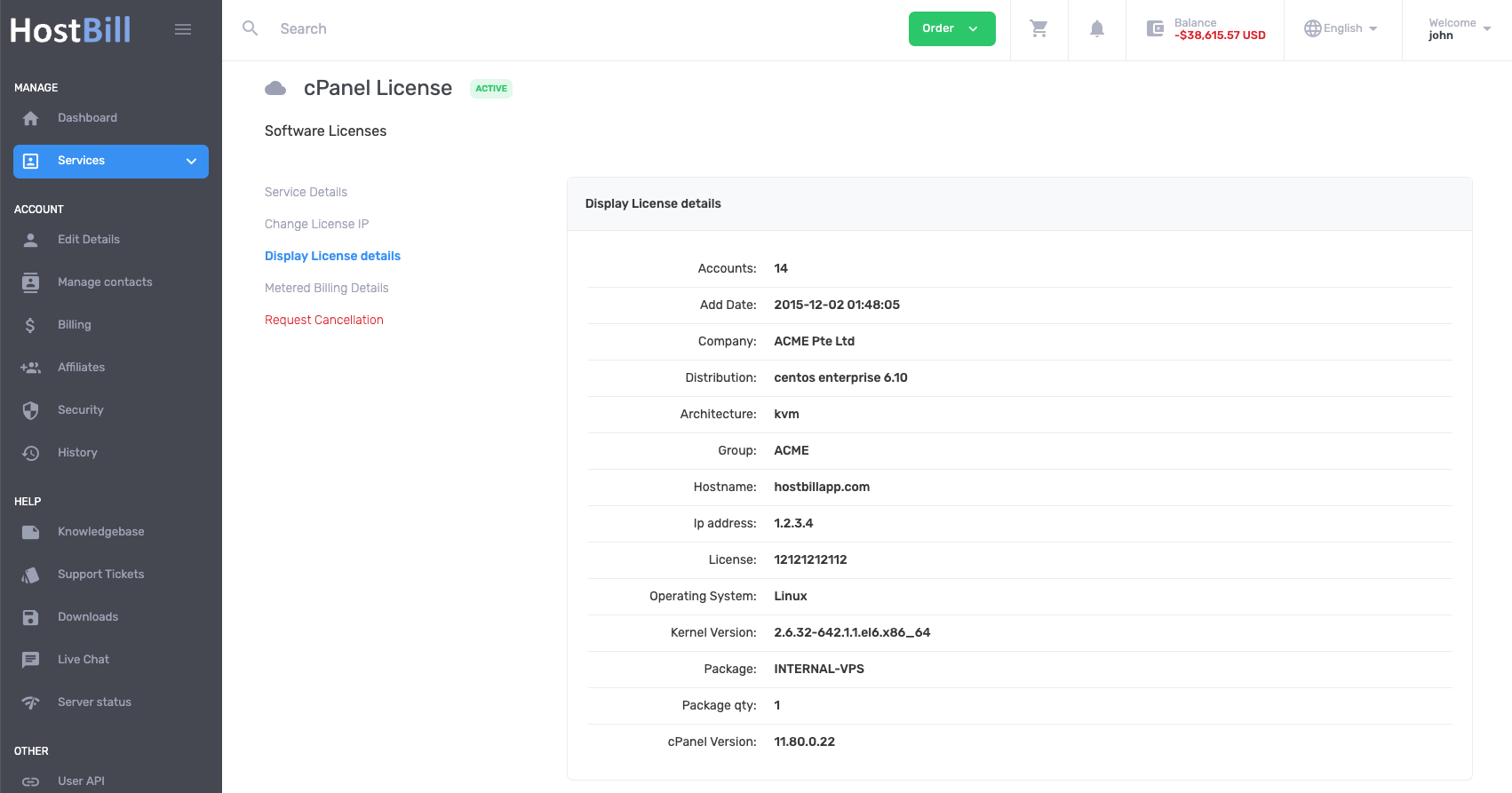
With additional widgets you can give your client control over his license

  • Change license Ip
  • List license details

Watch video tour

Admin functions

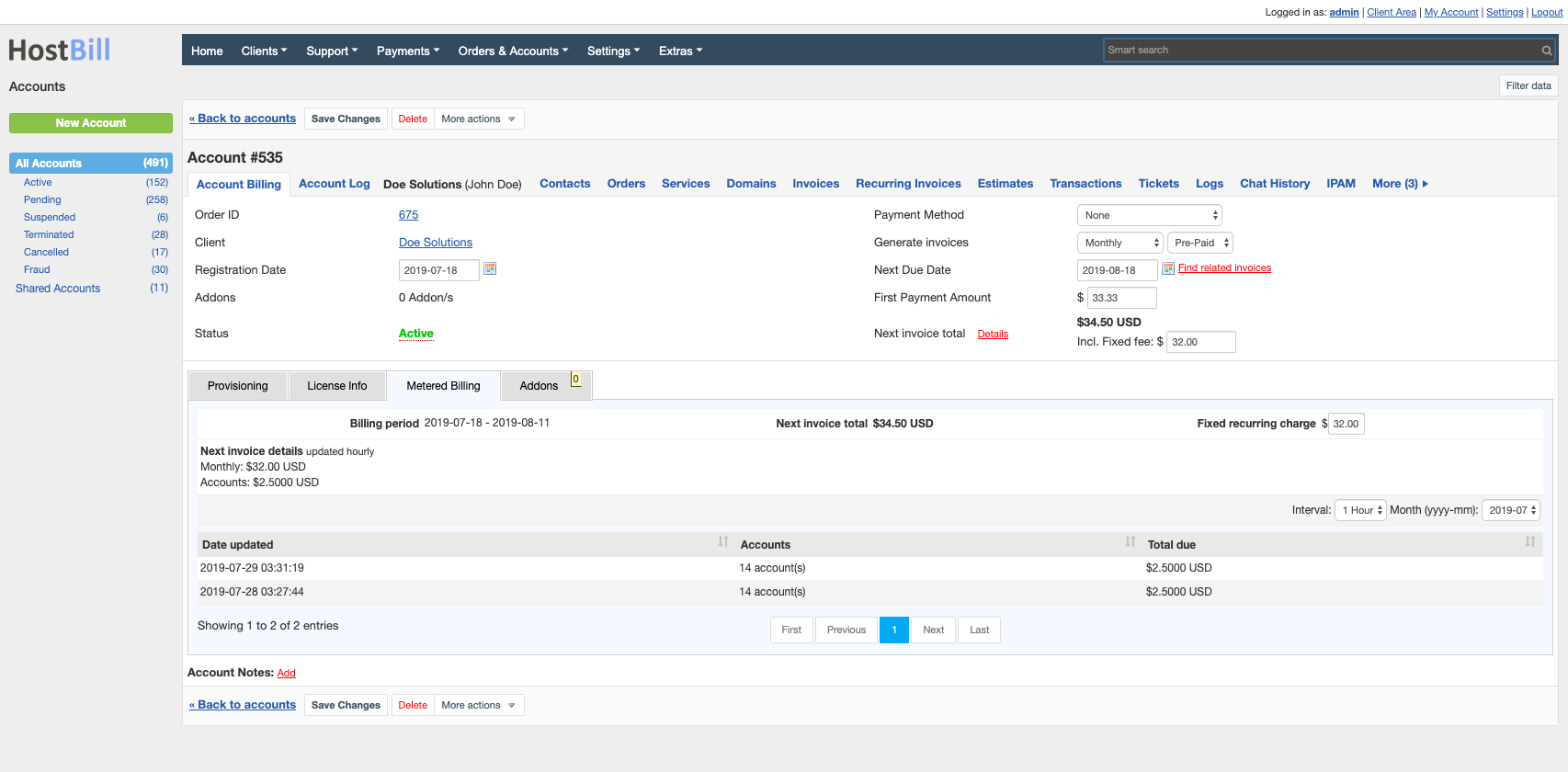
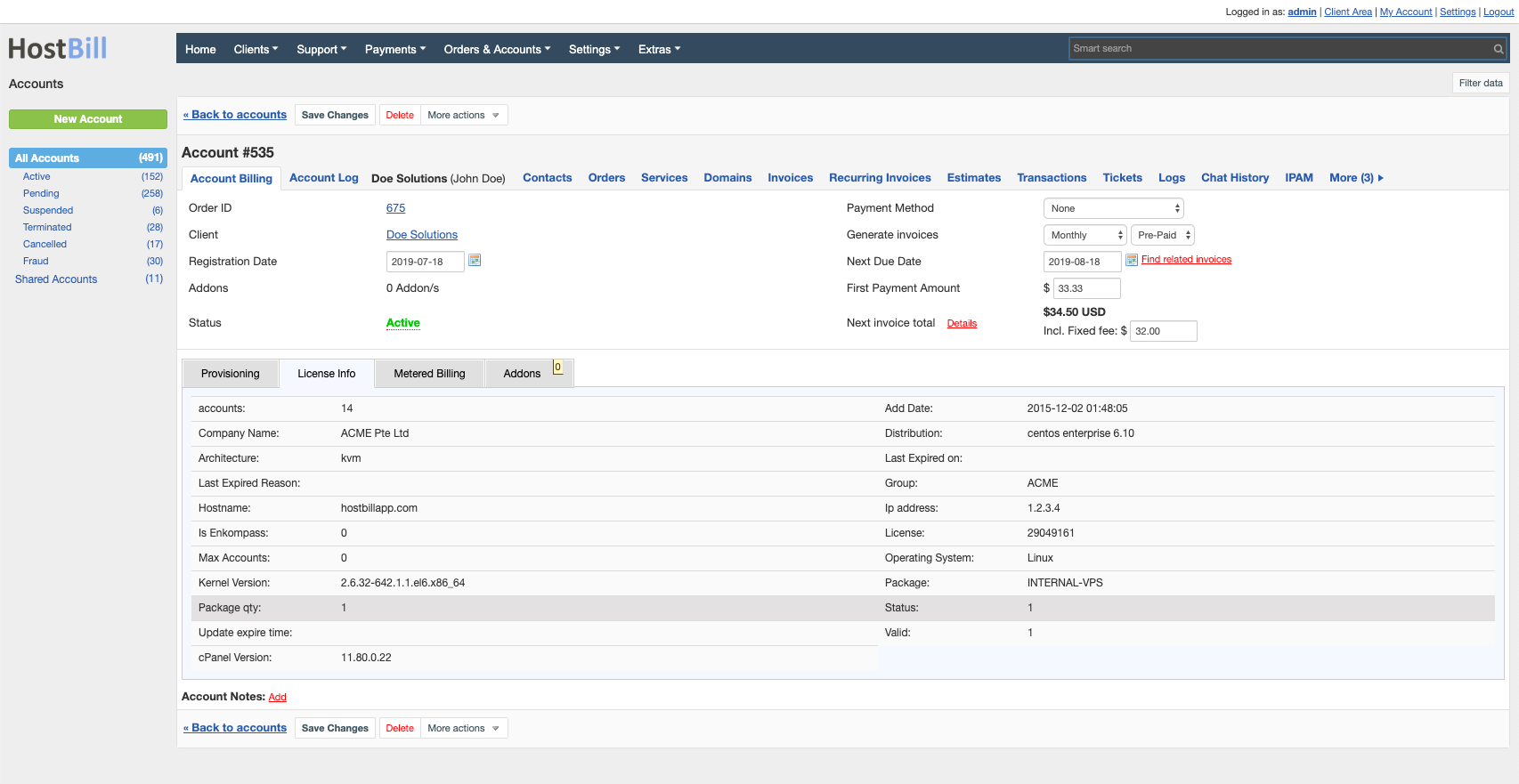
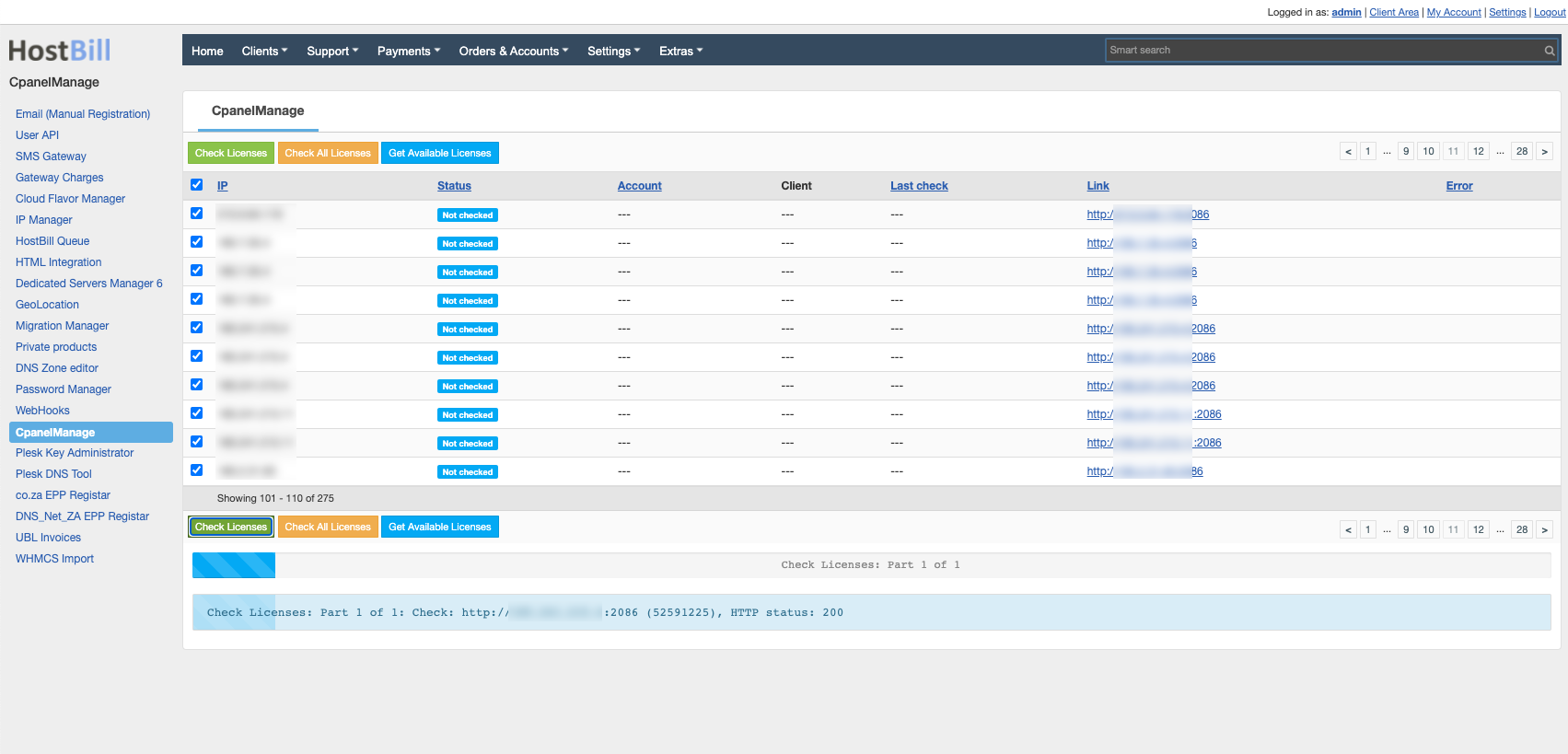
Manage your licenses from HostBill

  • Add license
  • Suspend\Terminate license
  • Unsuspend license
  • Change license ip

Installing HostBill

HostBill installation is fully automated and takes just seconds, more info at http://hostbillapp.com/install/

Downloading Cpanel Manage2 Module

cPanel Manage2 module for HostBill is commercial module, for just $29.95 /one time fee, you can add automated license provisioning to your hosting offer.
After purchase, download cPanel Manage2 Module from HostBill Licenses clientarea, under Downloads section. Extract downloaded archive in main HostBill directory.

Watch video tour

Connecting HostBill with cPanel Manage2

  1. In HostBill go to Settings > Modules, find and activate cPanelManage hosting module
  2. You will be redirected to Settings > Apps to set connection with cPanel
  3. Enter OnApp your Manage2 login and password, use Test Connection to check if HostBill can connect
Watch video tour

Creating your first package

  1. In HostBill go to Settings > Products & Services, and Add new order page
  2. From Order Types select cPanel License
  3. After creating order page add new product, one in it, provide a name
  4. In product configuration section proceed to Connect with App, select cPanelManage module and App server created in previous steps.
  5. Click Get values from server and select desired group and package setup
  6. Save changes, your package is ready

Changelog

2012-01-31 Changes:

  • Added: Module - cPanel Manage2 v1.0